SEO changes fast. One month your content ranks, the next it disappears because an algorithm shifted or a competitor published something better. I have spent years sorting through software that promises top rankings but delivers confusing dashboards and outdated data. This list cuts through the noise. Every tool here has been tested in real campaigns, and I only recommend options that still pull their weight.
Below you will find options for every budget. Some are free. Some cost hundreds per month. I have included platforms for research, technical audits, content optimization, and link analysis. Whether you need a no-cost query finder for a side project or an enterprise-grade position monitor for a client portfolio, this guide covers it.
What Are SEO Tools?
SEO tools are software platforms that help you improve how visible your website is in search results. They handle tasks that would take days to do manually. A solid research platform finds the phrases your audience actually types. A link analysis tool maps who connects to you and your competitors. A visitor analytics suite reveals where your traffic comes from and which pages they ignore.
These platforms break down into a few categories:
- Research: Finding search terms, analyzing volume, and spotting content gaps
- Technical: Crawling your site for broken links, slow speeds, and mobile issues
- Analytics: Tracking visits, conversion paths, and engagement
- Content: Optimizing articles for readability, natural language processing, and semantic relevance
- Automation: Handling repetitive tasks like position checks or outreach
Some seo free software handles only one job. Others are all-in-one suites. The key is matching the tool to your actual needs instead of buying the most expensive option and hoping for the best.
What Are SEO AI Tools?
AI changed the game. Modern platforms use machine learning and natural language processing to understand context, not just count how many times you repeat a phrase. Old tactics like stuffing exact-match terms no longer work. Search engines read content like a human, so your optimization software needs to do the same.
Free ai seo tools can now suggest related topics, generate meta descriptions, and spot content gaps. Premium platforms go further by analyzing the entire semantic structure of top-ranking pages. They tell you which subtopics to cover, what questions to answer, and how to structure headings so search engines understand your authority.
When you see references to NLP or LSI concepts in modern software, it means the tool is looking at topic clusters and relationships rather than isolated phrases. This produces content that ranks for dozens of related terms instead of just one. The best AI tools for seo do not replace human judgment; they amplify it.
Why Use SEO Tools?
Without accurate data, you make decisions based on hunches. That rarely ends well. Here is why professionals rely on these platforms daily:
- Speed: A good term finder uncovers hundreds of opportunities in minutes
- Accuracy: A position monitor shows your exact spot, not rough estimates
- Insight: Analytics reveal which search terms drive revenue versus which just look good on paper
- Protection: Technical audits catch issues before they cause traffic drops
- Competition: You see what works in your niche without guessing
If you manage multiple sites, tracking positions becomes essential. You cannot manually check where every page sits for every term. Automation frees you up to actually create content and build relationships.
The Benefits of Using SEO Tools
Finding What People Actually Search For
Real research is not about chasing the highest volume term. It is about understanding intent. Someone looking for a planning tool wants different information than someone looking for a term generator. The best research platform separates commercial intent from informational intent so you do not waste effort on the wrong content type.
You also need to understand competition levels. This metric tells you how hard it is to break into the top results for a given term. Learning to evaluate competition keeps you from targeting phrases dominated by major brands with million-dollar budgets. If you are unsure how competitive a phrase is, think of it as a score. The higher the number, the more authority you need to rank.
Content Optimization and Semantic SEO
Modern tools analyze semantic relevance. They suggest related concepts that make your article more complete. This goes far beyond basic synonym insertion. The software reads top-ranking pages and identifies which subtopics you missed.
Grouping related terms into topic clusters is another major benefit. Instead of writing one article per phrase, clustering tools group related terms so you can cover an entire subject in one authoritative piece. This saves time and prevents overlap, which happens when two of your pages compete for the same query. If you have ever wondered why your own pages steal traffic from each other, good software flags these overlaps automatically.
Technical Health and Performance
Slow sites kill rankings. Platforms that monitor Core Web Vitals and page speed help you fix load times before they hurt your click-through rates. They also spot mobile usability issues, broken links, and crawl errors that hide your content from search engines.
Competitor Intelligence
You can see which pages drive visits for your rivals, which links power their authority, and where their content falls short. This is not about copying. It is about understanding the standard in your niche and then beating it.
How do I choose the Best SEO Tools?
Start with your budget and your biggest pain point. If you have zero dollars, begin with the best free SEO tools like Google Search Console and Google Analytics. If your main problem is content optimization, invest in a platform with strong language analysis features. If you need links, prioritize a reliable link analysis platform.
Ask these questions before buying:
- Does it offer a free tier so I can test it first?
- Can it handle position monitoring for my target locations?
- Does it provide competition scores I can trust?
- Is there a grouping feature for content planning?
- Does the analytics integrate with my existing setup?
- Is the interface intuitive, or does it require hours of training?
I always recommend testing software on a real project before committing to an annual plan. Many paid platforms offer trials or limited free versions. Use them.
Comparison of the Top SEO Tools
| Tool | Category | Best For | Starting Price |
|---|---|---|---|
| SEMrush | All-in-One | Agencies and serious marketers | $139.95/mo |
| Ahrefs | All-in-One | Backlink analysis and research | $29/mo (Starter) |
| Google Search Console | Technical/Analytics | Essential site monitoring | Free |
| Google Analytics | Analytics | Traffic and conversion tracking | Free |
| Surfer SEO | Content Optimization | On-page semantic analysis | $69/mo |
| Moz Pro | All-in-One | Beginners and mid-size sites | $99/mo |
| Screaming Frog | Technical SEO | Deep site crawls | Free / £259 yr |
| Yoast SEO | WordPress Plugin | On-page optimization | Free / $99 yr |
| Ubersuggest | Research | Budget term research | Free / $29 mo |
| PageSpeed Insights | Technical | Core Web Vitals and speed | Free |
| Hemingway Editor | Content | Readability improvements | Free / $19.99 one-time |
| AnswerThePublic | Research | Question-based topics | Free / $9 mo |
| Grammarly | Content | Grammar and clarity | Free / $12 mo |
| ChatGPT | AI Writing | Content drafting and ideation | Free / $20 mo |
| Claude (Anthropic) | AI Writing | Long-form semantic content | Free / $20 mo |
| TheHoth | Free Tools | Quick site audits and checks | Free |
| Majestic | Backlinks | Historic link data | $49.99/mo |
| SE Ranking | All-in-One | Affordable position tracking | $55/mo |
| Serpstat | All-in-One | Competitor analysis | $69/mo |
| SpyFu | Research | PPC and SEO competitor data | $39/mo |
| Clearscope | Content Optimization | Enterprise content intelligence | $129/mo |
| AIOSEO Analyzer | WordPress Plugin | Technical and on-page SEO | Free / $49.50 yr |
| seo.ai | AI Writing | Automated SEO content creation | Paid plans vary |
1. SEMRush
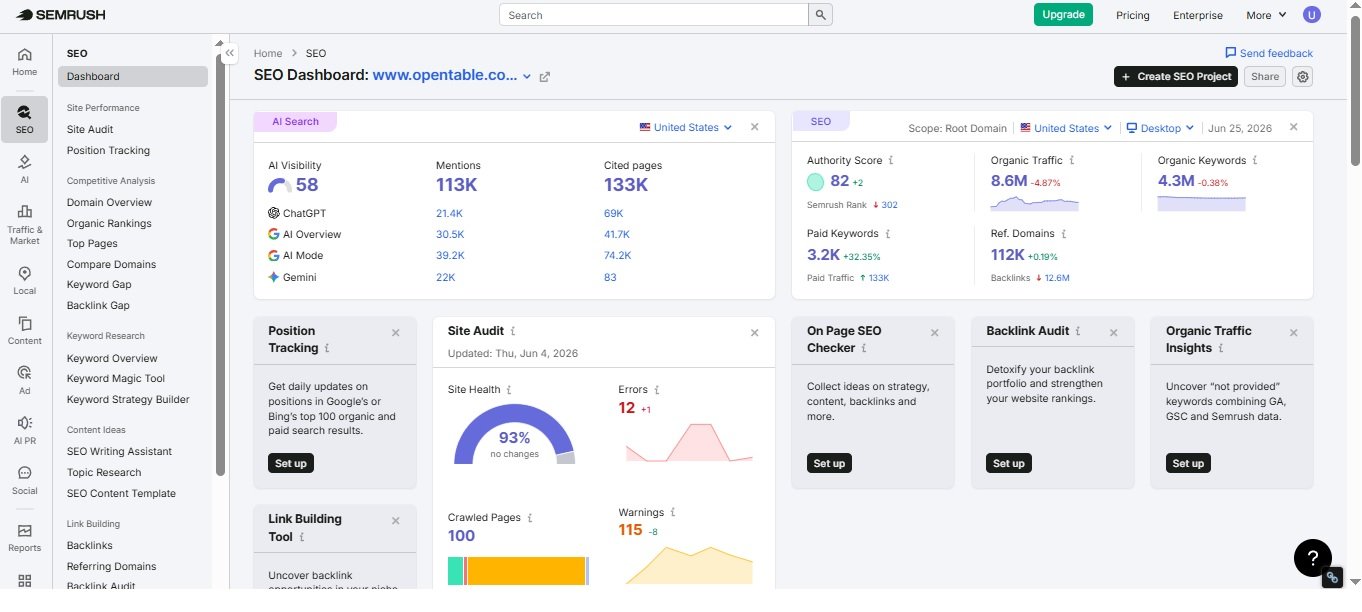
SEMRush remains the most complete platform I have used for serious campaigns. It handles keyword research, audits, competitor analysis, and content optimization. The database is massive, and the competition scores align well with real-world ranking challenges.
I ran a 14-day Guru trial on a new affiliate site last quarter. Within the first week, the grouping feature helped me map out a content calendar that covered an entire topic cluster without overlap. The Site Audit also flagged a cannibalization issue between two of my product review pages. If you have ever wondered why your own pages compete against each other, SEMrush shows you exactly which URLs overlap so you can plan merges or redirects.
The platform now includes stronger AI writing assistance and deeper semantic analysis. It functions as one of the most reliable intelligence platforms at the enterprise level. The position monitoring updates frequently and shows local pack rankings alongside traditional organic results.
Pricing starts at $139.95 per month for Pro, $249.95 for Guru, and $499.95 for Business. For most independent marketers, Guru offers the best balance of limits and features. It is not cheap, but when you consider that it replaces five separate tools, the cost makes sense.
2. Ahrefs
Ahrefs built its reputation on having the best link database in the industry. That still holds true. Their crawler finds connections that other platforms miss, and the historical data helps you spot patterns in how competitors build authority. I use it weekly to audit my own link profile and to find gaps where rivals have earned mentions that I have not.
Beyond links, the Keywords Explorer is excellent for understanding competition in practical terms. It breaks down how many backlinks you likely need to hit page one. The Content Gap tool shows where your pages fall short against rivals. For anyone learning how competitive a phrase actually is, Ahrefs provides the most granular metrics.
Ahrefs recently launched a Starter plan around $29 per month, making it accessible for smaller sites. Lite runs about $99, Standard $199, and Advanced $399. The free Ahrefs Backlink Checker (available separately) lets you check the top 100 connections for any domain without signing up, which is perfect for quick competitor checks.
3. Google Search Console
This is the single most important free tool. Period. It shows your clicks, impressions, average position, and indexing status straight from the source. If a page drops out of the index or a manual action hits, you see it here first. No other analytics platform gives you data this direct.
I check Search Console every morning. It tells me which queries are gaining traction and where click-through rates lag. The Core Web Vitals report and mobile usability checks also save you from technical disasters. There is no reason to skip this, no matter how fancy your paid stack gets.
The platform also helps you submit sitemaps and individual URLs for indexing. When you publish new content, this accelerates discovery. For a free research platform, the Performance report shows you exactly which terms drive impressions and clicks.
There is no paid version. It is completely free. Every site owner should have this installed and verified before doing anything else.
4. Ubersuggest
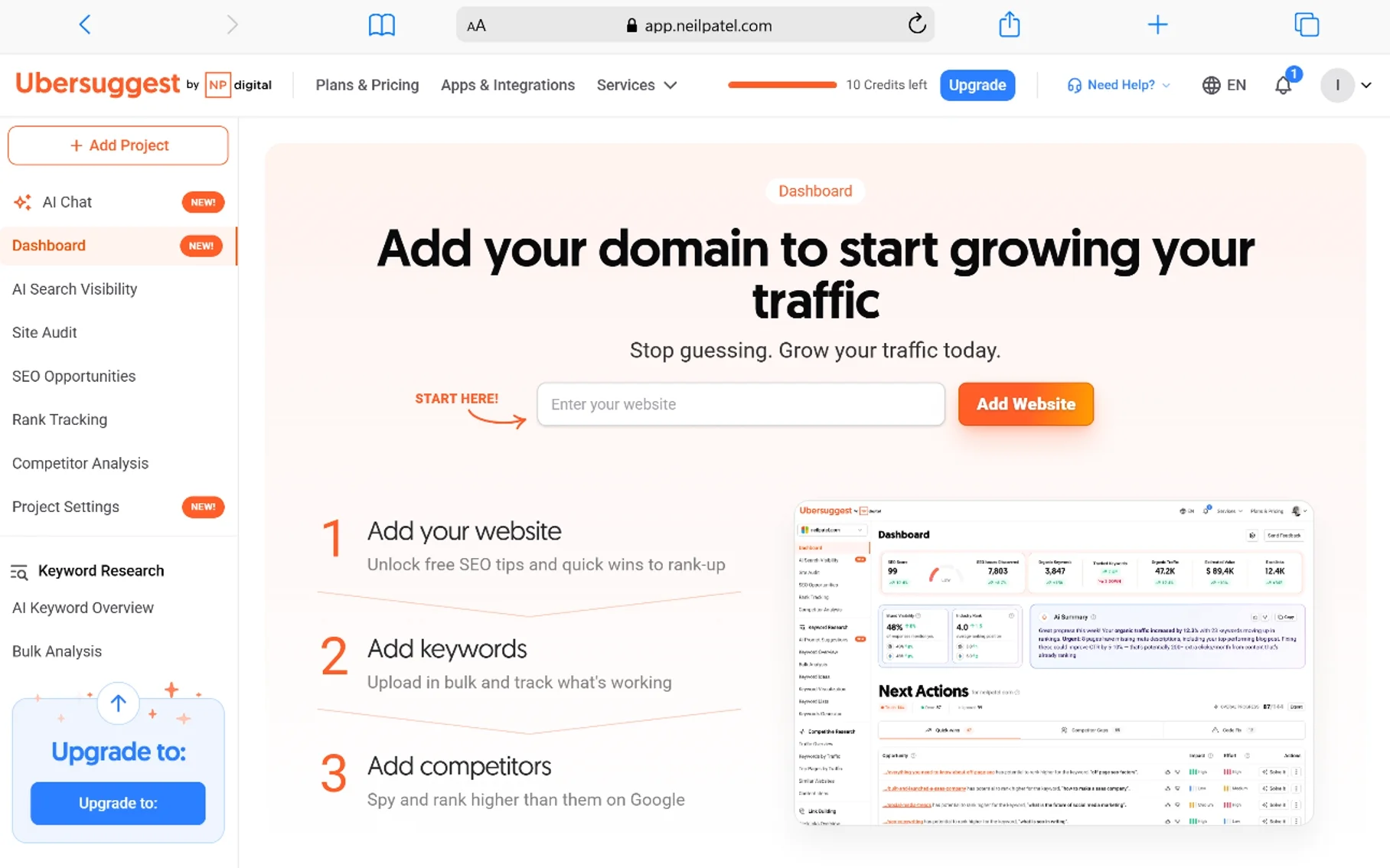
Ubersuggest is a solid entry-level research platform for people who do not need enterprise data. You get search volume, competition scores, cost-per-click data, and content ideas. The interface is clean, and the Chrome extension makes quick research painless. I often recommend it to clients who are just starting and feel overwhelmed by complex dashboards.
The free tier gives you a few daily searches. Paid plans start around $29 per month. It is not as deep as SEMrush or Ahrefs, but it handles the basics well. I recommend it for bloggers and local businesses just starting to track their positions.
One feature I appreciate is the content ideas section. It shows which articles in your niche get the most social shares and links. This helps you plan content that has already proven its appeal. The site audit feature is also surprisingly capable for a budget tool.
5. Surfer SEO
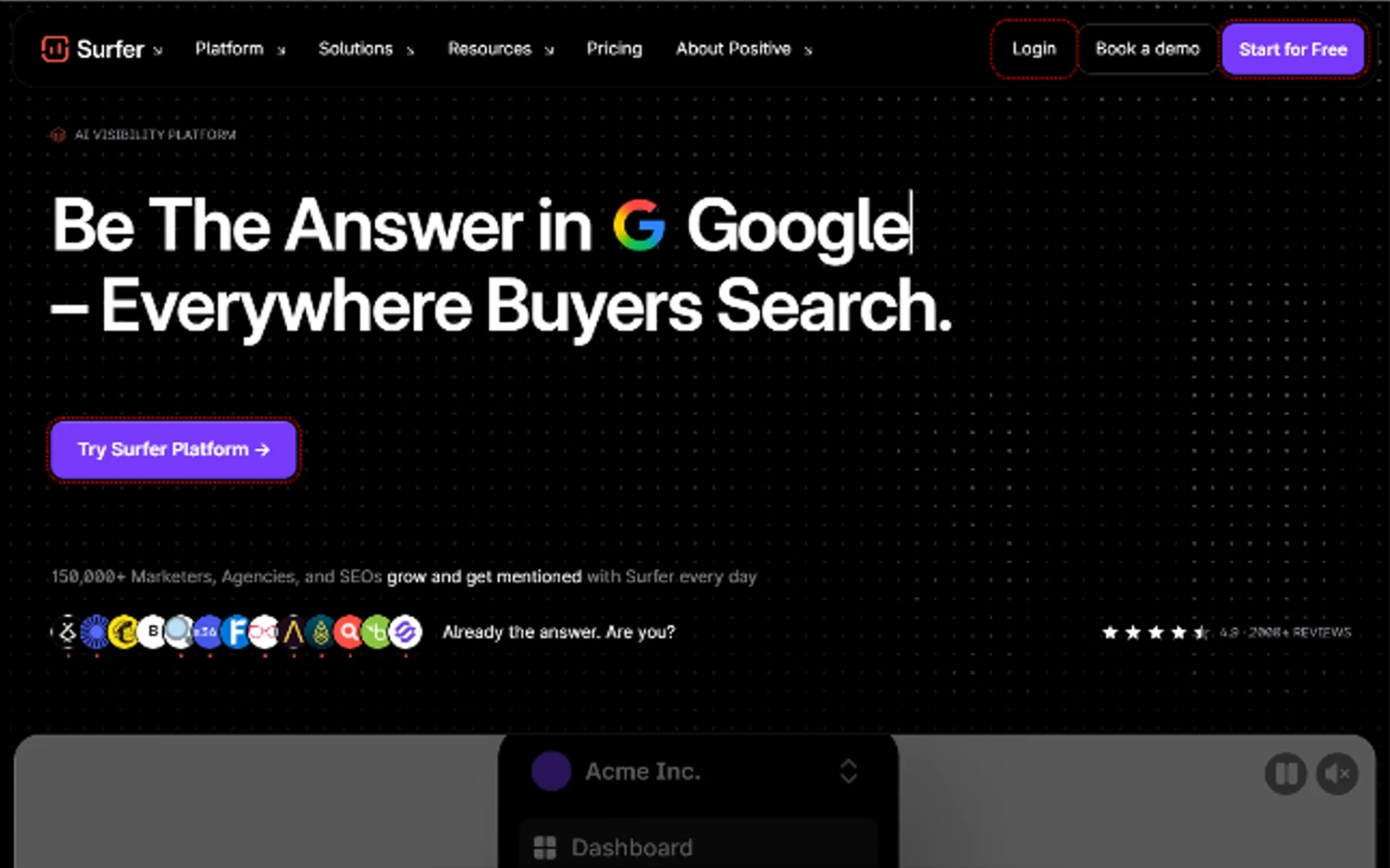
Surfer focuses on content optimization using language analysis and semantic relevance. You paste your article, and it compares your page against the top-ranking results. It suggests word count, heading structure, and which related concepts to include. This makes it one of the most advanced AI platforms for on-page work.
The newer features can generate content briefs and even full drafts. I use Surfer for every major article now. It removes the guesswork from on-page optimization. The grouping feature also helps you plan topic coverage so you do not miss subtopics that search engines expect.
Plans start at $69 per month for Essential, $99 for Scale, and $139 for Scale AI. If you care about topic coverage and semantic relevance, this is worth the investment. It pairs well with a strong research platform so you bring the right terms into the editor.
6. Moz Pro
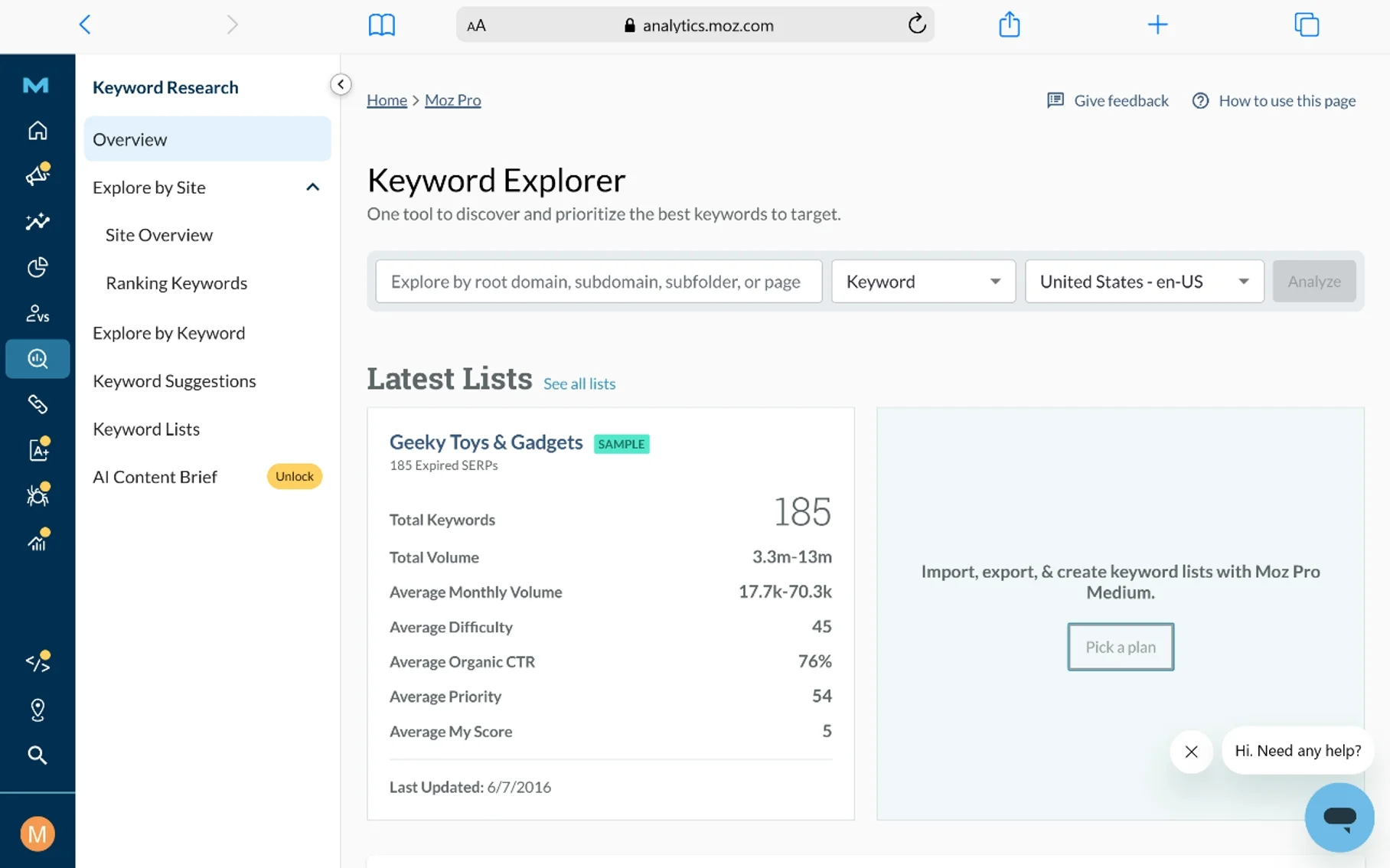
Moz Pro has been around forever, and it still delivers reliable data. The Domain Authority and Page Authority metrics are industry standards for quick authority checks. The position tracker is accurate, and the site crawl finds technical issues without overwhelming you. I use Moz when I need to explain authority to clients who do not speak SEO.
Moz added better intent classification and search visibility scoring recently. It is one of the more beginner-friendly all-in-one platforms. The competition scores are conservative, which I prefer because they set realistic expectations.
Pricing starts at $99 per month for Standard, $179 for Medium, $299 for Large, and $599 for Premium. The local SEO features are also strong if you run a brick-and-mortar business.
7. Serpstat
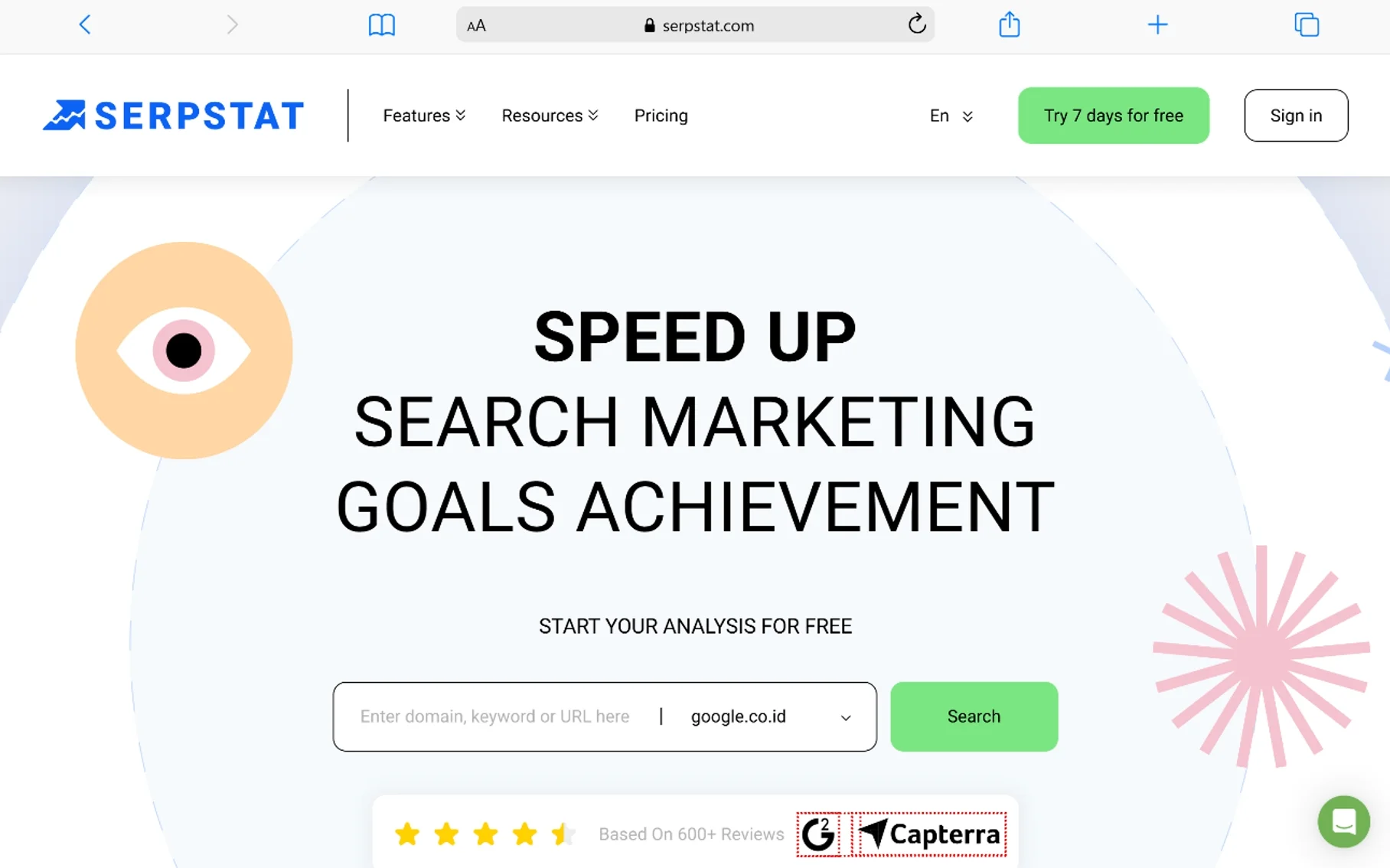
Serpstat is an affordable all-in-one platform popular in Eastern Europe and growing fast in the US. It covers rank tracking, link analysis, site audits, and competitor research. The interface is logical, and the reports are client-ready. I have used it for mid-market agencies that need solid data without the Ahrefs price tag.
The grouping tool is particularly useful for building content silos. You can organize thousands of terms by topic in minutes. This saves hours of manual spreadsheet work. The visitor estimates are also reasonably accurate for competitor sites.
Plans start around $69 per month. For teams that need white-label reports and API access, the higher tiers offer good value. It is a practical choice if you want one dashboard that covers most bases.
8. Google Trends
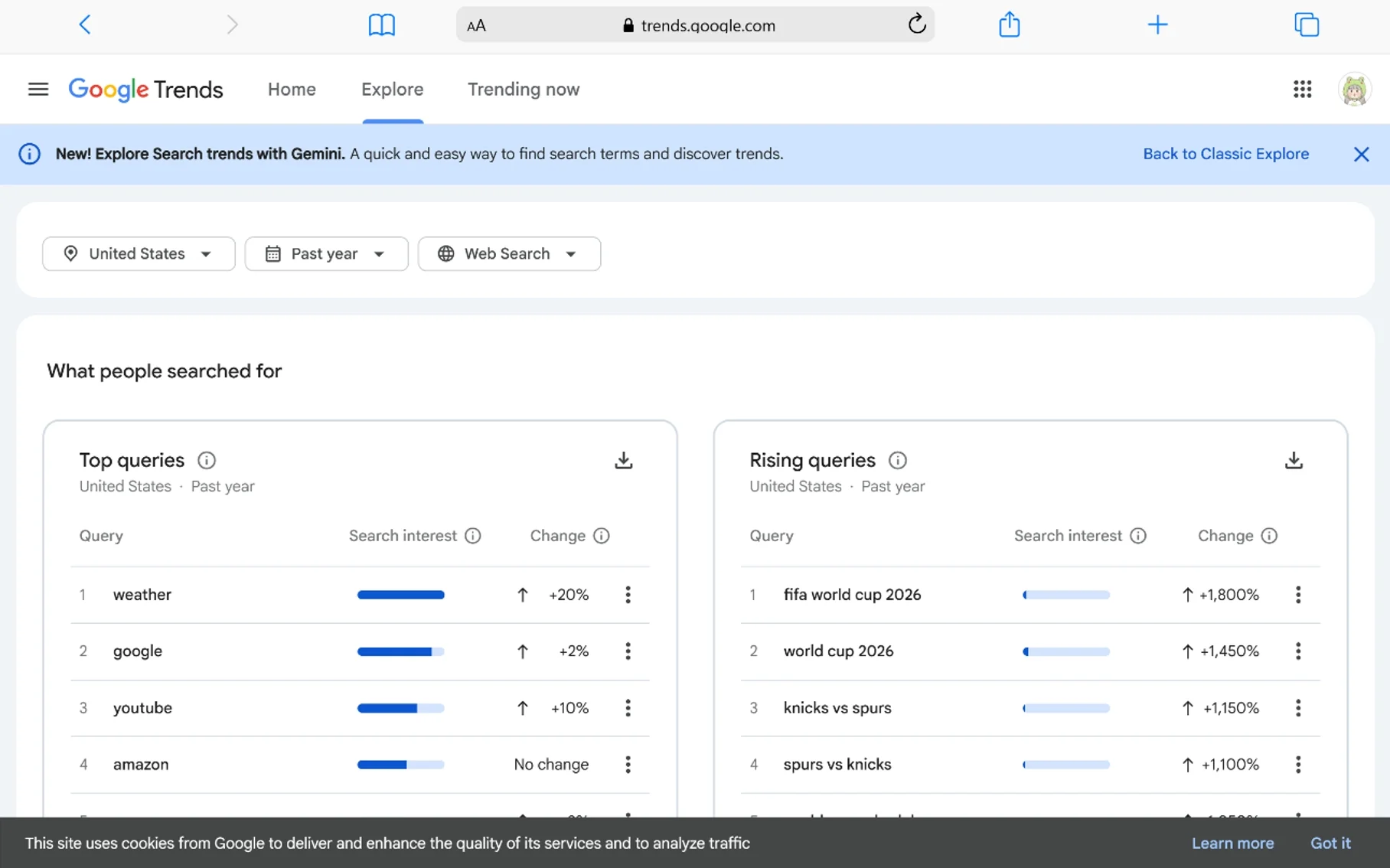
Google Trends is a free analytics platform for tracking interest over time. It shows whether a topic is rising or dying. I use it to validate seasonal trends before committing to content calendars. It also helps compare multiple terms to see which wording resonates more with searchers.
For research, Trends is invaluable. You can see breakout terms before they become competitive. I check it before writing any news-adjacent content to make sure the angle is still relevant. It is also great for comparing brand interest against competitors.
The tool is completely free. You can filter by region, category, and search type. If you are not using this before planning content, you are missing easy wins.
9. Yoast SEO
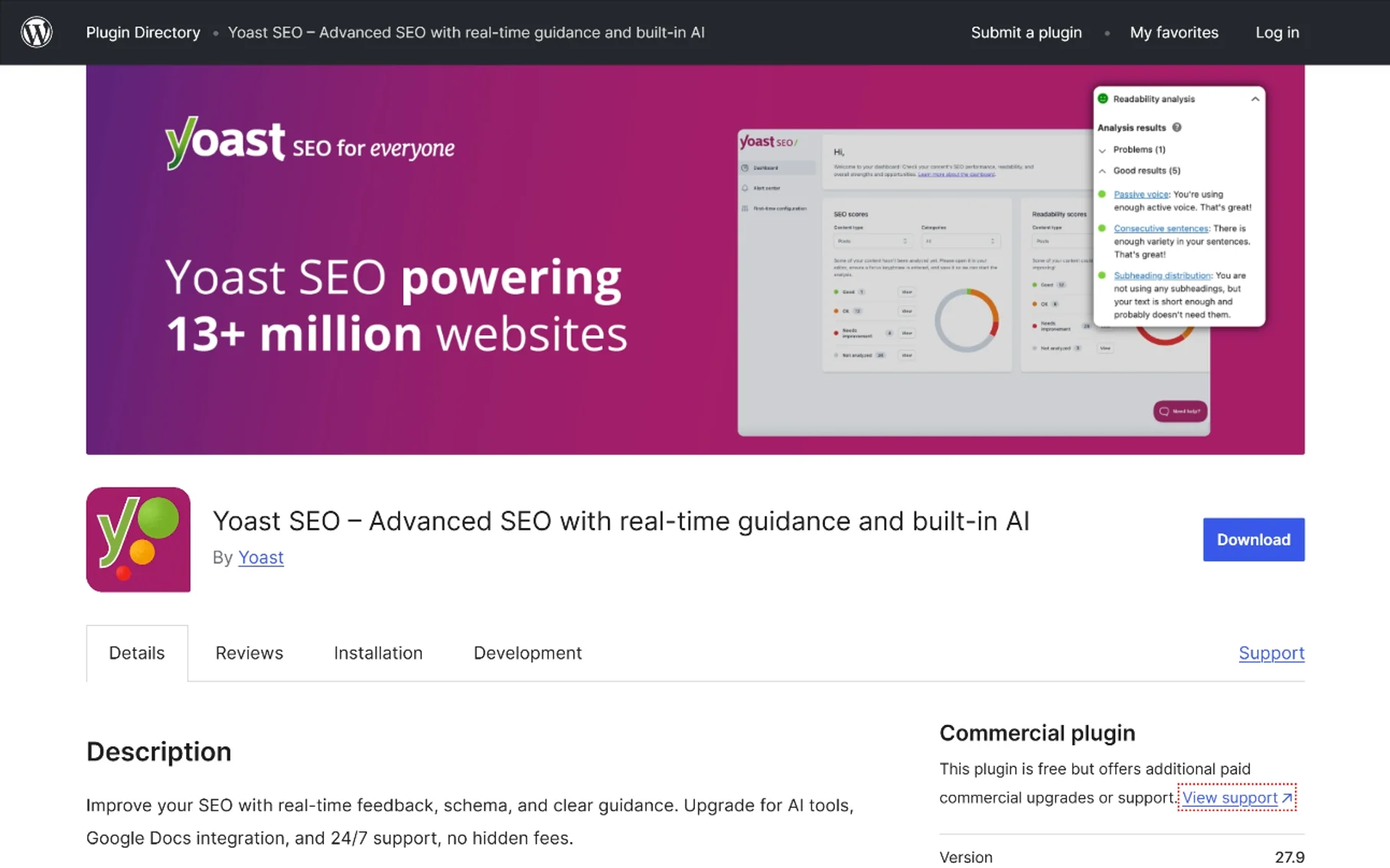
Yoast is the most popular WordPress plugin for SEO. The free version handles titles, meta descriptions, XML sitemaps, and basic readability checks. Premium adds internal linking suggestions, redirect management, and social previews. I install it on every WordPress site I manage.
It is not perfect for advanced schema or language analysis, but it covers the fundamentals for millions of sites. Premium runs about $99 per year. The traffic light system makes it easy for non-technical writers to hit basic optimization targets.
The recent AI features help generate titles and meta descriptions faster. For a free AI assistant built into your CMS, the free version is hard to beat.
10. GTmetrix
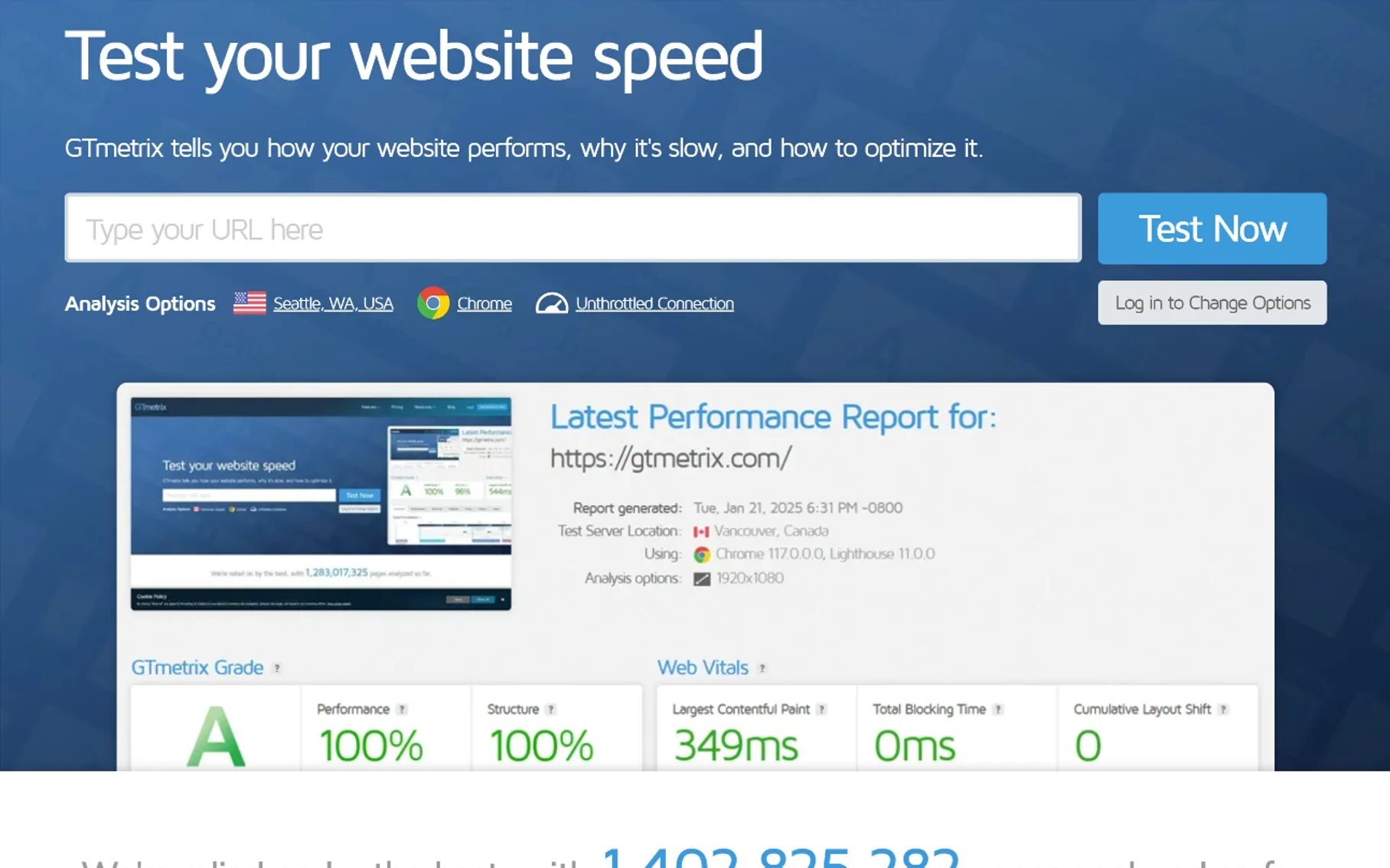
GTmetrix analyzes page speed and gives actionable recommendations. It tracks Core Web Vitals, server response times, and render-blocking resources. Speed directly impacts rankings and user experience, so this is essential. The basic version is free.
I run every new site through GTmetrix before launch. It tells me exactly which images to compress and which scripts to defer. The waterfall chart helps me identify server bottlenecks that other free platforms miss. Premium plans add more monitoring slots and test locations.
11. Keyword Finder (KWFinder)
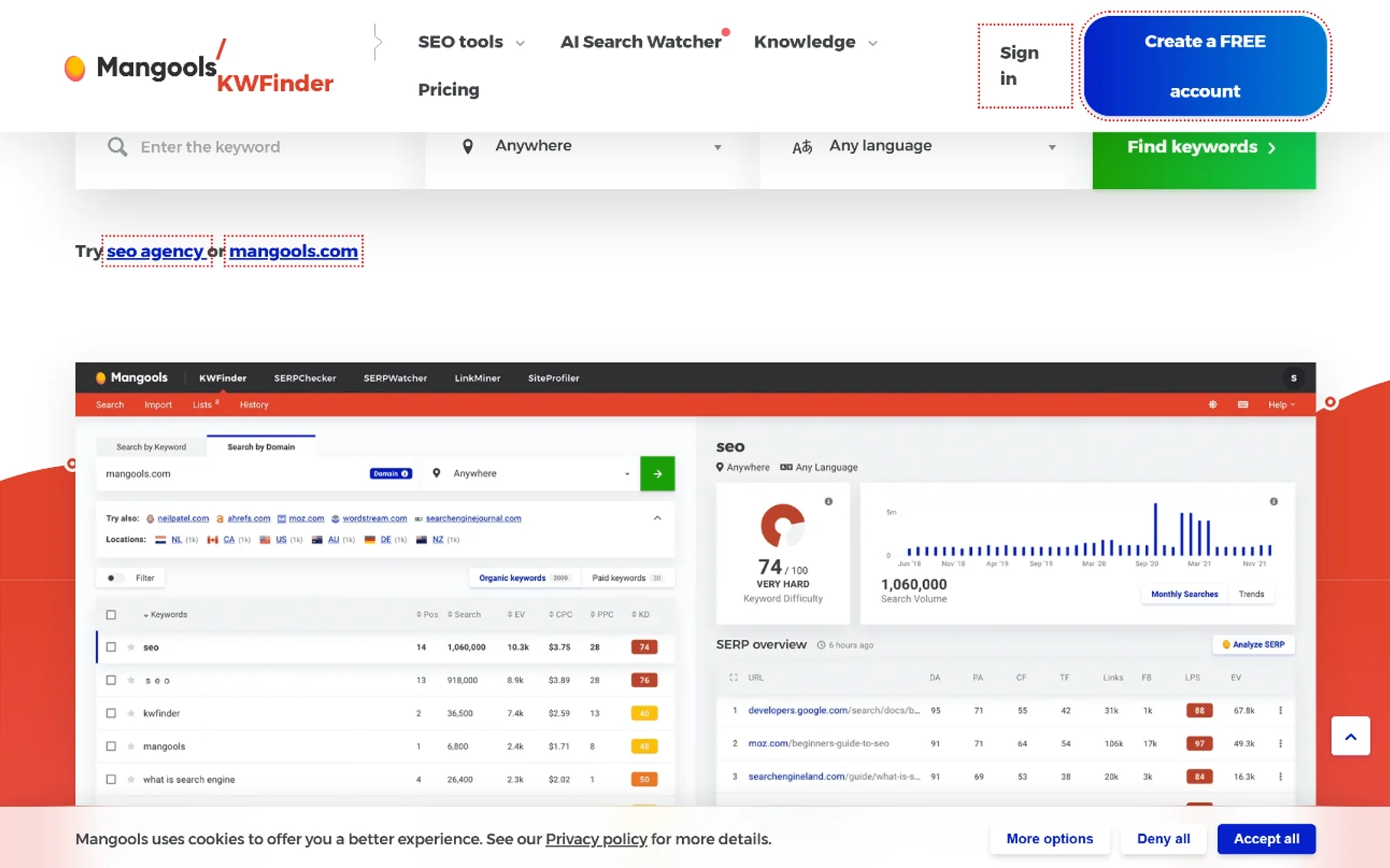
KWFinder, part of the Mangools suite, is my go-to recommendation for people who find most research interfaces intimidating. It is clean, fast, and accurate. You get competition scores, search volume, and SERP analysis in one view. It integrates with SERPChecker and LinkMiner for a complete workflow.
The position tracker in the suite is also reliable. I use it for local projects where I need to track city-specific rankings. Pricing is affordable compared to enterprise suites. The free tier gives a handful of lookups per day.
12. RankIQ
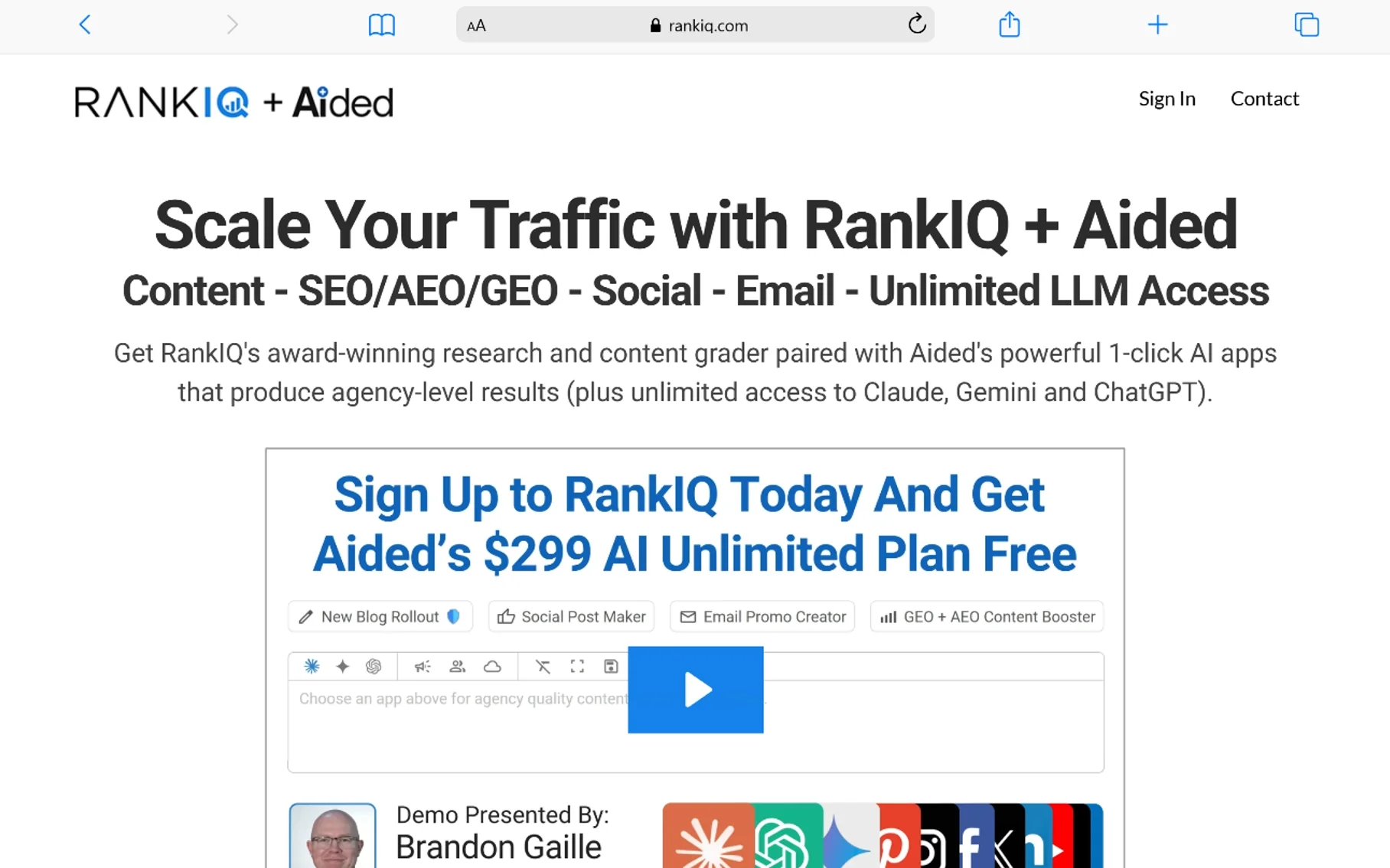
RankIQ targets bloggers specifically. It identifies low-competition, high-traffic topics in popular niches. The tool tells you exactly what to cover in an article to rank. If you run a content site and struggle with topic selection, this simplifies the process.
I tested it on a food blog last year. The recommendations helped me rank two articles in the top five within eight weeks. It is not a replacement for a full research suite, but it is excellent for bloggers who want a guided approach.
The pricing is straightforward, and the library is updated regularly. It is one of the better AI platforms for content creators who do not have time for deep competitive analysis.
13. Keyword Hero
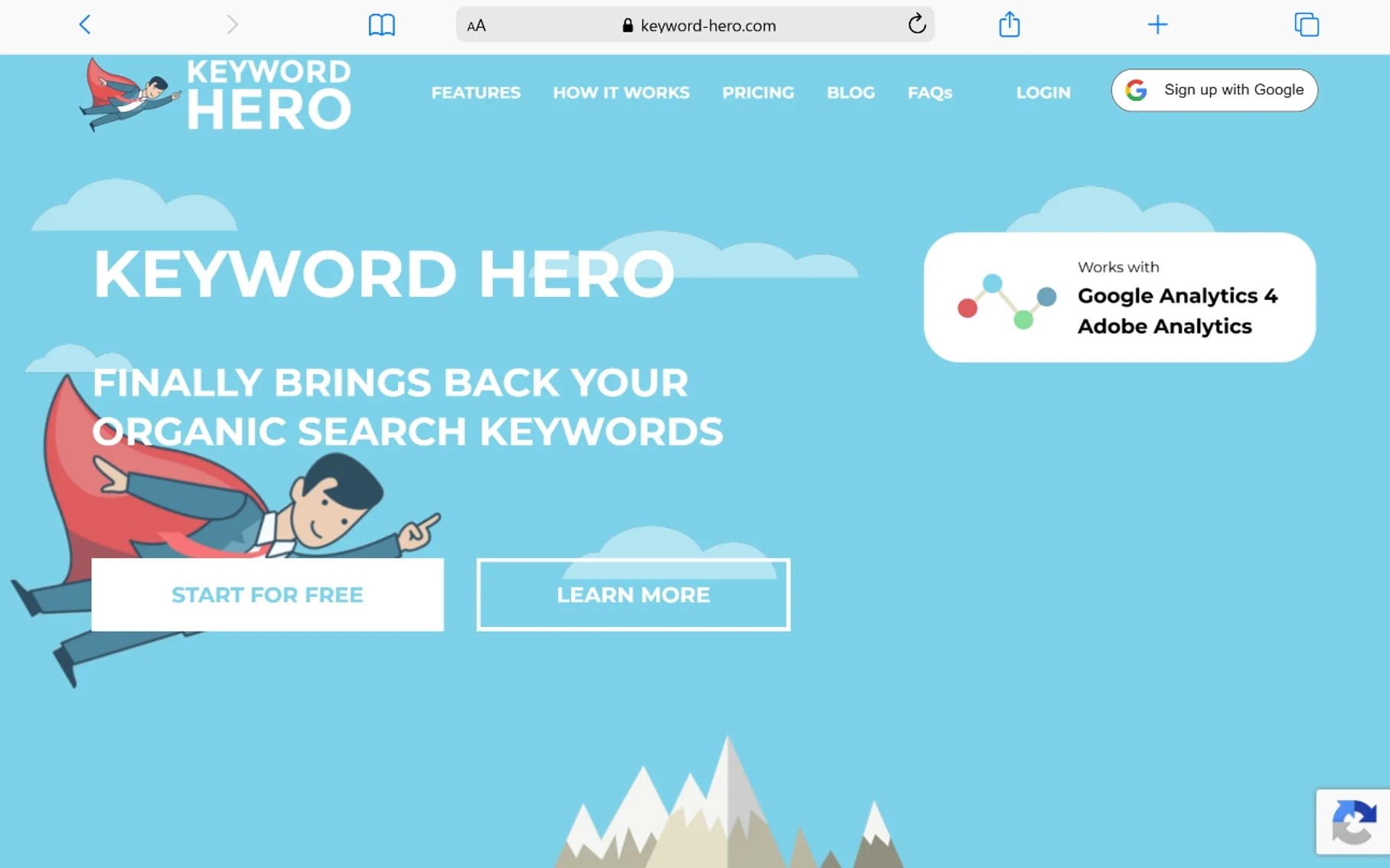
Keyword Hero solves the “not provided” problem in Google Analytics. It uses machine learning to recover organic search term data that Google hides. You connect it to your Analytics account and get visibility back into which terms drive conversions. Essential for data-driven marketers.
Without this data, you are guessing which queries actually sell. Keyword Hero fills the gap. It is especially useful for e-commerce sites where attribution matters. The setup takes a few minutes, and the insights start flowing immediately.
14. Woorank
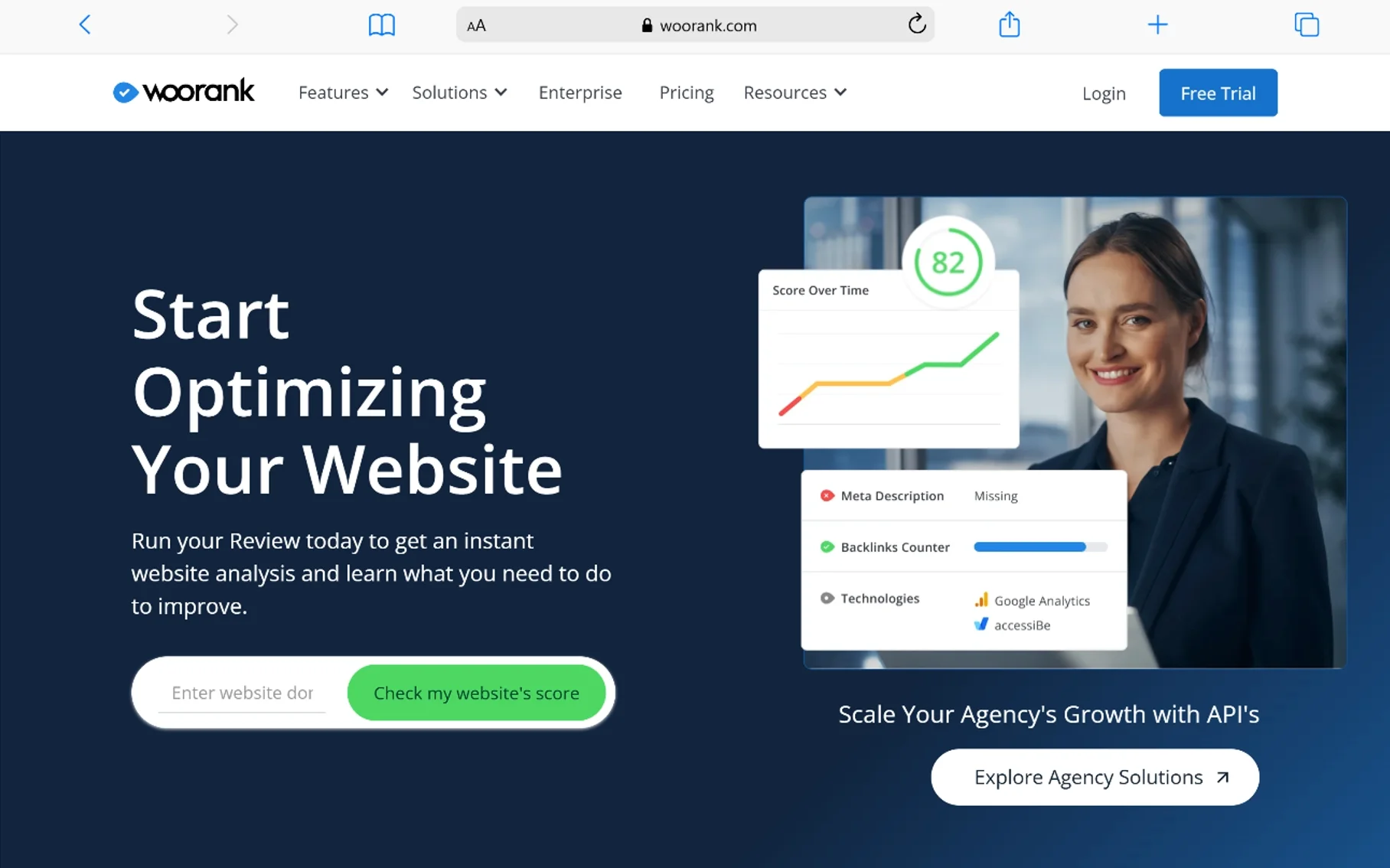
Woorank provides instant website reviews. Enter a URL, and it scores your on-page SEO, mobile usability, and security. The free version gives a solid overview. Paid plans unlock deeper audits and competitor comparisons. Great for quick client pitches or pre-sale site checks.
I use Woorank when a prospect asks for a quick health check. It generates a branded PDF that looks professional. The competition estimates are basic but useful for initial planning. It is a good starting point before moving to heavier tools.
15. Google Analytics
Google Analytics 4 tracks user behavior, conversion paths, and engagement metrics. It is the standard analytics platform for understanding what happens after someone clicks. You can see which sources deliver revenue and which pages leak visitors. It is free and integrates directly with Search Console.
The event-based model in GA4 gives you more flexibility than the old Universal Analytics. I set up custom events to track scroll depth and form submissions. This tells me which content actually converts, not just which pages get views.
16. SpyFu
SpyFu excels at competitor intelligence. You see every term a competitor has bought on Google Ads and every organic phrase they rank for. The Kombat feature shows terms your rivals target that you do not. RivalFlow spots content gaps and suggests improvements.
I use SpyFu to find profitable queries that competitors already validated. If they have been bidding on a term for months, it probably converts. Starts around $39 per month. The position monitoring is solid for the price.
17. Screaming Frog
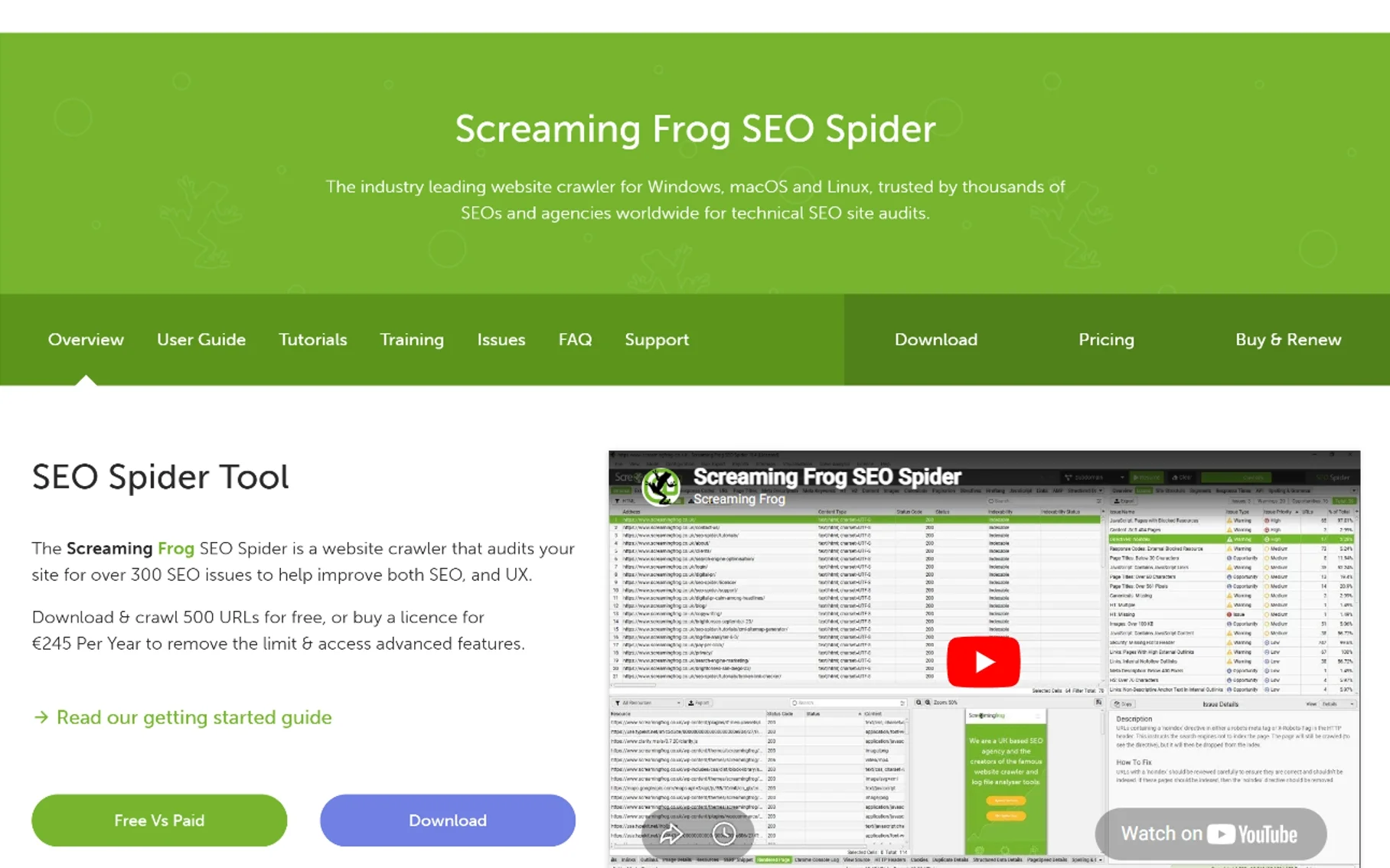
Screaming Frog is a desktop crawler and the industry standard for technical audits. The free version crawls up to 500 URLs. The paid license removes limits and adds integrations with Google Analytics and Search Console. It finds broken links, duplicate content, redirect chains, and missing metadata faster than anything else.
I run it monthly on every site I manage. It catches hreflang errors, canonical issues, and orphan pages that other free platforms miss. Paid is £245 or $279 per year. If you do technical SEO, this is non-negotiable.
18. Answer The Public
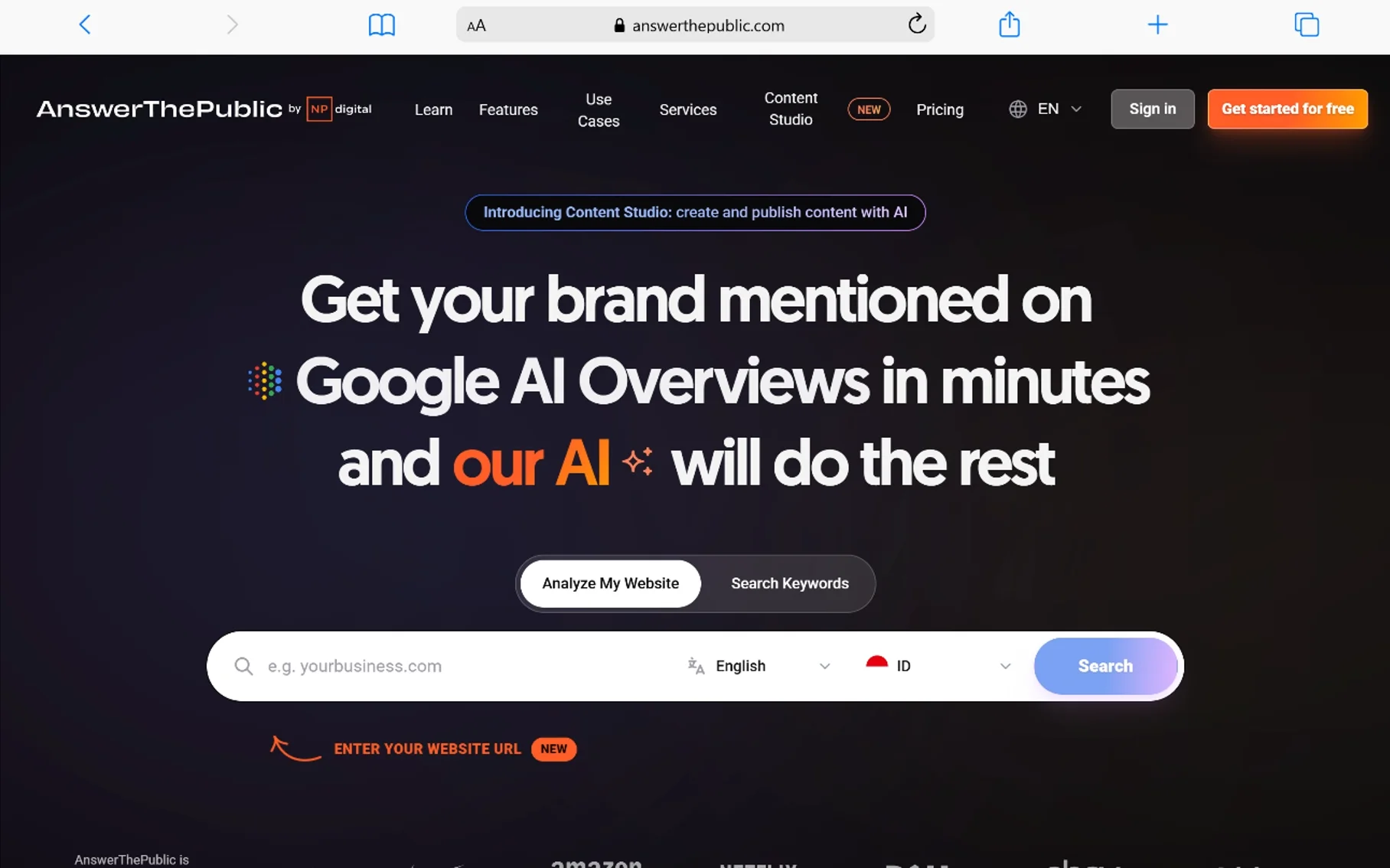
This is a brilliant topic finder for question-based content. Type a seed term, and it visualizes questions, prepositions, and comparisons people search for. It is one of the best free options for content ideation. Paid plans start around $9 per month.
I use it to build FAQ sections that capture featured snippets. The data comes from autocomplete and related searches, so it reflects real user curiosity. Pair it with a competition checker to see which questions you can actually rank for.
19. Majestic
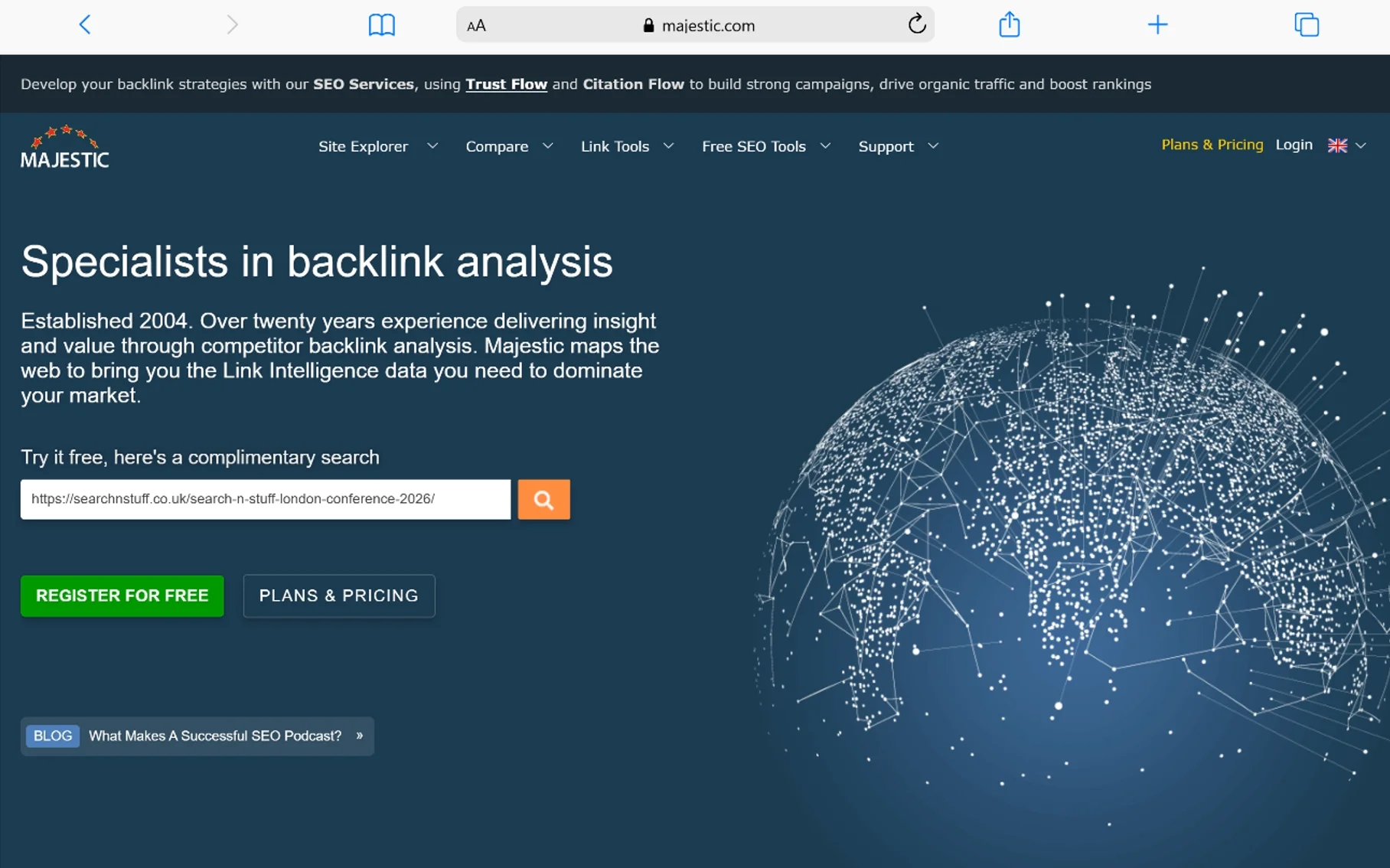
Majestic specializes in link analysis. It offers unique metrics like Trust Flow and Citation Flow that help you judge connection quality. The historic index is massive. If link building is your priority, Majestic provides depth that generalist platforms sometimes miss.
I use Majestic when I need to evaluate the history of a domain. The topical trust flow shows whether a site has authority in your niche or just general connections. Plans start at $49.99 per month. It is a specialist link platform worth having in your stack.
20. SEOQuake
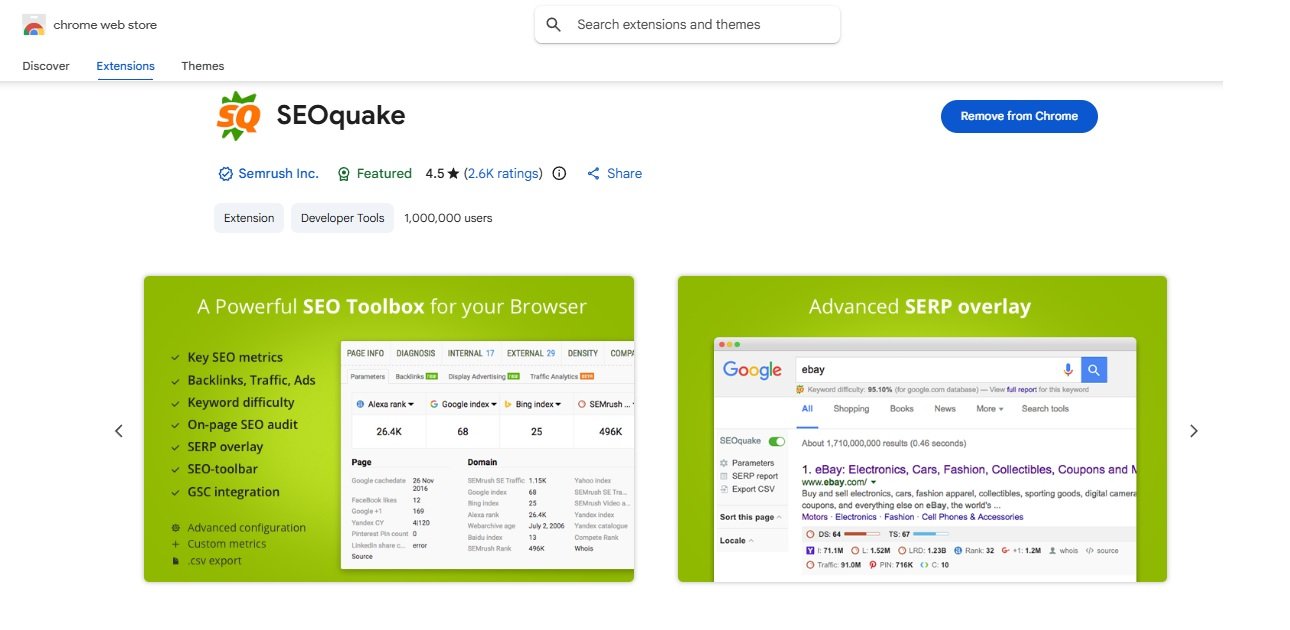
SEOQuake is a free browser extension that overlays metrics onto search results. You see Domain Authority, link counts, and on-page data without opening new tabs. It is basic but incredibly convenient for quick competitor checks.
I keep it installed for prospecting during outreach. When I find a potential link partner, I can see their authority instantly. It is one of the most convenient free options for daily browsing.
21. Keywords Everywhere
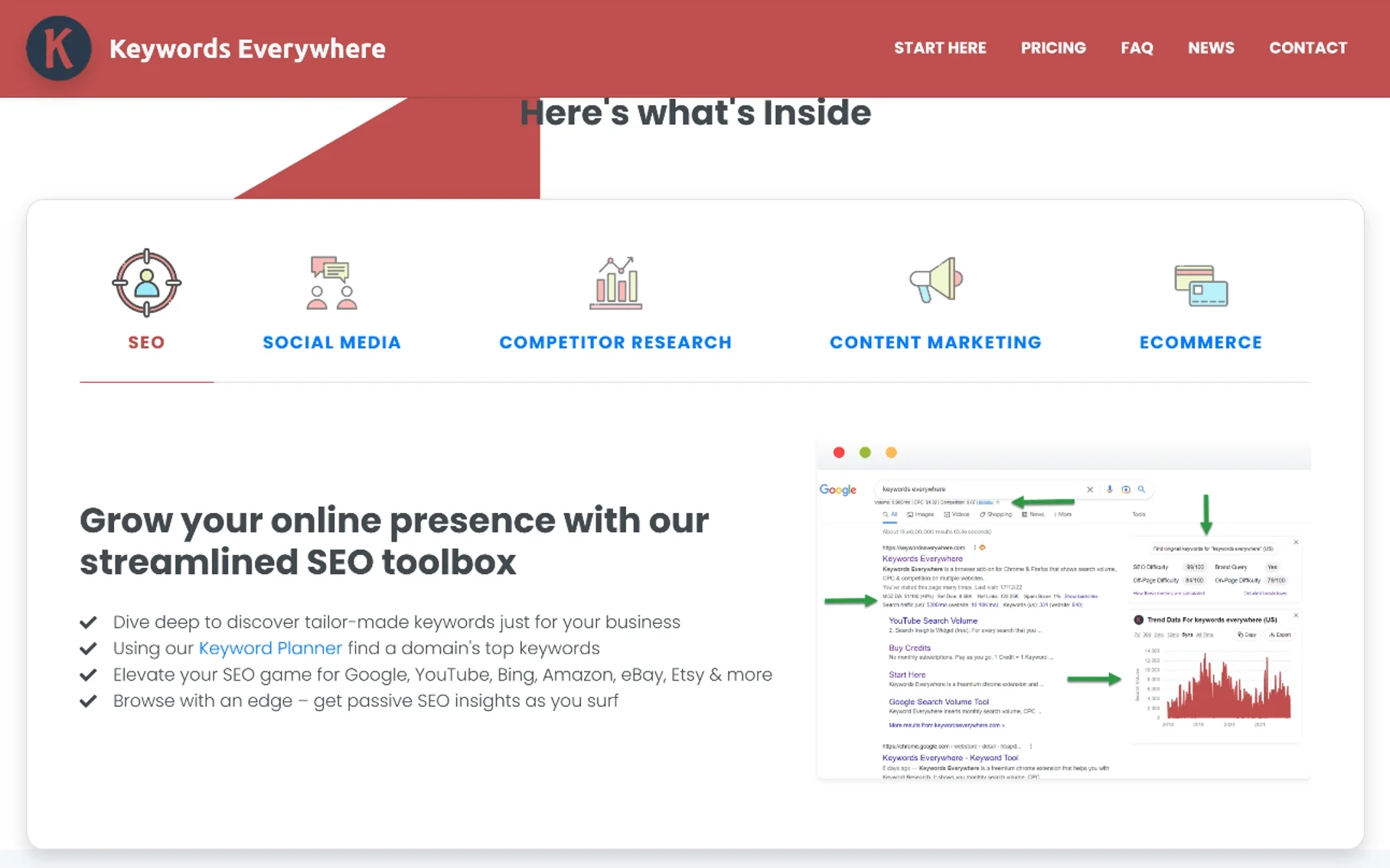
This Chrome extension shows search volume, cost-per-click, and competition data directly in Google search, YouTube, and Amazon. It turns every search into a mini research session. Credits are cheap, and it saves hours of manual copying between platforms.
I use it constantly. When a client asks why I chose one term over another, I can show them the data instantly. It is one of the best free options for active researchers.
22. Answer Socrates
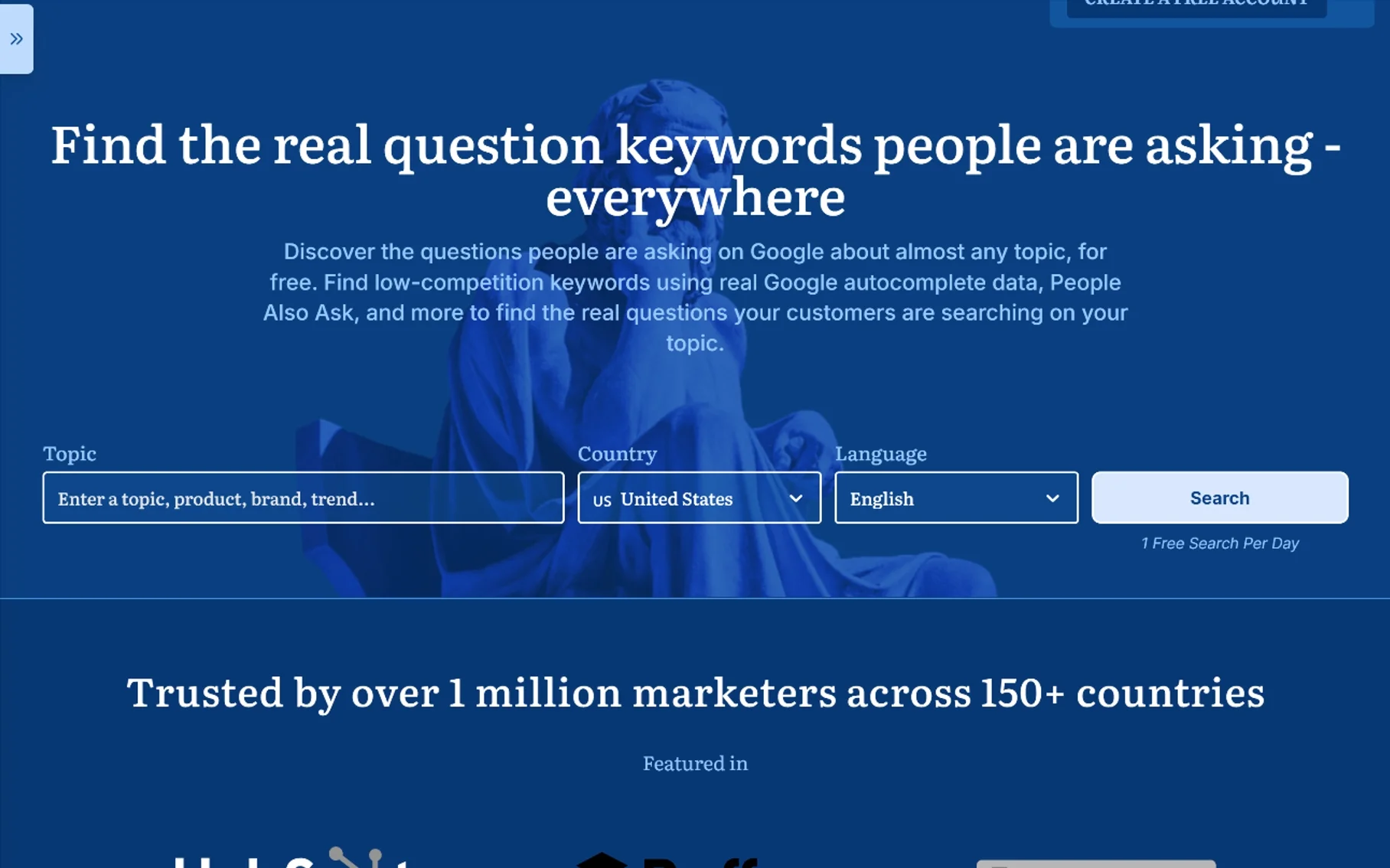
Similar to AnswerThePublic, Answer Socrates pulls real questions from search data. It organizes them by topic and intent. I use it to build FAQ sections that capture featured snippets. The data helps you write content that directly addresses user problems.
The tool is particularly useful for service businesses. If you answer the exact questions potential clients ask, you build trust before they ever contact you. It is a solid free topic finder for long-tail subjects.
23. Copyscape

Copyscape detects duplicate content across the web. Paste your URL or text, and it finds copies. Essential for protecting original work and verifying that freelance writers deliver unique material. Premium offers deeper scans and batch checking.
I run every guest post through Copyscape before publishing. One duplicate article can tank your site. It is a must-have for agencies and publishers who care about originality.
24. WordAI
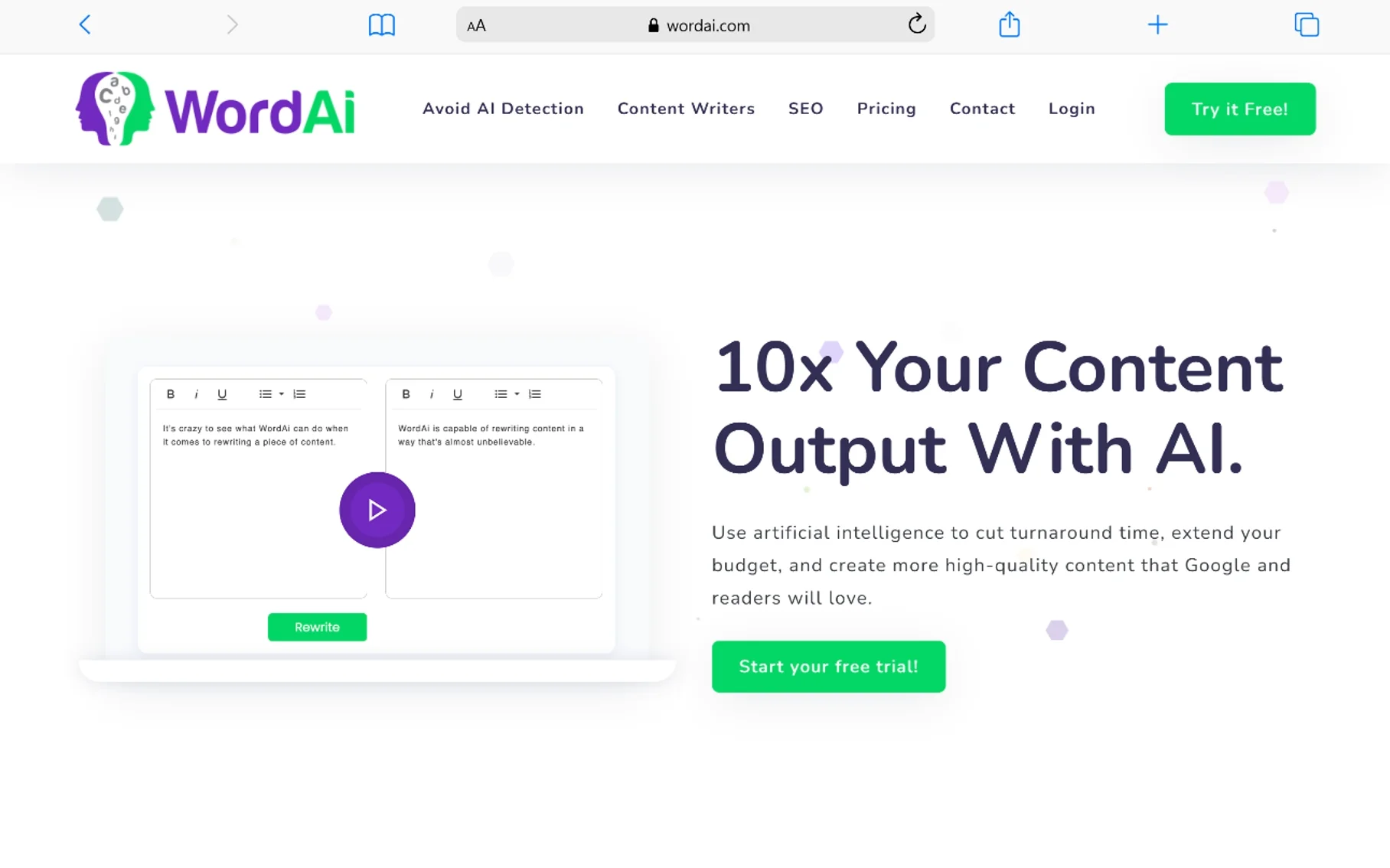
WordAI rewrites content using advanced language models. It understands context, so the output reads naturally. I use it sparingly to create variations of product descriptions for different marketplaces. It is not a replacement for original writing, but it handles bulk rewrites better than cheap spinners.
The tool is useful when you need multiple versions of the same information for syndication. It preserves meaning while changing sentence structure. Use it carefully, and always edit the output.
25. Grammarly
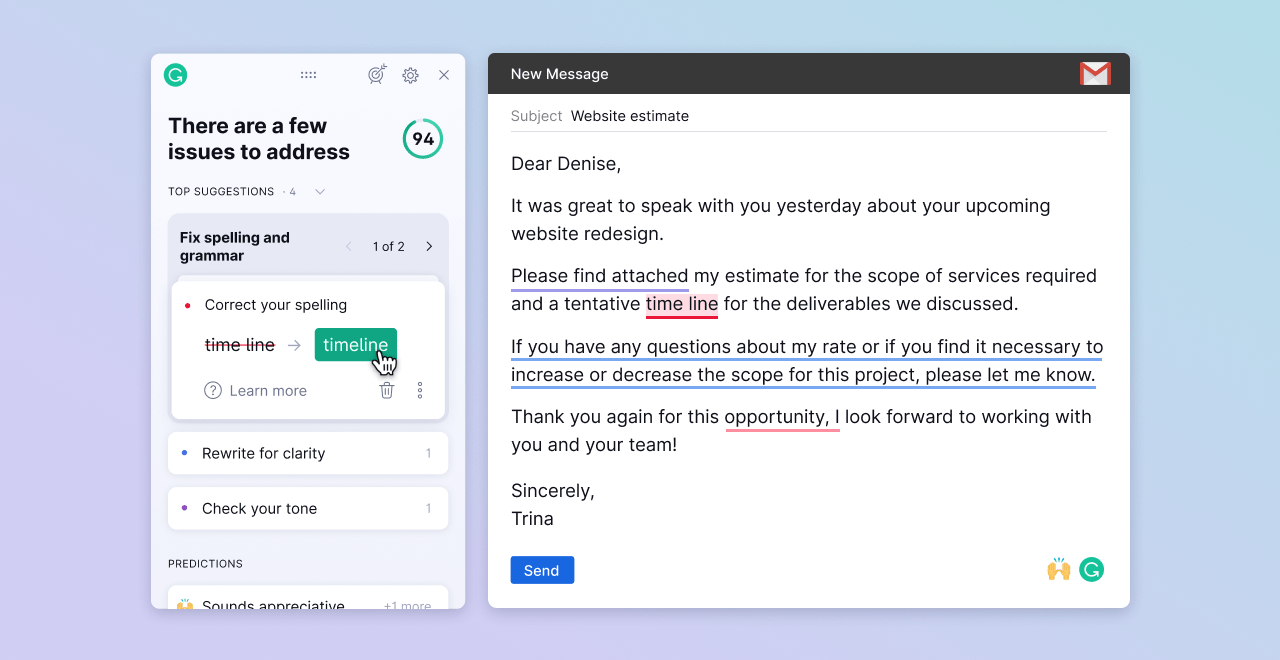
Grammarly catches grammar, spelling, and clarity issues. Clean writing keeps visitors on your site longer, which indirectly supports rankings. The premium version suggests tone adjustments and sentence rewrites. It is a must-have for anyone publishing content regularly.
I run every article through Grammarly before it goes live. The clarity suggestions help me simplify complex topics. For SEO, readability matters as much as optimization.
26. QuillBot

QuillBot is an AI paraphrasing tool with multiple modes. You can simplify, formalize, or expand text. It is useful for refining rough drafts or rephrasing source material. The grammar checker and summarizer are solid bonuses.
I use it to rewrite introductions when they feel stale. The creative mode gives fresh angles without losing accuracy. It is one of the more versatile free AI options for content refinement.
27. Quetext
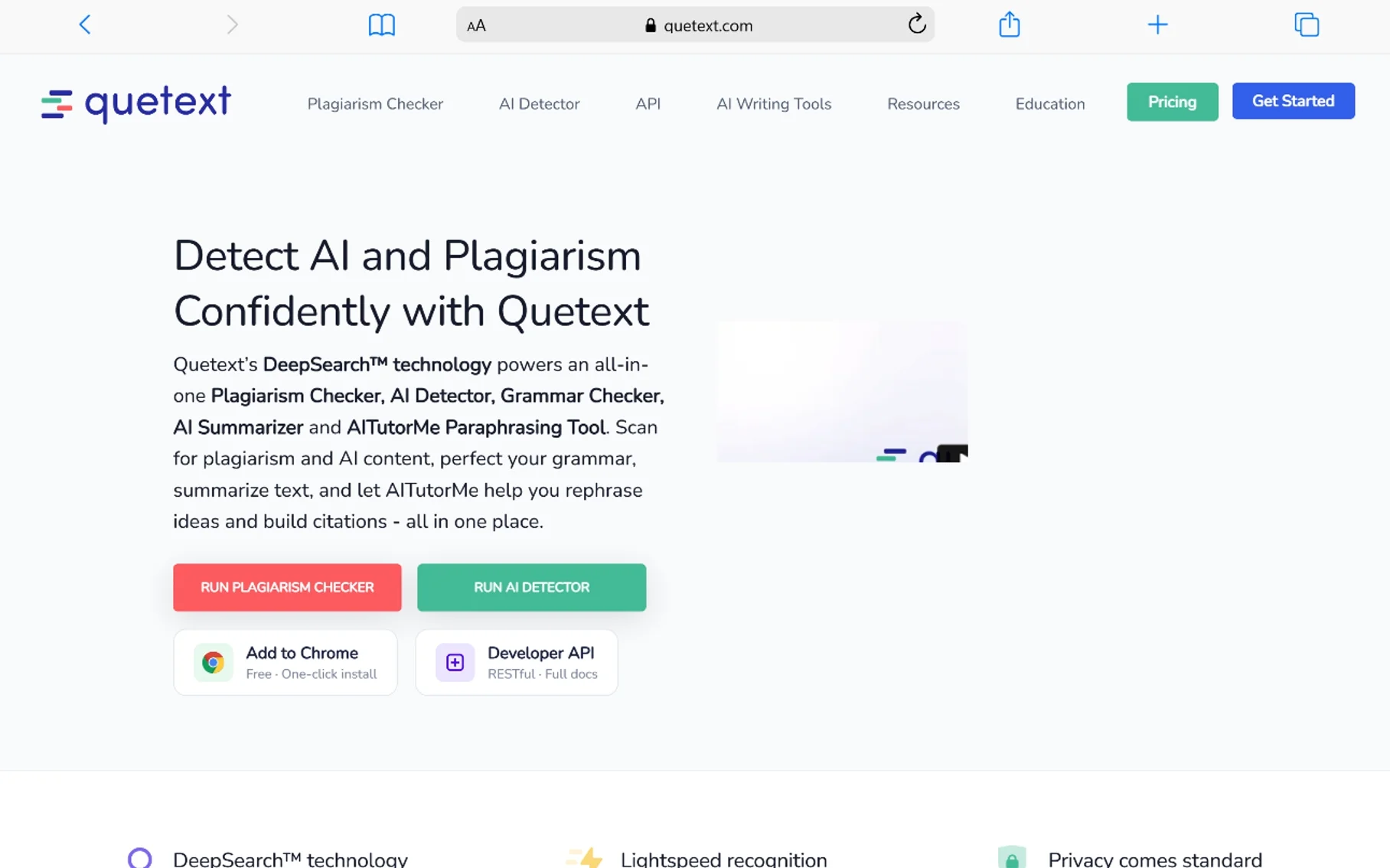
Quetext is a plagiarism detector with deep search technology. It highlights copied passages and provides a similarity score. For agencies and publishers, this ensures every piece of content is original before it goes live.
The DeepSearch feature checks against academic and web sources. I use it for client work where originality is non-negotiable. The interface is cleaner than many alternatives.
28. Indexification

Indexification helps push your links and pages into Google’s index faster. It submits URLs to various indexing services. Use it carefully and only on quality links. It is a tool for advanced users who understand the risks of aggressive indexing.
I use it sparingly for tier-one links that deserve recognition. It is not a magic bullet, but it can speed up discovery for new content. Do not use it on spam links.
29. Money Robot
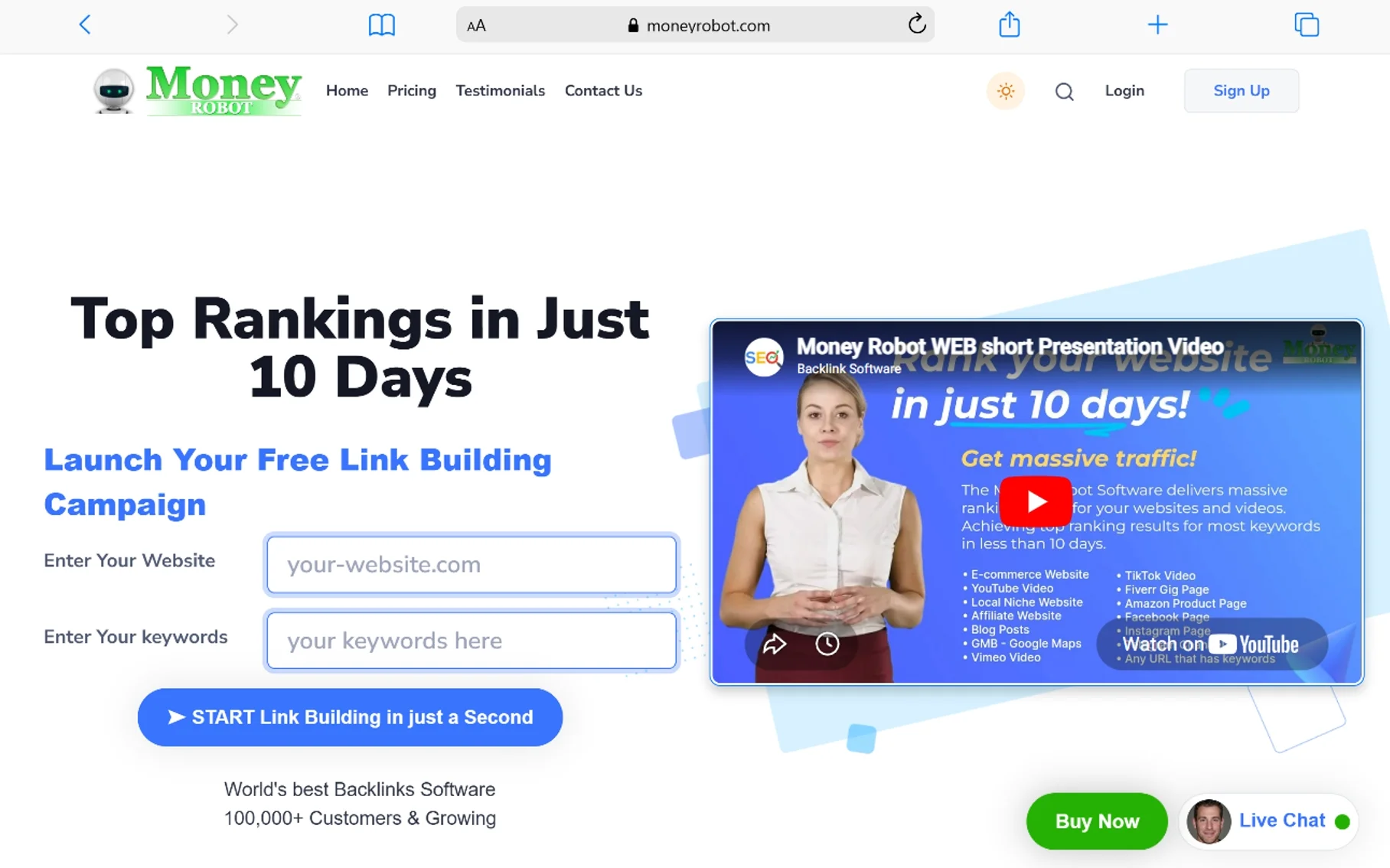
Money Robot is an automated link-building tool that helps SEO experts create backlinks more efficiently. It can generate various types of connections, including Web 2.0, profile links, wiki articles, press releases, and social bookmarks.
While automated link building should be used carefully, Money Robot can help streamline the process when used as part of a broader, ethical strategy. The tool is designed to save time while building quality connections that can improve your website’s authority and rankings.
I mention it only for transparency. Most professionals should focus on manual outreach and content quality rather than automation.
30. GSA Search Engine Ranker

GSA Search Engine Ranker is an automated SEO tool that helps build backlinks to improve your search engine rankings. It works by creating connections from various types of websites, helping you increase your site’s authority and visibility.
The tool runs continuously in the background, finding new link opportunities and building connections automatically. While automation can be powerful, it’s important to use GSA responsibly as part of a balanced strategy that focuses on quality over quantity.
Again, this is for advanced users who understand the risks. I do not recommend it for primary business sites.
31. SEO Autopilot Software

SEO Autopilot is software designed to automate link building tasks. It helps create Web 2.0 properties, profile links, and other types of connections automatically. The software features an easy-to-use interface that makes it accessible for both beginners and experienced SEO professionals.
Automation can save significant time on repetitive tasks, but it’s important to use these tools wisely. SEO Autopilot should be part of a broader strategy that includes quality content creation and natural link building.
32. 2captcha

2captcha is a CAPTCHA solving service that helps you complete verification puzzles automatically. CAPTCHAs are designed to verify that users are human, but they can slow down automated tasks. 2captcha solves these puzzles, allowing your tools to work more efficiently.
This service is particularly useful for SEO professionals who use automated tools for tasks like account creation, content posting, or data extraction. 2captcha supports various types of verification and offers an API for integration with other tools.
33. Scrapebox

Scrapebox is a versatile tool that can handle various tasks including link building, content spinning, and research. It’s one of the most popular tools for harvesting URLs and scraping websites for data. The tool is fast, effective, and relatively easy to use once you learn its features.
Scrapebox is particularly valuable for SEO professionals who need to gather large amounts of data or perform repetitive tasks at scale. It can also be used to scrape websites for data and content, making it a powerful addition to any toolkit.
I use it to build custom prospect lists for outreach. It is fast and handles millions of URLs. Not a beginner tool, but unbeatable for raw data gathering.
34. ExpiredDomains.net

ExpiredDomains.net helps you find valuable expired domains that you can register. Thousands of domains expire every day, and some have valuable connections and authority that can benefit your SEO efforts. The site collects information about expiring domains across 516 different TLDs.
For SEO professionals, expired domains with good link profiles can be goldmines. You can use them to build new websites or redirect their authority to your existing sites. Expireddomains.net helps you separate the valuable domains from the worthless ones by providing detailed metrics and link data.
35. Archive.org

The Internet Archive (archive.org) is a digital library containing millions of free books, movies, software, music, websites, and more. It’s particularly useful for SEO professionals because of the Wayback Machine, which lets you view historical versions of websites.
You can use the Wayback Machine to see how competitors’ websites looked in the past, recover lost content from your own site, analyze historical strategies, check what content performed well over time, and understand how websites have evolved.
36. SE Ranking

SE Ranking is a cloud-based platform that offers a complete suite of tools for improving online visibility. It includes research, website auditing, position tracking, and competitor analysis features. The platform also offers an API for integrating its features into your own systems.
SE Ranking is known for its affordable pricing and user-friendly interface. It provides detailed reports and insights that help businesses of all sizes improve their performance. The tool is particularly popular with small to medium-sized businesses and agencies.
I use it for white-label client reporting. The position tracker is accurate, and the site audit is comprehensive. Starts around $55 per month.
37. SEO Minion

SEO Minion is a free browser extension for Chrome and Firefox that helps with daily tasks. It provides on-page analysis, broken link checking, SERP preview, and other useful features. The extension is designed to make tasks quicker and more convenient.
SEO Minion helps you with analyzing titles and meta descriptions, checking header tag hierarchy, reviewing content quality and term usage, finding and fixing broken links, and previewing how your pages appear in search results. The free version offers plenty of value.
38. IP Whois & Flags Chrome & Websites Rating

IP Whois & Flags is a Chrome extension that provides quick access to domain and website information. It shows you the WhoIs data for any domain, displays country flags, and provides website ratings and visitor estimates. This tool is especially useful for competitor research.
With this extension, you can quickly see domain registration information, hosting company details, DNS information, IP addresses, website owner information, estimated visitor numbers, and website reputation scores. This information helps you understand your competitors’ technical setup.
39. ZeroGPT
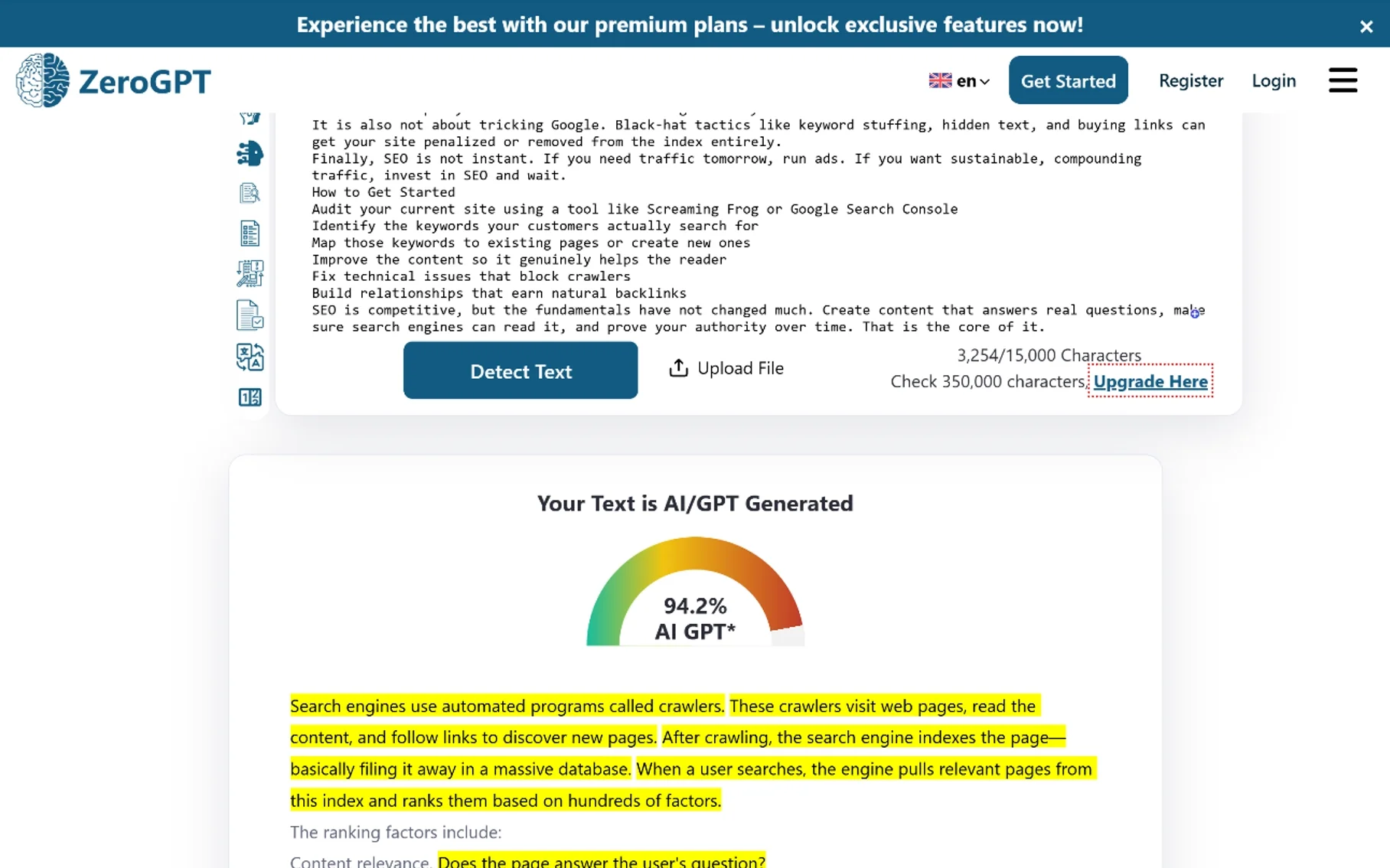
ZeroGPT detects AI-generated content. As search engines refine how they handle machine-written text, verifying authenticity matters. I run client content through this to ensure it passes human-detection standards. It is not perfect, but it catches obvious robotic patterns.
The tool is useful for agencies managing multiple writers. If you publish AI-assisted content, you need to know whether it reads naturally. ZeroGPT helps you audit before publishing.
40. Frase
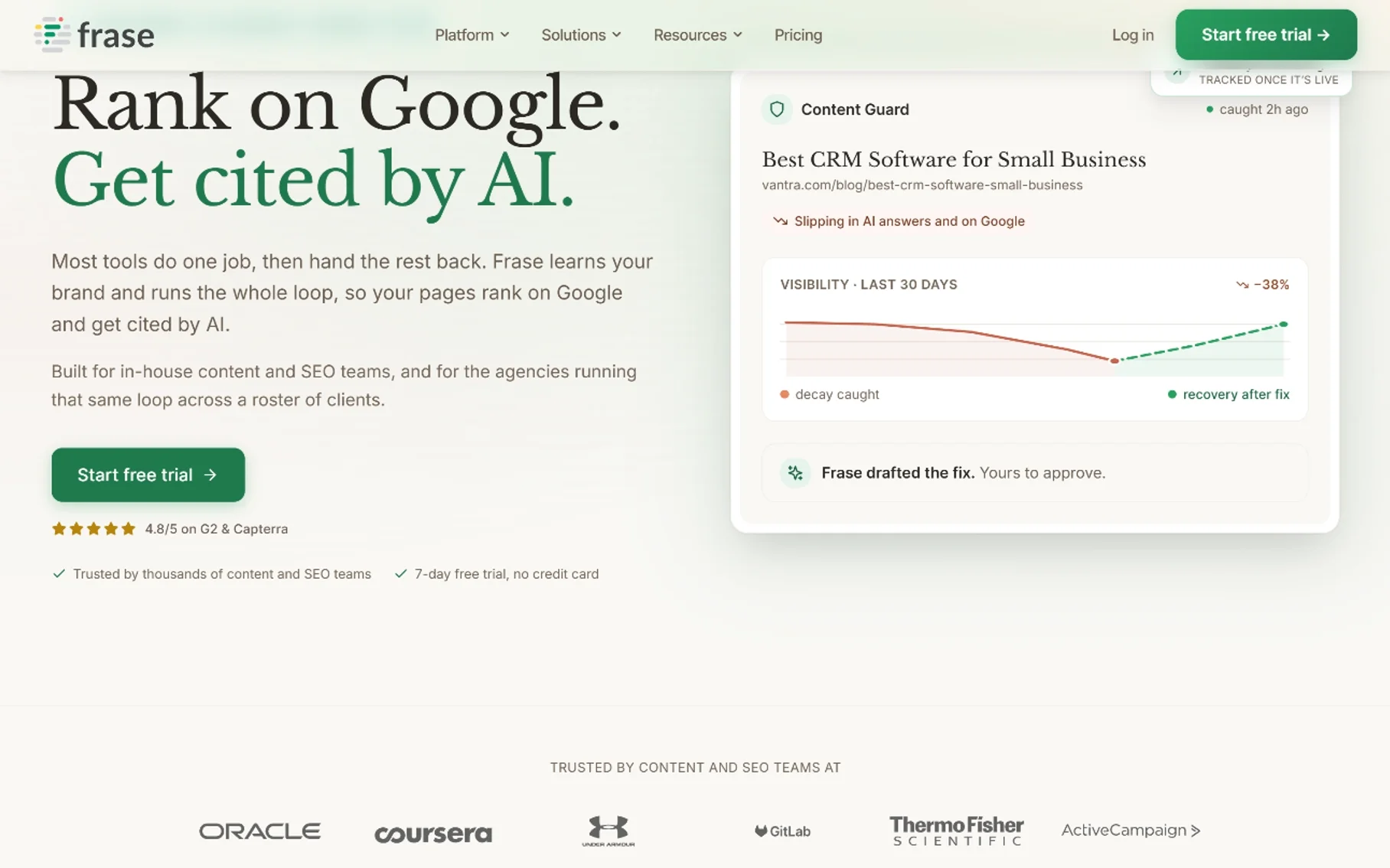
Frase is an AI content optimization platform that analyzes top-ranking pages and generates detailed briefs. It tells you which headings to use, what questions to answer, and how long your article should be. The language engine understands topic depth, making it a strong alternative to Surfer for content teams.
I use Frase for research-heavy articles. The briefs save me hours of manual SERP analysis. The AI writing assistant is decent for first drafts. It is one of the better AI platforms for content planning.
41. SEOWriting.ai
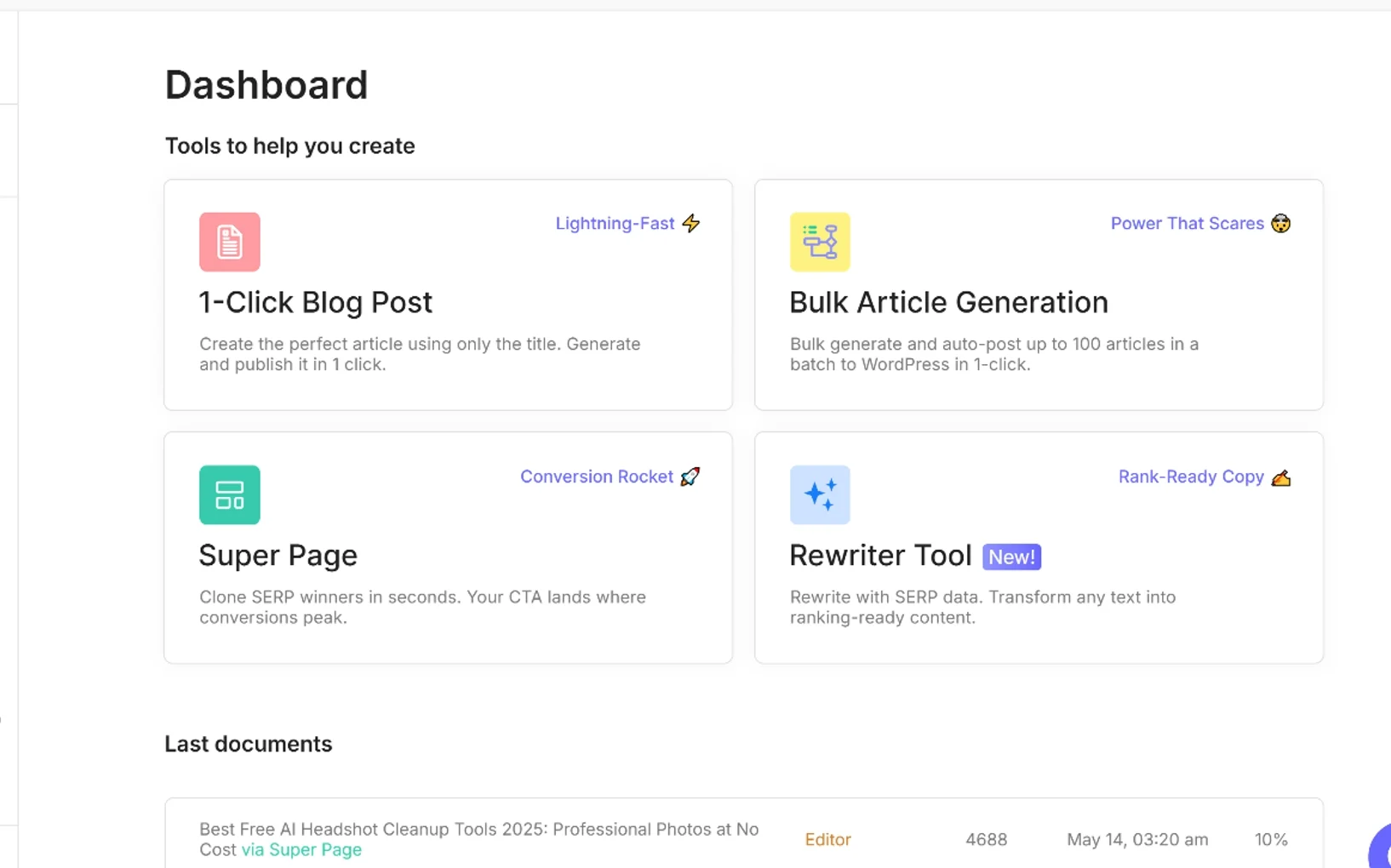
SEOWriting.ai generates search-friendly drafts with proper term integration. It handles blog posts, meta tags, and product descriptions. The output is more structured than generic AI writers because it follows on-page guidelines. Good for scaling content without hiring a huge team.
I use it for affiliate product roundups. The structured output requires less editing than raw ChatGPT drafts. It is a practical AI platform when you need volume.
42. ChatGPT
ChatGPT handles ideation, outlines, meta descriptions, and even schema markup generation. It is the most versatile free AI assistant for brainstorming. I use it to generate title variations and analyze content gaps. The paid version ($20/month) offers faster responses and better reasoning.
Do not publish raw AI output without editing, but as a research assistant, it is unmatched. It also helps explain complex technical concepts to clients.
43. Poe
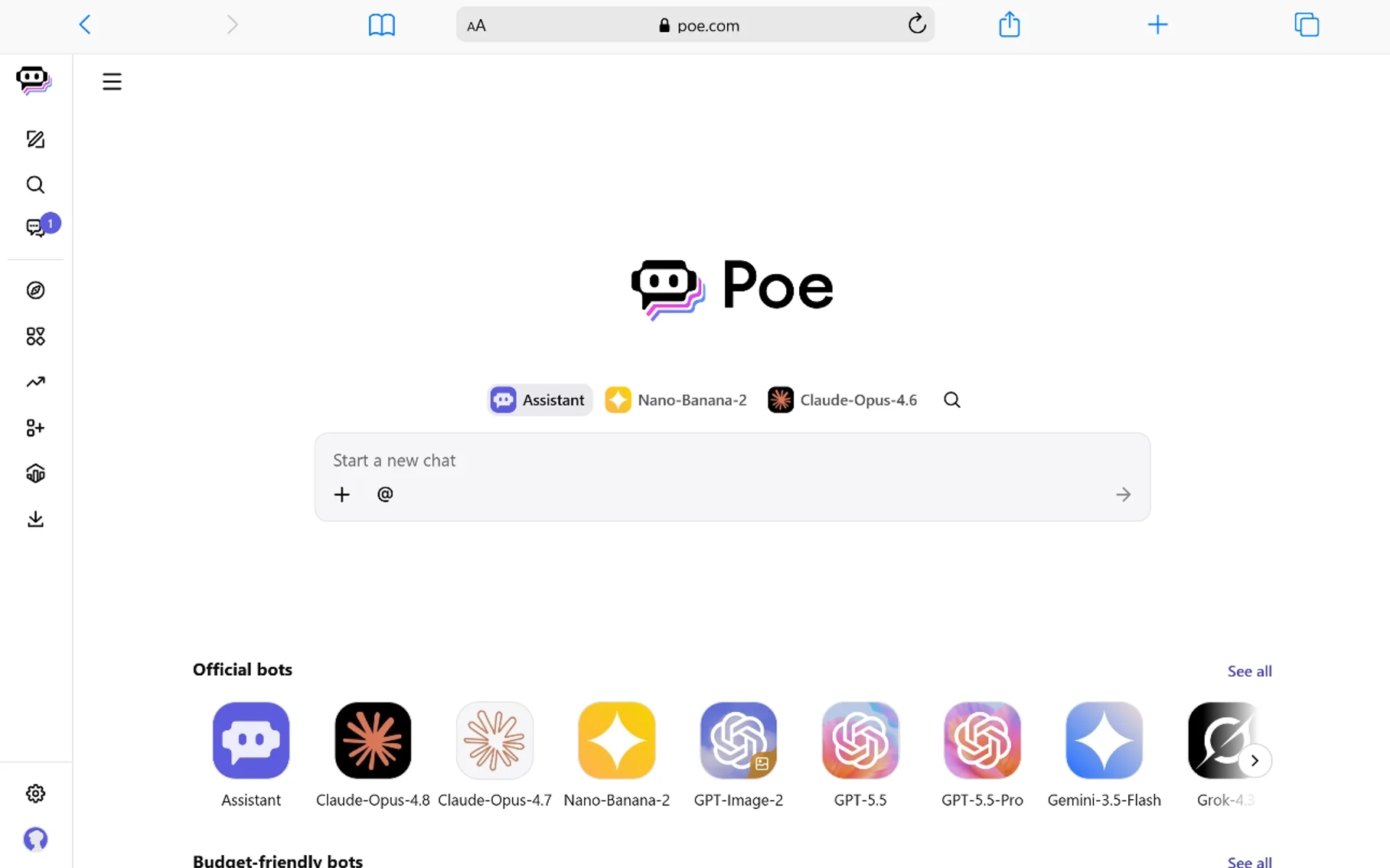
Poe gives you access to multiple AI models in one interface. You can compare how Claude, GPT-4, and other models handle the same task. I use it to cross-check content suggestions and find the best phrasing for meta descriptions. It is free with premium options.
The ability to switch models quickly helps you find the right tone for different content types. It is a useful layer in your AI stack.
44. CanIRank
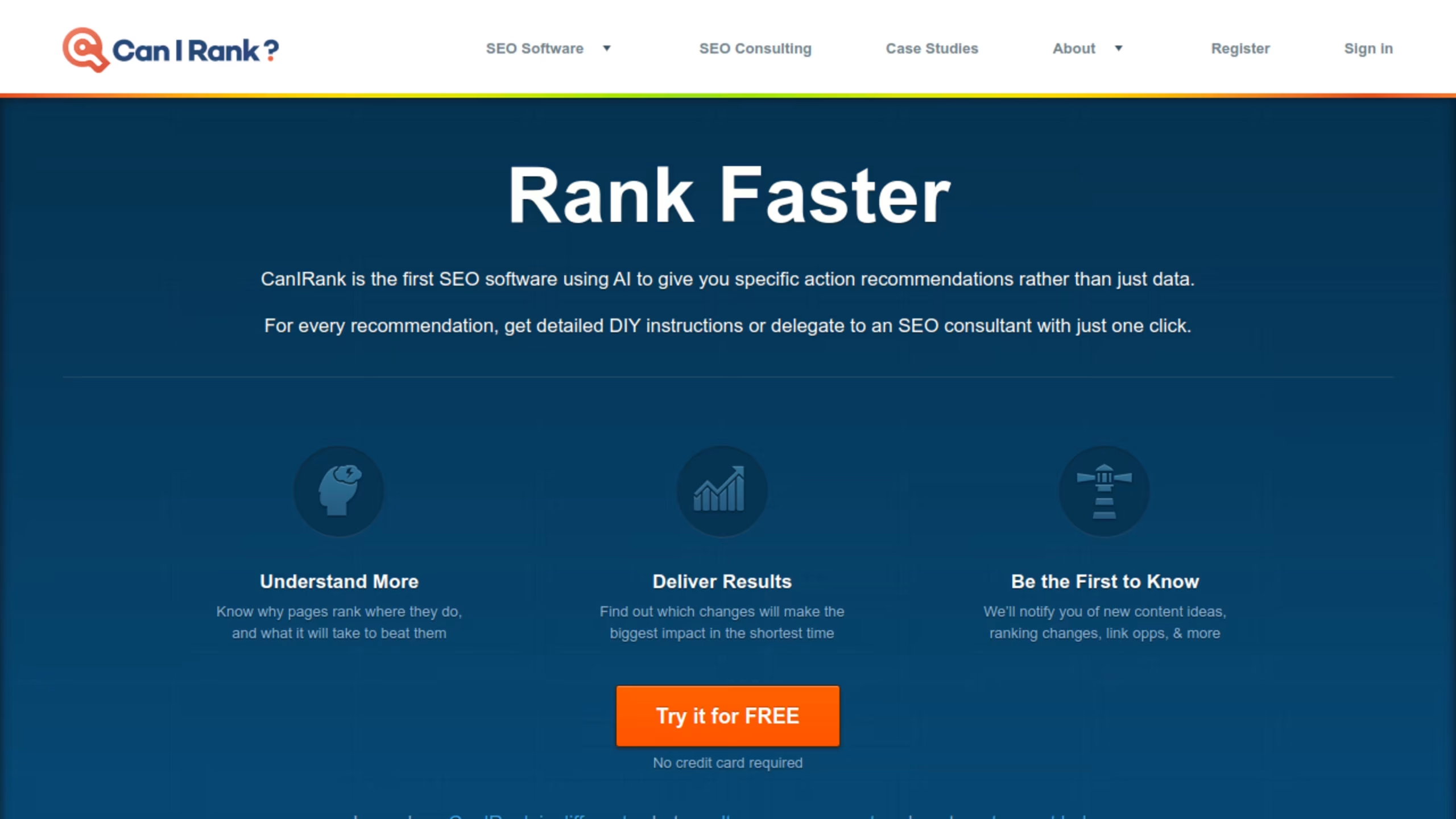
CanIRank uses machine learning to tell you whether you can rank for a specific term before you write. It analyzes your site authority against the competition and gives a probability score. This saves enormous time by preventing you from targeting unrealistic terms.
I use it to set client expectations. When they want to rank for a massive term, CanIRank shows them the math. It is a smart competition pre-checker.
45. Dashword
Dashword creates detailed content briefs by analyzing top-ranking pages. It recommends word counts, topics, and questions to cover. The semantic analysis ensures your content matches search intent. Integrations with CMS platforms make it easy to fit into existing workflows.
I use it to brief freelance writers. The clear structure reduces revision cycles. It is a strong briefing tool for teams that publish regularly.
46. SEOPressor
SEOPressor is a WordPress plugin that scores your on-page optimization in real time. It suggests related terms, semantic concepts, and structural improvements. The scoring system gives you a clear target to hit before publishing. It is affordable and works well for WordPress users who want guidance without leaving the editor.
The plugin also helps with rich snippets and semantic markup. For sites built on WordPress, it is a solid alternative to more expensive optimizers.
47. Duplichecker
Duplichecker offers plagiarism detection, grammar checks, and paraphrasing. It scans your content against billions of pages to find duplicates. The readability and word count tools help you hit optimization targets. It is free for basic use, with premium tiers for heavy volume.
I use it for quick checks when I do not have Copyscape credits. The grammar checker is decent for a free tool.
48. Hemingway Editor
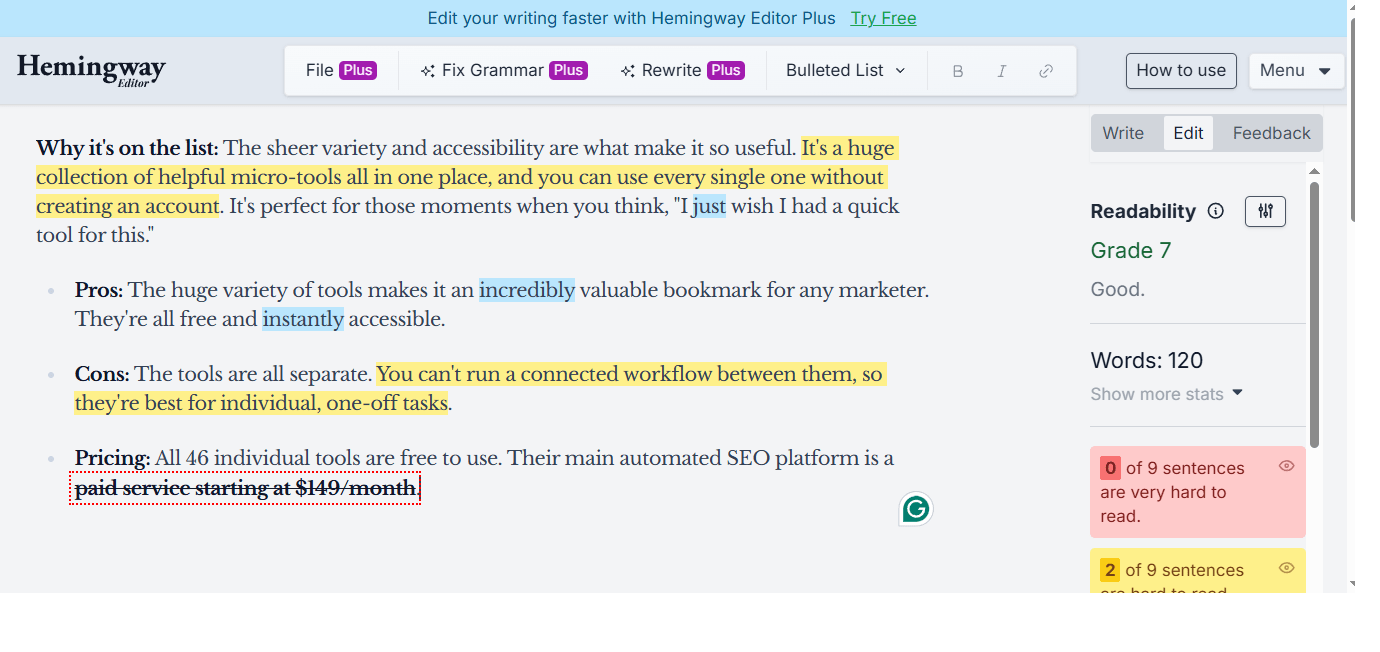
Hemingway Editor makes your writing bold and clear. It highlights complex sentences, passive voice, and adverbs that weaken your message. For SEO, readability matters. Visitors bounce from walls of text. I run every article through Hemingway before publishing.
The online version is free. The desktop app costs $19.99 as a one-time purchase. It does not do term analysis, but it ensures humans enjoy reading your optimized content. Lower readability scores correlate with longer time on page.
49. Google PageSpeed Insights
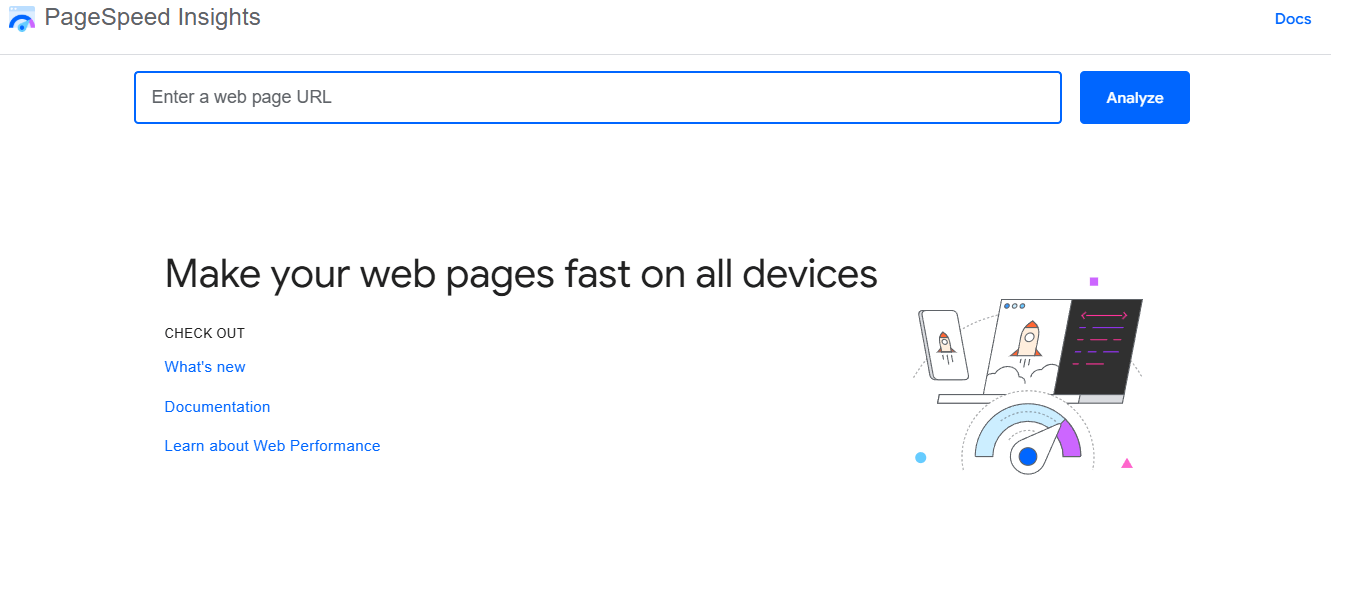
Google PageSpeed Insights analyzes your site speed and Core Web Vitals. It gives separate scores for mobile and desktop, plus specific fixes for images, scripts, and server response. Since speed is a confirmed ranking factor, this free tool is non-negotiable.
I check every major page here before declaring a project finished. It integrates Lighthouse data and real-world Chrome user experience metrics. The suggestions are prioritized by impact, so you know what to fix first.
50. Claude (Anthropic)
Claude is an AI assistant that excels at long-form content and semantic analysis. I use it for content briefs, expanding thin sections, and checking topic coverage. It handles large context windows better than many competitors, so you can paste entire articles and ask for language-based improvements.
The free tier is generous. Pro costs $20 per month. For SEOs who need nuanced, human-sounding drafts, Claude is a strong alternative to ChatGPT. It is particularly good at understanding related concepts and topic depth.
51. TheHoth Free SEO Tools
TheHoth offers a suite of free tools including a website auditor, link checker, and term planner. I use their free website checker for quick client audits. Enter a URL, and it grades your on-page SEO, speed, and mobile usability.
It is not as deep as paid platforms, but it is perfect for small business owners who need a starting point without entering a credit card. The link overview gives a quick snapshot of domain authority and connection counts.
52. Ahrefs Free Backlink Checker
Ahrefs offers a standalone free link checker that shows the top 100 connections and domain authority for any site. You do not need an account. I use this daily for quick competitor checks and outreach prospecting.
It is the most reliable free option for link research. When I need a snapshot of a site’s authority, this is my first stop. It is one of the most valuable free options available.
53. AIOSEO Analyzer
AIOSEO is a comprehensive WordPress plugin that handles both technical and on-page optimization. The free version includes TruSEO analysis, XML sitemaps, and basic schema markup. Premium adds a redirection manager, link assistant, and search statistics that pull data from Google Search Console into your dashboard.
I use AIOSEO on client sites where I need centralized control. The TruSEO score checks over 70 factors and gives actionable recommendations. The Elite plan includes position monitoring and content decay analysis, which helps you spot pages losing visits before they tank completely.
The plugin integrates with Semrush to pull related terms directly into the WordPress editor. This saves time switching between tabs. Pricing starts at $49.50 per year for Basic, $99.50 for Plus, $199.50 for Pro, and $299.50 for Elite. For WordPress users, it is one of the most complete free options before upgrading.
54. seo.ai
seo.ai is an AI-powered content platform built specifically for search optimization. It generates full articles, meta descriptions, and structured data while following best practices. The tool uses natural language processing to ensure content reads naturally while hitting target concepts.
I tested it on a batch of location pages last month. The drafts required minimal editing, and the automatic internal linking suggestions were accurate. The platform also includes a grouping feature that organizes related terms into topic clusters.
For agencies needing volume, seo.ai scales well. It is not a replacement for strategic editing, but it handles the heavy lifting of first drafts. Pricing varies by usage, but it competes with other mid-tier AI platforms. If you need to produce optimized content at scale without hiring a large team, this is worth evaluating.
55. WHOIS Domain Lookup
WHOIS lookup is a free tool that reveals domain registration details, expiration dates, and ownership information. While it is not a traditional SEO platform, it is essential for competitor research and due diligence. Before I buy an expired domain or reach out for a link, I check its history here.
You can see when a domain was first registered, who owns it, and which registrar manages it. This helps you identify whether a site is a legitimate business or a thin affiliate property. For outreach, finding the owner’s contact details speeds up the process.
The tool is completely free. I use it alongside a link analysis platform to evaluate domain quality before investing time in a relationship. It is a simple but necessary part of any serious toolkit.
56. Clearscope
Clearscope is an enterprise-grade content optimization platform that uses AI to analyze top-ranking pages and generate detailed content reports. It tells you exactly which terms, questions, and topics to include to compete for a given phrase. The real-time grading system updates as you write, ensuring you hit comprehensive coverage targets.
I use Clearscope for high-stakes articles where ranking is critical. The content reports show related concepts and topics that competitors cover. The Google Docs integration means writers can optimize without leaving their familiar workflow. The Content Inventory feature connects to Search Console to flag decaying pages.
Pricing starts at $129 per month for Essentials, $399 for Business, and custom rates for Enterprise. All plans include unlimited users. For mid-market teams publishing ten or more pieces monthly, Clearscope pays for itself by reducing revision cycles and improving ranking outcomes. It is one of the most writer-friendly optimization tools available.
Frequently Asked Questions About SEO Tools
What are the best free SEO tools for beginners?
Start with Google Search Console, Google Analytics, and Google PageSpeed Insights. These three cover technical health, traffic analysis, and speed. For topic ideas, use AnswerThePublic or Ubersuggest. For content readability, Hemingway Editor is free and invaluable.
How much do SEO tools cost?
Prices range from free to thousands per month. Many free options handle basics well. Entry-level paid plans start around $29 to $99 monthly. Enterprise suites run into the hundreds or thousands. Most professionals mix free and paid tools.
Do I need to pay for SEO tools to rank well?
No. Free tools provide enough data to build a strong foundation. Paid tools save time and offer deeper competitor insights, but they are not mandatory. I know several successful bloggers who rank well using only free resources.
What’s the difference between free and paid SEO tools?
Free versions usually limit usage, data depth, or export options. Paid tools remove caps, add automation, and provide historical data. If you manage multiple sites or clients, the efficiency of paid software usually pays for itself.
How do I choose the right SEO tools for my website?
Identify your weakest area. If you need topics, get a research platform. If you need links, prioritize a link analysis tool. If your content is thin, invest in a language optimizer. Match the tool to the problem, not the hype.
Are automated SEO tools safe to use?
Tools that analyze, research, and optimize are safe. Automated link builders carry risk. Google penalizes manipulative link schemes. Stick to software that helps you create better content and outreach, not software that spams the web.
How often should I use SEO tools?
Check rankings weekly. Run technical audits monthly or quarterly. Monitor traffic daily if possible. Position tracking should be ongoing, but do not obsess over daily fluctuations. Focus on trends.
Can SEO tools guarantee better rankings?
No tool guarantees rankings. They provide data. Success depends on how you act on that data. Good content, solid technical foundations, and ethical promotion drive rankings. Tools just point the way.
What’s the best all-in-one SEO tool?
SEMrush and Ahrefs are the most complete. SEMrush offers a 14-day Guru trial that lets you test the full workflow. Ahrefs has the best link data. For smaller budgets, SE Ranking or Serpstat offer similar features at lower prices.
How do I know if an SEO tool is working?
Your visits, search terms, and conversions should improve over time. Fewer technical errors and faster load times are also good signs. If your metrics stall after three months, reconsider your strategy or tool stack.
Should I use multiple SEO tools or just one?
Most professionals use several. One tool rarely does everything perfectly. I use Screaming Frog for technical audits, Ahrefs for links, and Surfer for content. That combination covers all bases better than any single platform.
How important are backlink analysis tools?
Very important. Links remain a core ranking factor. A quality link checker helps you find toxic connections to disavow and spot opportunities to pursue. Without link data, you are missing half the picture.
What’s the best tool for keyword research?
It depends on your level. Ubersuggest and Keywords Everywhere are great for beginners. SEMrush and Ahrefs offer professional depth. For pure question research, AnswerThePublic is hard to beat.
Do I need technical SEO knowledge to use these tools?
Not necessarily. Many modern tools explain issues in plain English. Yoast SEO and PageSpeed Insights give specific fixes anyone can follow. However, basic SEO knowledge helps you prioritize recommendations.
How often do SEO tools update their data?
Search Console and Analytics update daily or in real-time. Third-party tools vary. Link indexes update every few days to weeks. Term databases refresh monthly. Check each tool’s documentation for specifics.
Can SEO tools help with local SEO?
Yes. Tools like Moz Local, BrightLocal, and SEMrush track local rankings and manage citations. Google Business Profile is free and essential for any local business.
What’s the difference between SEO tools and marketing automation tools?
SEO tools focus on search visibility: rankings, terms, and technical health. Marketing automation handles email, lead nurturing, and multi-channel campaigns. Some platforms like HubSpot overlap, but the core functions differ.
How do I measure ROI from SEO tools?
Compare tool costs against increases in visits, leads, and sales. If a $100 monthly tool helps you earn an extra $1,000 in revenue, the ROI is clear. Track conversions, not just rankings.
Are browser-based SEO tools as good as desktop software?
They serve different purposes. Browser tools are convenient for quick checks. Desktop software like Screaming Frog handles larger crawls and complex analysis. I use both depending on the task.
How do SEO tools handle AI-generated content?
Modern tools adapt. Detectors like ZeroGPT flag machine-written text. Optimizers like Surfer and Clearscope work with AI content to ensure it meets quality standards. As AI content grows, these tools evolve to maintain standards.
What is keyword difficulty?
This is a score that estimates how hard it is to rank for a specific term. It considers factors like domain authority, link counts, and content quality. Higher scores mean you need more authority to compete.
How do I check keyword difficulty?
Most research platforms show a competition score next to each term. Ahrefs and SEMrush provide the most reliable metrics. Look at the number of referring domains and content quality on page one to confirm the score.
How do I fix keyword cannibalization?
Start by mapping your existing content to see which pages target the same term. Then merge thin pages, use canonical tags, or adjust internal links to favor your strongest page. Tools like SEMrush flag overlaps automatically.
Conclusion
The right SEO tool depends on your goals, budget, and technical comfort. A solo blogger needs different software than an e-commerce giant. Start with the free essentials: Google Search Console, Analytics, and PageSpeed Insights. Add a research platform once you understand your gaps. Invest in content optimization like Surfer or Clearscope when you are ready to compete for tough terms.
No tool replaces strategy. They only expose opportunities and problems faster than manual work. Pick two or three platforms that fit your workflow, learn them deeply, and ignore the rest. Consistency beats tool-hopping every time.
When you build a stack that covers research, technical health, content quality, and position monitoring, you create a system that compounds. Your visits grow, your clicks improve, and your site becomes harder for competitors to displace. That is the real value of good SEO software.
You May Also Like
 JavaScript
20 JavaScript Frameworks and Libraries for Modern Web Development
 WordPress
12 Best Cheap SSL Certificate Providers To Secure Your Website
 SEO Tools
8 Best Free Online Word Cloud Generator & Tag Cloud Creator
 WordPress
How to Install Google reCAPTCHA on WordPress: A Complete Guide for Contact Form 7
 SEO Tools
7 Best SERP Checkers to Monitor & Track Your Keyword Rankings
 WordPress
8 Best Cheap Shared Hosting Providers for WordPress In 2026
 SEO Tools
How to Use Ahrefs for Free: 11 Free SEO Tools
 SEO Tools
8 Best Rank Tracker Tools: Free & Paid Options Tested and Compared
 SEO Tools


