Category: Cloud Storage
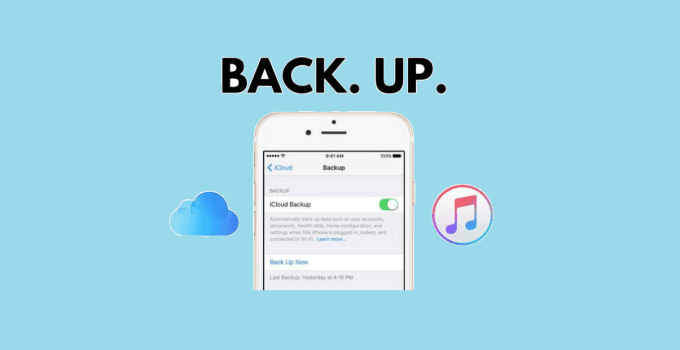
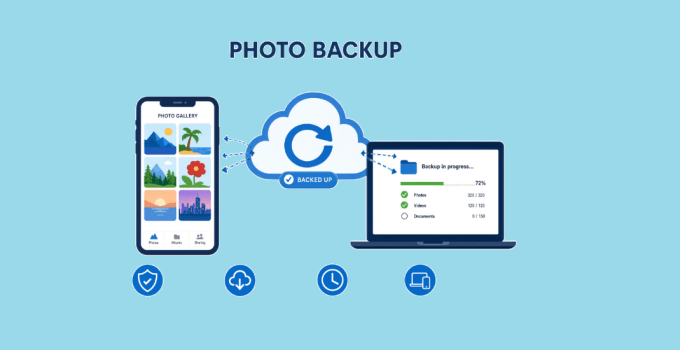
The best photo backup for iPhone depends on how you use your devices, how much storage you need, and how much protection you want against losing your only copy. …
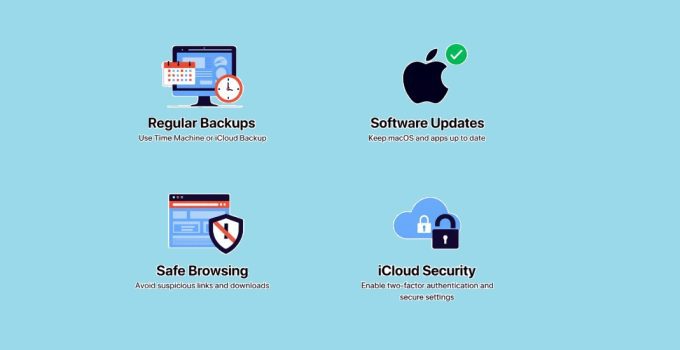
Yes, ransomware can affect files stored in or synced with iCloud—but the important distinction is how the attack happens. Ransomware does not need to compromise Apple’s cloud infrastructure directly to …
If you work in the cloud, you need fast answers. You need to know what is exposed, what is weak, and what needs a fix first. That is where …
Transferring large files from PC to PC or from Phone to PC can It is very difficult to do, especially for sizes exceeding 100GB or even 1 TB. Whether you’re …
I have been backing up photos from my phone and laptop for over a decade. I have tried the free tiers, the lifetime deals, the enterprise-grade tools, and the …
You have two laptops sitting on the same desk. Both connected to the same Wi-Fi network. You need to move a 50 GB video project, a folder of raw …
The best way to protect your data on Google Cloud Platform (GCP) is to combine Identity and Access Management (IAM), AES-256 encryption, VPC Service Controls, and multi-factor authentication (MFA) …
Cloud storage has revolutionized how we handle data in both personal and business settings. Today, it’s also increasingly bundled with productivity suites, collaboration tools, and AI features (search, summarization, …
Cloud computing is a technology that delivers computing services—including servers, storage, databases, networking, software, and analytics—over the internet (the cloud) on a pay-as-you-go basis. Instead of owning and maintaining physical …
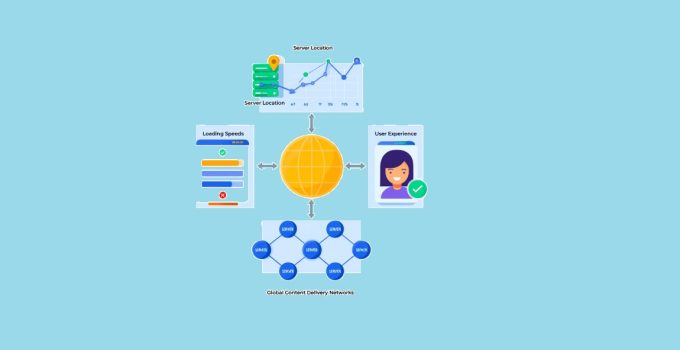
The best server location for your website is geographically close to your target audience, as physical distance directly impacts page load times and user experience. Every millisecond counts in web …