User experience design principles serve as guides for building digital products that function effectively and provide a pleasant interaction. These principles assist designers in developing interfaces that address genuine user issues. When implemented properly, they enhance accessibility, efficiency, and enjoyment for all users.
Exceptional digital interactions arise from deliberate planning, a deep grasp of user requirements, and adherence to established design principles. This overview outlines the fundamental principles that underpin successful user experiences in the present day.
Understanding User Experience Design Principles
User experience design principles consist of basic guidelines that enable designers to produce effective digital products. Derived from extensive research, testing, and practical use, these guidelines offer a structure for decisions that emphasize user priorities.
View these principles as the base for constructing digital products. Similar to how architects rely on engineering standards for secure structures, designers employ UX principles to craft interfaces that serve users well. These are not strict mandates but adaptable directives suited to various contexts.
Although the UX design field advances, the essential principles endure. For websites, applications, or intricate software, these principles facilitate experiences that align with user expectations and organizational objectives.
The Importance of User Experience Design Principles

One may question the necessity of these principles. Is it not sufficient to rely on instinct or current trends? While intuition holds merit, user experience design principles deliver a reliable method for developing products that truly benefit users.
Products grounded in robust UX principles often achieve greater user satisfaction, heightened engagement, and superior business outcomes. Organizations that emphasize user experience regularly surpass rivals. Users tend to revisit products that seem intuitive and fulfill their requirements.
Reflect on a recent digital product that felt seamless. Elements appeared in anticipated locations, tasks proved straightforward, and confusion was absent. Such outcomes stem from these principles. In contrast, aggravating products frequently disregard several vital UX design principles.
Fundamental User Experience Design Principles
We now turn to the key principles that constitute the basis of proficient user experience design.
1. Focus on the User
User-centric design places user needs at the forefront of all choices. This approach involves designing for actual individuals, rather than personal or corporate preferences. Adopting this method yields products that resolve real challenges for the intended audience.
To enact user-centric design, gain a profound understanding of users through research, persona development, journey mapping, and testing with authentic participants. It centers on empathy—comprehending user needs and obstacles.
Essential elements include:
- Perform user research to identify audience needs and difficulties.
- Develop user personas to depict target users.
- Outline user journeys to illustrate product interactions.
- Conduct frequent testing with real users to confirm design selections.
Prioritizing user-centric design increases the likelihood of producing valued and enjoyable products.
2. Maintain Consistency
Consistency fosters predictable interactions, eliminating the need for users to master new patterns repeatedly. Upholding consistency allows users to leverage knowledge from one section to another, minimizing cognitive strain.
Design involves two consistency forms. Internal consistency ensures uniformity within the product, such as consistent colors, fonts, and interaction methods. External consistency aligns with familiar conventions from other products.
Advantages encompass:
- Reduced learning demands—users apply prior knowledge across the product.
- Enhanced efficiency—users avoid deciphering novel approaches.
- Increased reliability—uniform experiences build trust.
- Improved accessibility—predictable structures aid users with disabilities.
To achieve consistency, develop a design system or style guide outlining visual and interaction standards. This promotes team-wide adherence.
3. Embrace Simplicity
Simplicity entails eliminating superfluous elements from designs. Focusing on essentials and removing distractions prevents user confusion. As Antoine de Saint-Exupéry noted, perfection emerges not from additions, but from subtractions until nothing remains to remove.
Simple designs prove easier to grasp, quicker to navigate, and less prone to mistakes. They direct user attention to objectives rather than interface mechanics. Simplicity equates to purposeful elements, not dullness.
Approaches to simplicity include:
- Eliminate non-essential components—evaluate each item’s necessity.
- Limit options—excess choices can overburden users.
- Apply progressive disclosure—reveal information as needed.
- Organize related content logically to facilitate comprehension.
- Employ straightforward language—eschew jargon.
Pursuing simplicity honors user time, yielding elegant and effective designs that earn appreciation.
4. Establish Hierarchy
Hierarchy organizes elements by significance. Creating a clear visual hierarchy directs user focus to priorities, aiding comprehension and navigation.
Hierarchy is achieved via size, color, contrast, alignment, and spacing. Larger items attract more notice; vibrant colors contrast with subdued ones; spaced elements seem prominent.
Its value lies in:
- Directing attention to critical information initially.
- Enhancing quick scanning of structures.
- Easing information processing by clarifying relationships.
- Guiding logical progression through interfaces.
For effective hierarchy, pinpoint key user priorities and emphasize them visually while downplaying secondary aspects.
5. Ensure Accessibility
Accessibility guarantees products suit a broad spectrum of abilities. Designing inclusively enables effective use by those with visual, auditory, motor, or cognitive impairments.
Accessibility advantages extend universally. For instance, captions assist hearing-impaired users and those in loud settings or preferring silence.
Core practices involve:
- Achieve adequate color contrast for readable text.
- Enable full keyboard functionality for non-mouse users.
- Supply alternative text for images to describe visuals.
- Utilize clear language for broad understanding.
- Adapt to various screen sizes across devices.
Integrating accessibility early expands reach and refines experiences for everyone.
6. Consider Context
Context involves recognizing user interaction circumstances, including location, device, goals, and potential distractions.
Contexts differ widely. A mobile banking app user in a queue contrasts with a desktop user at home. A cooking parent may have limited hands-free attention.
Effective contextual design accounts for:
- Physical surroundings and possible interruptions.
- Device capabilities and platforms.
- User objectives and emotional states.
- Available time and focus levels.
Contextual awareness produces pertinent and practical experiences, with features adjusted accordingly.
7. Provide User Control
User control empowers individuals to decide and act within interfaces. Offering control allows flexible interactions rather than rigid paths.
Users require autonomy, not system dominance. This includes intuitive navigation, error correction, and suitable customization.
Key features comprise:
- Clear navigation to indicate position and options.
- Undo and redo for action reversal.
- Accessible exits to cancel or revert.
- Customization options for personal preferences.
- Warnings before irreversible steps.
Appropriate control fosters trust, encouraging repeated engagement.
8. Deliver Feedback
Feedback informs users of action outcomes. Effective feedback clarifies interactions, confirms completions, and signals errors.
Forms range from visual cues like animations to messages. It must be prompt, clear, and useful, guiding next steps.
Strong feedback incorporates:
- Instant responses to inputs.
- System status indications.
- Success confirmations.
- Informative error explanations with fixes.
- Progress displays for extended processes.
Quality feedback establishes user-system dialogue, promoting confidence.

Implementing User Experience Design Principles
Comprehending principles differs from their application. Here, we discuss practical integration.
Begin with User Research
Prior to employing user experience design principles, identify design targets. User research yields insights shaping decisions. Absent research risks misaligned experiences.
Methods encompass interviews, surveys, usability tests, and analytics. Select those fitting project needs. Research persists across design phases.
It enables:
- Detection of needs and challenges.
- Revelation of behaviors and preferences.
- Assumption validation.
- Opportunity identification.
Thorough research equips for principle application.
Develop a Design System
A design system comprises reusable components with defined standards. Establishing one ensures consistent, efficient product-wide design.
It supports principles like consistency, simplicity, and hierarchy. As a unified reference, it aligns team efforts.
Components include:
- Guiding design values.
- Visual elements like colors and typography.
- Interface parts such as buttons and forms.
- Usage patterns and rules.
- Comprehensive documentation.
Investing in a design system bolsters superior experiences and workflows.
Conduct Testing and Iteration
Testing and iteration form core UX processes. User testing reveals issues and potentials; iteration refines based on insights.
Testing aims at improvement, not perfection. Identified flaws offer enhancement chances.
Best practices involve:
- Early, repeated testing.
- Representative participant selection.
- Emphasis on actions over views.
- Issue prioritization.
- Feedback-driven changes.
Adopting this cycle commits to ongoing refinement, yielding superior designs.
The Evolution of User Experience Design Principles
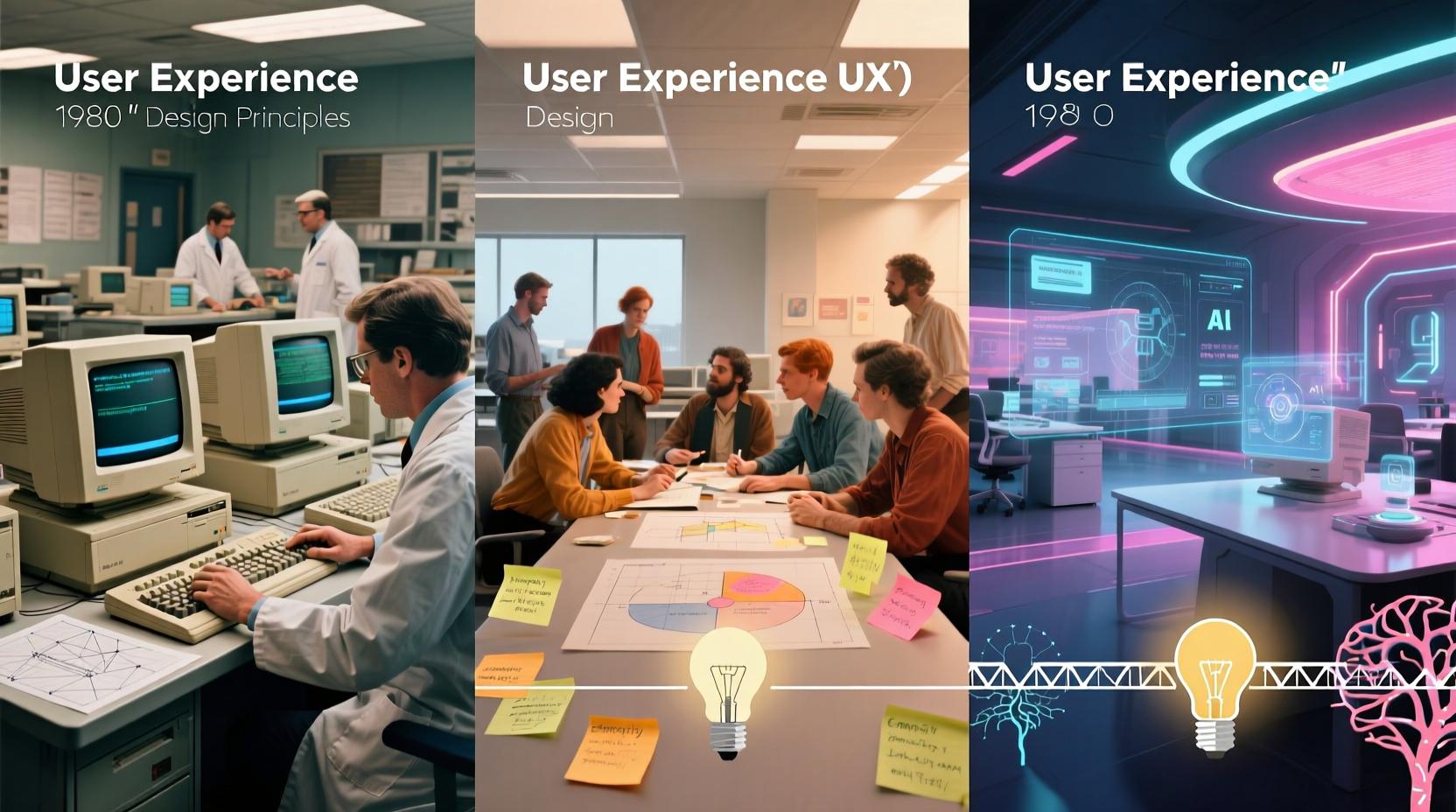
With technological progress, user experience design principles adapt. Fundamentals persist, but applications shift with innovations and expectations.
Integrating Emerging Technologies
Technologies such as artificial intelligence, virtual reality, and voice systems open new avenues for experiences. Thoughtful adoption addresses user needs innovatively.
AI personalizes via behavior analysis. Immersive realities transcend screens. Voice enables conversational interactions.
Guidelines include:
- Prioritize needs over novelty.
- Uphold accessibility.
- Evaluate ethical aspects like privacy.
- Rigorous testing for unfamiliar elements.
Judicious integration enhances engagement and efficiency.
Designing for Emotional Impact
Emotional design gains traction as users seek gratifying experiences beyond utility. It addresses feelings alongside functionality.
Levels include visceral (first impression), behavioral (usage), and reflective (enduring effect). Balanced design covers all.
Techniques encompass:
- Aesthetic choices for emotional resonance.
- Subtle delights to surprise positively.
- Transparency for trust.
- Success milestones.
- Narrative elements for connection.
Emotional focus creates memorable, return-worthy experiences.
Emphasizing Ethical Design
Ethical design rises in importance, acknowledging work’s broader effects. It questions not just feasibility, but appropriateness.
It covers privacy, security, inclusivity, and non-manipulation. Practices involve honest data handling and harm avoidance.
Principles include:
- Minimal, transparent data collection.
- Rejection of deceptive tactics.
- Inclusive accommodations.
- Long-term effect consideration.
- Operational honesty.
Ethical priority builds trust and supports responsible digital environments.
Common Questions on User Experience Design Principles
Do these principles apply uniformly to all digital products?
No, variations exist. Core aspects like user focus and consistency are universal, but implementations differ by product, context, and needs. A secure banking app stresses clarity, whereas a game highlights immersion. Customize principles to fit specifics.
Must all principles be used in every project?
No, selectivity is key. Concentrate on those most pertinent. Projects may stress accessibility or simplicity based on constraints and aims.
Do principles evolve?
Yes, they adapt. Basics stay constant, but applications change with technology and expectations. Mobile and accessibility emphases have grown. Monitor developments for relevant experiences.
Are these principles exclusive to designers?
No, they benefit all involved in product creation. Developers, managers, and others gain from knowledge, fostering unified decisions and superior outcomes. They enable collaborative dialogue.
Can the effects of these principles be quantified?
Yes, through metrics like conversion and completion rates, task times, errors, and satisfaction. Qualitative approaches include interviews and testing. Comparing pre- and post-application data evaluates impact.
Final Thoughts
User experience design principles lay the groundwork for functional, enjoyable digital products. We have covered essentials: user focus, consistency, simplicity, hierarchy, accessibility, context, control, and feedback. Together, they craft satisfying experiences.
Apply them as adaptable guides. Deeply understand users, rigorously test, and refine via feedback. Excellence emerges from persistent learning.
As UX evolves, anchor in these principles while exploring innovations. This approach yields solutions that serve users now and in the future, from basic sites to advanced apps.
You May Also Like
 JavaScript
20 JavaScript Frameworks and Libraries for Modern Web Development
 WordPress
12 Best Cheap SSL Certificate Providers To Secure Your Website
 Proxies
REST APIs Explained: Everything You Need to Know to Build and Use Them
 Android Apps
How Are Apps Made? The Complete Step-by-Step Process Behind Every App on Your Phone
 WordPress
How to Use 1and1 Webmail? Here Are IONOS Webmail Login Guide
 JavaScript
TypeScript vs JavaScript: Understanding the Key Differences
 Web Development
What Is the Difference Between UI Testing and UX Testing?
 Web Development
Agile Testing Strategies: Boost Your Software Development Efficiency
 Web Development