Phishing pop-ups dressed up as messages from an internet provider, a bank, or a delivery service are one of the most common ways ordinary people lose money online, and the scams have gotten convincing enough that even careful users get caught off guard. That’s the exact gap Guardio was built to close, and it’s also why the tool shows up constantly in ads and sponsorship reads — which naturally raises the question of whether it’s an actual security product or just well-marketed software riding on people’s fear of getting scammed.
That question deserves a real answer, not a page that’s really just an ad in disguise. This review looks at who actually runs Guardio, what independent reviewers and paying users say about it once the marketing is stripped away, where its protection genuinely holds up under testing, and where it falls short — so you can decide whether it earns a place in your own security setup in 2026.
The short answer
Guardio is a real, financially backed cybersecurity company, not a scam operation hiding behind a slick landing page. It’s a browser extension used by well over a million people, built specifically to catch phishing pages, malicious downloads, and shady browser extensions before they can do damage. The company has raised serious institutional capital, employs a security research team whose findings get picked up by outlets like The Washington Post and Bleeping Computer, and carries strong independent ratings across review platforms. None of that means it’s the right fit for everyone, or that it can replace a full antivirus suite, but it does mean the core question of legitimacy has a clear answer.
What is Guardio and how does it work?
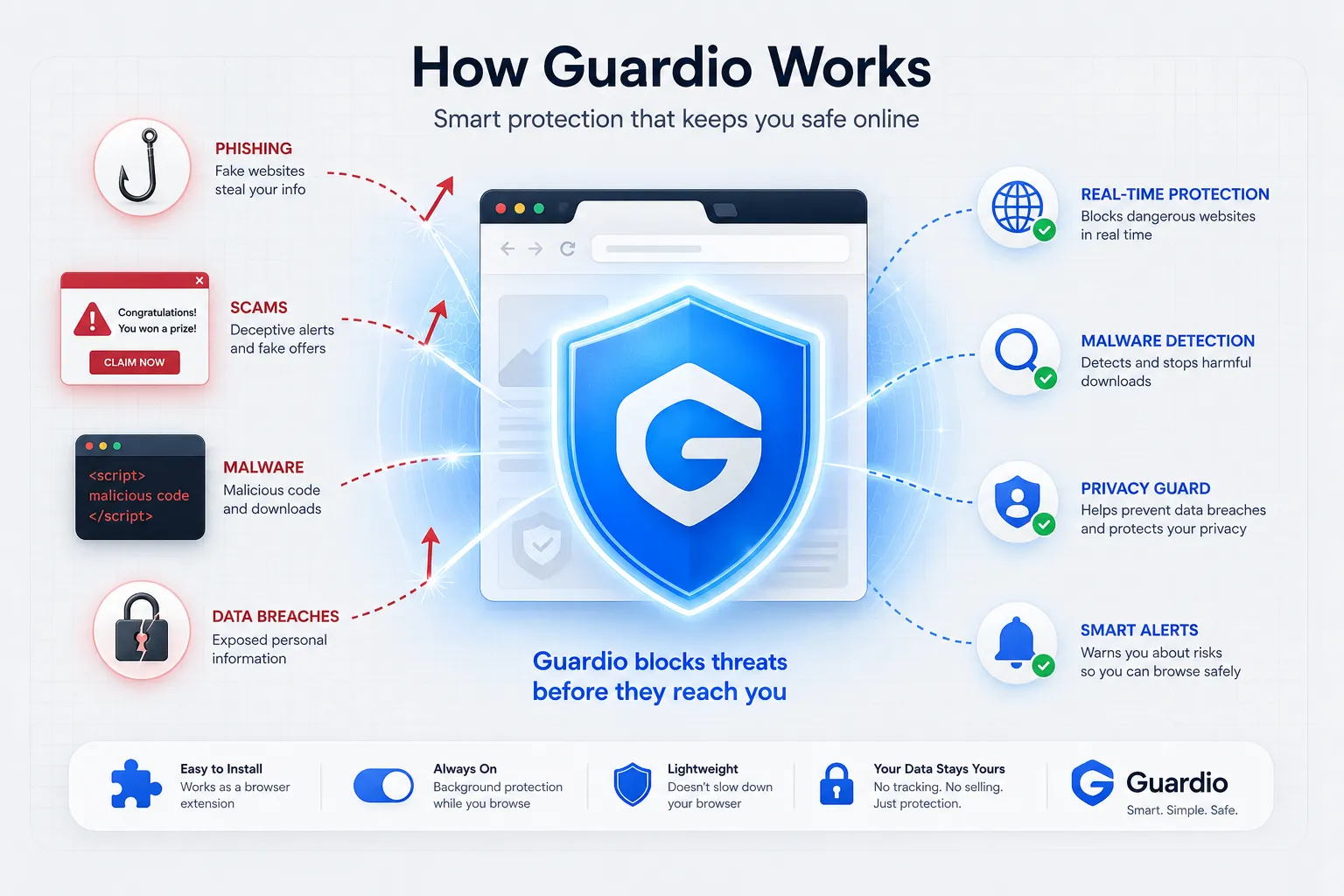
Guardio isn’t a traditional antivirus program. It doesn’t install a background service that scans your entire hard drive or manage a system firewall. Instead, it lives inside your browser as an extension — available for Chrome, Edge, and Firefox — and focuses entirely on the layer where most everyday attacks actually happen: the open web.
The company, founded in Tel Aviv in 2018 by Amos Peled, Daniel Sirota, and Michael Vainshtein, built its detection engine around a fairly simple premise: most people don’t get hacked through some sophisticated network intrusion, they get hacked because they clicked something that looked legitimate. A fake shipping notification. A cloned bank login page. A browser extension that quietly siphons off form data. Guardio’s job is to sit between you and that click, and decide in real time whether what you’re about to load is safe.
In practice, the process looks like this:
- Installation happens through the official browser web store — Guardio doesn’t distribute through side-loaded files, which is itself a basic trust signal.
- Real-time scanning runs continuously and quietly, checking site code, URLs, and scripts as you browse rather than waiting for a scheduled scan.
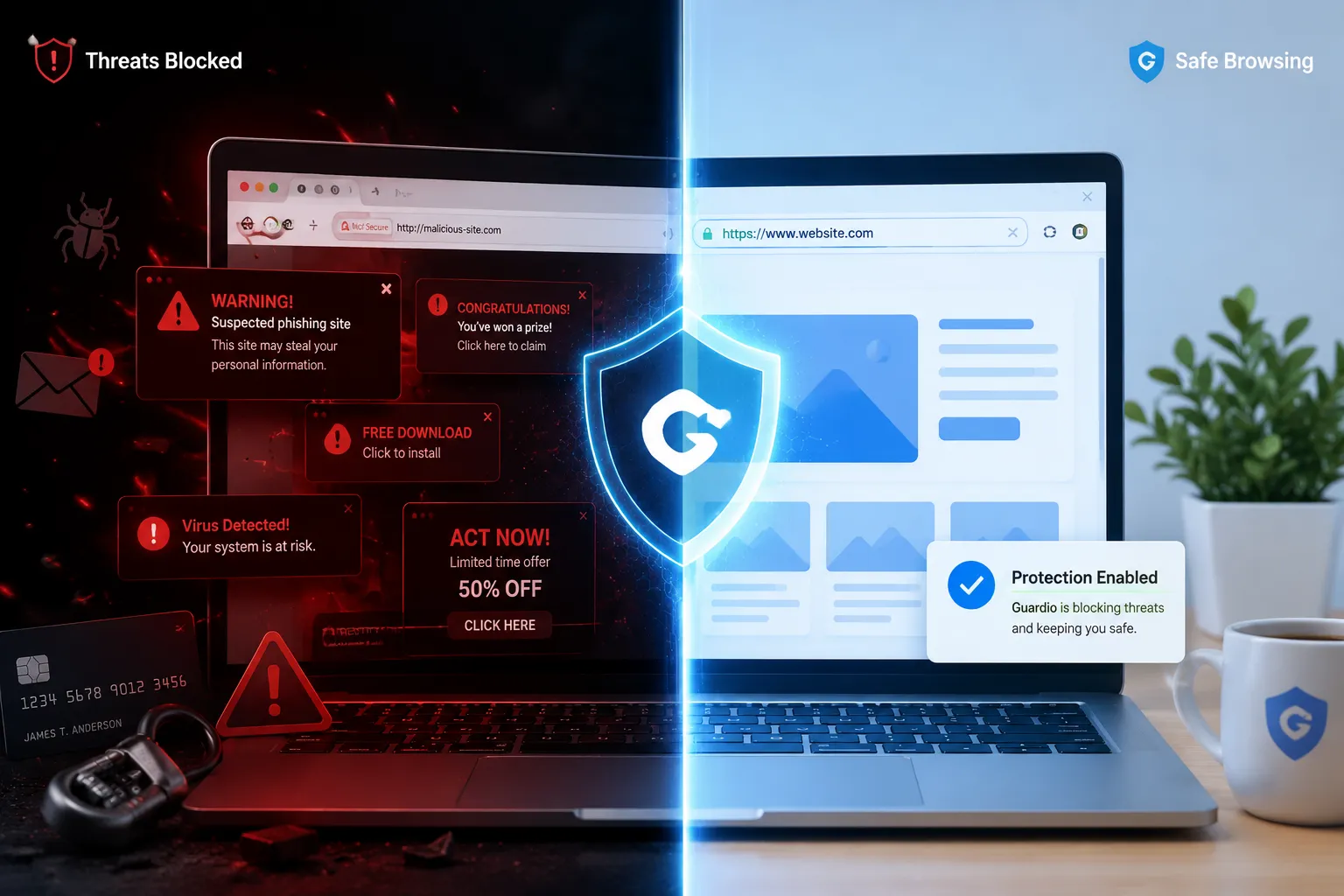
- Threat detection kicks in the moment it flags a phishing site, a malicious download, a tech-support scam popup, or an intrusive notification prompt, blocking it and showing you a warning screen instead.
- Extension auditing happens in the background too — Guardio checks your other installed browser extensions and flags ones that look like they’re harvesting data or injecting unwanted ads.
A decent analogy: a full antivirus suite is the security system for your entire house — locks, alarm, cameras, the works. Guardio is the person standing at your front door checking IDs before anyone gets let in. Useful, focused, and not a substitute for the rest of the house being secured too.
Is Guardio safe to trust with your browser?
Handing any extension access to your browsing activity is a legitimate thing to be careful about, so it’s worth looking past the marketing copy and at the actual track record.
It has real money behind it, from real institutional investors. In November 2025, Guardio closed an $80 million Series B round led by ION Crossover Partners — the same firm behind early bets on companies like Monday.com and Fiverr — with participation from Union Tech Ventures, Vintage Investment Partners, and Emerge. That brings Guardio’s total funding to roughly $127 million since its 2018 founding, following a $47 million Series A in 2021 led by Tiger Global. Venture firms at that level run extensive due diligence before writing checks; a fraudulent or hollow product doesn’t survive that process twice.
The user base and revenue numbers are large enough to matter. By late 2025, Guardio reported around 500,000 paying subscribers and roughly $100 million in annual recurring revenue, on the back of three straight years of triple-digit year-over-year growth. Total user counts (paid and free combined) are reported in the millions. Companies don’t sustain that kind of growth curve on a product that doesn’t work, because churn would gut the numbers fast.
Google has vetted the extension itself. Guardio carries the Chrome Web Store’s “Established Publisher” badge, which Google reserves for developers with a sustained history of following its developer policies rather than getting flagged for shady behavior.
Independent reviewers back up the marketing claims, mostly. Guardio’s Trustpilot score sits at 4.4 out of 5 across more than 13,000 reviews, with the large majority landing in the 4- or 5-star range. Its mobile apps score well too — around 4.8 on the Apple App Store and 4.1 on Google Play. Read enough of the actual reviews and a pattern emerges: people who are less confident navigating the web — older users, people who’ve been burned by a scam before — tend to write the most enthusiastic reviews, because Guardio is specifically built to catch the mistakes that group is more likely to make.
The complaints are consistent too, and worth taking seriously rather than glossing over. A recurring thread in the lower-starred reviews involves difficulty canceling a subscription, being billed after a cancellation request, or slow customer support response times. That’s a real weakness, not a dealbreaker, but it’s the kind of thing you should go in expecting rather than being surprised by.
What you’re actually protected against
Guardio’s value comes down to a handful of overlapping defenses rather than one flashy headline feature. Here’s what each one is actually doing in the background.
- Phishing and scam page blocking. This is the feature Guardio built its reputation on. It checks URLs against a constantly updated database and its own machine-learning models, and independent stress tests have clocked it at a 100% block rate against known phishing pages — a genuinely strong result in a category where most tools land somewhere below that.
- Malicious site and download blocking. Beyond phishing specifically, Guardio flags sites known to host malware or spyware, and intercepts downloads before they land on your machine.
- Dark web breach monitoring. It checks whether your email address shows up in known data breaches, so you find out your credentials were exposed before someone else uses that fact against you.
- Malicious extension detection. Not every browser extension is what it claims to be. Guardio audits the ones you already have installed and warns you about ones behaving like spyware or ad injectors.
- Intrusive notification cleanup. Those browser notification permission prompts that scam sites use to keep pestering you after you’ve left the page — Guardio identifies and blocks the worst offenders.
- Suspicious link screening. When a link shows up in an email or message, Guardio can evaluate where it actually leads before you click through.
Together, these features aren’t trying to be everything. They’re trying to close the specific gap where most everyday scams actually land — the browser tab, not the operating system.
Free vs. Premium: what you’re actually paying for
Guardio’s free tier is best understood as a diagnostic, not a shield. It’ll run an initial scan and show you what’s already wrong, but it won’t intervene the next time you click a bad link. The premium tier is where the always-on protection lives.
| Feature | Free | Premium |
|---|---|---|
| Initial security scan | Yes | Yes |
| Real-time threat blocking | No | Yes |
| Phishing protection | No | Yes |
| Malicious extension removal | No | Yes |
| Data breach alerts | 1 email address | Up to 5 email addresses |
| Live customer support | No | Yes, 24/7 |
| Coverage | 1 user | Up to 5 users |
Whether the premium plan earns its subscription cost really comes down to how you use your browser day to day. If you handle banking, shopping, or anything sensitive online and you’d rather have a bad link stopped before it loads than clean up the aftermath afterward, the ongoing cost is small relative to what a single successful phishing attempt could cost you. Families splitting the five-seat plan across multiple people get even more value per dollar. If you’re a light browser user who mostly sticks to a handful of familiar sites, the free scan alone might be enough peace of mind.
Where it holds up, and where it doesn’t
Strengths worth noting:
- Phishing detection is genuinely best-in-class, not just marketing language — the independent test results back it up.
- Setup takes under a minute and requires zero technical background to use correctly.
- As a lightweight extension rather than a full system scanner, it has minimal impact on browser or computer speed.
- Alerts happen in real time, so you see the block the moment it happens rather than in a weekly report.
- The review volume and scores across Trustpilot, the App Store, and Google Play are consistent enough to trust as a genuine signal, not an inflated one.
Real limitations:
- It is not an antivirus replacement. Guardio doesn’t touch your file system, doesn’t run a firewall, and won’t catch a threat that never passes through the browser.
- The features that matter most — real-time blocking, extension removal — sit behind the paid tier. The free version alone won’t stop an active attack.
- Cancellation and support responsiveness are the most common source of negative reviews, and it’s worth reading a few of those before subscribing so you know what to watch for.
- Protection is scoped to the browser it’s installed in. A threat arriving through a different app on your device won’t be caught.
How it stacks up against a traditional antivirus
The most common point of confusion is whether Guardio can stand in for something like Norton, McAfee, or Bitdefender. It can’t, and it isn’t trying to.
A full antivirus suite is built for system-wide coverage: it scans your files, monitors running programs, and typically includes a firewall watching your whole network connection. Guardio’s job is narrower and more specific — it watches the single entry point where the overwhelming majority of everyday consumer scams actually originate, which is the browser tab itself.
| Feature | Guardio | Traditional antivirus |
|---|---|---|
| Primary focus | Browser security — pages, links, extensions | System-wide — files, programs, network |
| Protection type | Real-time web threat and phishing detection | Malware scanning, firewall, virus removal |
| Installation | Lightweight browser extension | Full software install |
| System impact | Very low | Low to moderate, depending on the suite |
| Scans hard drive | No | Yes |
| Firewall | No | Yes |
The two aren’t competitors so much as different layers of the same stack. Running Guardio alongside a reputable antivirus program gives you both the system-wide coverage and the browser-specific, real-time layer that most antivirus suites handle less aggressively.
Bottom line
Guardio is legitimate. The funding is real and verifiable, the user numbers and growth are backed by outside reporting rather than just company press releases, and the independent review scores hold up under scrutiny rather than falling apart the moment you read past the star rating. It does exactly what it says it does — catch phishing pages, malicious downloads, and sketchy extensions at the browser level, before they become your problem.
It isn’t a full antivirus replacement, and its weakest point by a good margin is the subscription cancellation experience, which shows up often enough in reviews to take seriously. If you spend meaningful time banking, shopping, or handling anything sensitive in your browser, and you want a second, focused layer of defense on top of whatever your antivirus already does, Guardio’s premium tier is a reasonable investment. If you’re mostly curious, running the free scan first will tell you a lot about your current exposure before you decide whether to pay for anything at all.
Frequently Asked Questions
Is Guardio a virus?
No. It’s a legitimate security extension distributed through official browser web stores, built specifically to protect against viruses and other online threats rather than deliver them.
Can Guardio actually be trusted?
Yes, based on the evidence available: a large paying user base, institutional investment from firms that vet their bets carefully, and consistently strong ratings across independent review platforms.
Does Guardio slow down your computer?
Not meaningfully. Because it’s a browser extension rather than a full system scanner, most users won’t notice any difference in browsing speed.
How do I uninstall Guardio?
The same way you’d remove any browser extension. In Chrome or Edge, open the Extensions menu (the puzzle-piece icon in the toolbar), find Guardio in the list, and select Remove.
Is Guardio better than Norton or McAfee?
Neither — they solve different problems. Norton and McAfee protect your whole computer; Guardio protects your browser specifically. Most security-conscious users get more value running one of each than choosing between them.
What are some alternatives to Guardio?
Malwarebytes Browser Guard and Bitdefender TrafficLight cover similar ground. Chrome’s built-in Safe Browsing and Edge’s SmartScreen also provide a baseline layer of the same kind of protection at no extra cost, though third-party tools like Guardio generally go further in catching newer and more targeted scams.
You May Also Like
 Cyber Security
Can Ransomware Infect iCloud? What Mac and iPhone Users Need to Know
 Data Security & Privacy
Two-Factor Authentication (2FA): How It Works, Which Method to Use, and How to Stay Safe
 Data Security & Privacy
Is a Password Manager Safe? How to Use One Securely
 Data Security & Privacy
19 Best Email Service Providers for Personal and Business Use
 WordPress
12 Best Cheap SSL Certificate Providers To Secure Your Website
 Data Security & Privacy
Is Password Protection the Same as Encryption? Differences in Data Security
 Data Security & Privacy
How Your Digital Footprint Can Make or Break Your Career Opportunities
 Data Security & Privacy
What Is End-to-End Encryption? Your Complete Guide to Secure Communication
 Data Security & Privacy