Educational software helps you learn better with technology. Here are 15 top examples of educational software that make learning fun, help you study smarter, and allow teachers to teach in new ways. These tools can assist with homework, offer educational games, and help you create exciting school projects.
Using educational software is more than just reading a textbook or attending a lecture. These tools allow you to interact with your learning, get quick feedback, and learn at your own pace. No matter if you’re in elementary, middle, or high school, there’s software available to improve your learning experience and make it more enjoyable.
What is Educational Software?
Educational software is any program or app made to help you learn. It acts as a digital tool for teachers and makes learning more interactive and fun. Think of it as your digital classroom assistant.
You can use educational software on a school computer, tablet, or even your phone at home. These tools help you practice math, learn a new language, or collaborate with classmates on projects. Educational software varies widely, from simple study apps to full systems that manage online classes.
Key Benefits of Educational Software
Educational software offers many advantages that enhance your learning experience. You can learn in ways that fit your style and at your own pace. These benefits make school more enjoyable for both you and your teachers.
Learning Becomes More Fun
Educational software transforms dull lessons into interactive activities that keep you engaged. Instead of just reading about science or history, you might play games, watch videos, or conduct virtual experiments. These fun elements make learning feel like play, helping you remember information better.
Learning That Fits You
One of the coolest things about educational software is that it can adjust to how you learn best. If you’re having trouble with a math concept, the software might give you extra practice or explain it in a different way. If you’re mastering something quickly, it might offer more challenging material. This personalization means you’re always learning at just the right level for you.
Instant Feedback
With educational software, you get quick feedback on your assignments. Many tools show you what you got right and what needs improvement. This immediate response helps you learn from mistakes and improve faster.
Helps Your Teachers Too
Educational software benefits not just students, but teachers as well. These tools can automatically grade assignments and track progress. This helps teachers spot who needs extra support. With less time on paperwork, they can focus more on helping you and your classmates learn.
Categories of Educational Software
Educational software has many types, each for different needs. The main categories include learning management systems, classroom engagement tools, content creation platforms, assessment software, and administrative solutions. Understanding these categories helps you choose the right tools for learning.
Learning Management Systems (LMS)
Learning Management Systems are online classrooms for teachers to post assignments, share materials, and communicate with you. You likely use an LMS to check homework, submit work, join discussions, and view grades. These systems keep everything organized in one place.
Classroom Engagement Tools
Classroom engagement tools make lessons interactive and fun. They can include apps for voting, educational games, or working together on digital whiteboards. These tools help you participate actively instead of just listening.
Content Creation Software
Content creation software helps you and your teachers design learning materials. You can use these tools to create presentations, videos, podcasts, or digital stories for projects. They let you show what you’ve learned creatively, not just through tests.
Assessment and Analytics Tools
Assessment and analytics tools measure what you’ve learned and track your progress. These include quiz apps, test generators, and programs that analyze your understanding of different topics. The insights from these tools help you and your teachers spot strengths and areas needing more practice.
Administrative Software
Administrative software helps schools run smoothly by managing attendance, schedules, and records. You may not use these tools often, but they work behind the scenes. They keep your school efficient. Your parents might use them to check your grades or communicate with the school.
15 Best Examples of Educational Software
1. Google Classroom
Google Classroom is a free tool that helps you and your teacher manage classwork online. It works with other Google tools, like Docs and Drive, so you can easily complete and turn in assignments.
Key Features:
- Works with Google Docs, Sheets, and Slides
- Let’s you see and turn in assignments
- Helps you communicate with your teacher
- Can be used on phones, tablets, and computers
- Keeps your class work organized
Benefits:
Google Classroom makes it easy to track your assignments and their due dates. You can access your class materials from anywhere with internet. This is helpful when you’re absent or need to study at home. It also helps you go paperless, which is better for the environment.
Best For:
Middle and high school students who want a simple way to manage their classwork.
Try Google Classroom: https://classroom.google.com
2. Kahoot!
Kahoot! turns learning into a fun game you can play in class or at home. Your teacher creates quizzes, and you compete with classmates to answer questions quickly and correctly.
Key Features:
- Game-style quizzes with points and timers.
- Play live in class or solo.
- See how you rank against others.
- Access millions of ready-made games on various topics.
- Works on phones, tablets, and computers.
Benefits:
Kahoot! makes studying for tests enjoyable, not dull. You get instant feedback on your answers, helping you learn faster. The competition keeps you focused and motivates you to remember more.
Best For:
Students who love games and want a fun way to study or review material.
Try Kahoot!: https://kahoot.com
3. Quizlet

Quizlet helps you study with digital flashcards and games. You can make your own study sets or use those from other students and teachers.
Key Features:
- Digital flashcards with images and audio
- Various study modes like matching and testing
- Adapts to what you know and what you need to learn
- Share study sets with classmates
- Mobile app for studying on the go
Benefits:
Quizlet makes studying effective and fun. You can study in short bursts during free time, like on the bus or between classes. Different modes help you learn in various ways, making it easier to remember information.
Best For:
Students need to memorize vocabulary, facts, or concepts for any subject.
Try Quizlet: https://quizlet.com
4. Scratch
Scratch lets you create interactive stories, games, and animations with easy coding blocks. It aims to help young people learn programming in a fun, creative way.
Key Features:
- Colorful coding blocks that fit together
- Customizable characters and backgrounds
- Share your projects with others
- Works on computers and tablets
- Tutorials to help you start
Benefits:
Scratch teaches problem-solving and logical thinking while you create fun projects. You don’t need to know coding to start making games and animations. As you improve, you can tackle more complex projects and help others in the Scratch community.
Best For:
Middle school students wanting to learn coding basics in a creative, visual way.
Try Scratch: https://scratch.mit.edu
5. Blackboard Learn (Anthology)
Blackboard Learn (Anthology) is best online classroom system used by many high schools and colleges. It helps manage your online learning experience.
Key Features:
- Organizes course materials in one place
- Allows online tests and quizzes
- Provides discussion boards for class conversations
- Works on mobile devices
- Tracks grades and progress
Benefits:
Blackboard Learn keeps your online classes organized. You can access lectures, assignments, and resources anytime. This is great for reviewing or catching up if you miss class. It also makes communication with your teacher and classmates easy.
Best For:
High school and college students in online or hybrid classes.
Try Blackboard Learn: https://www.blackboard.com
6. Edmodo
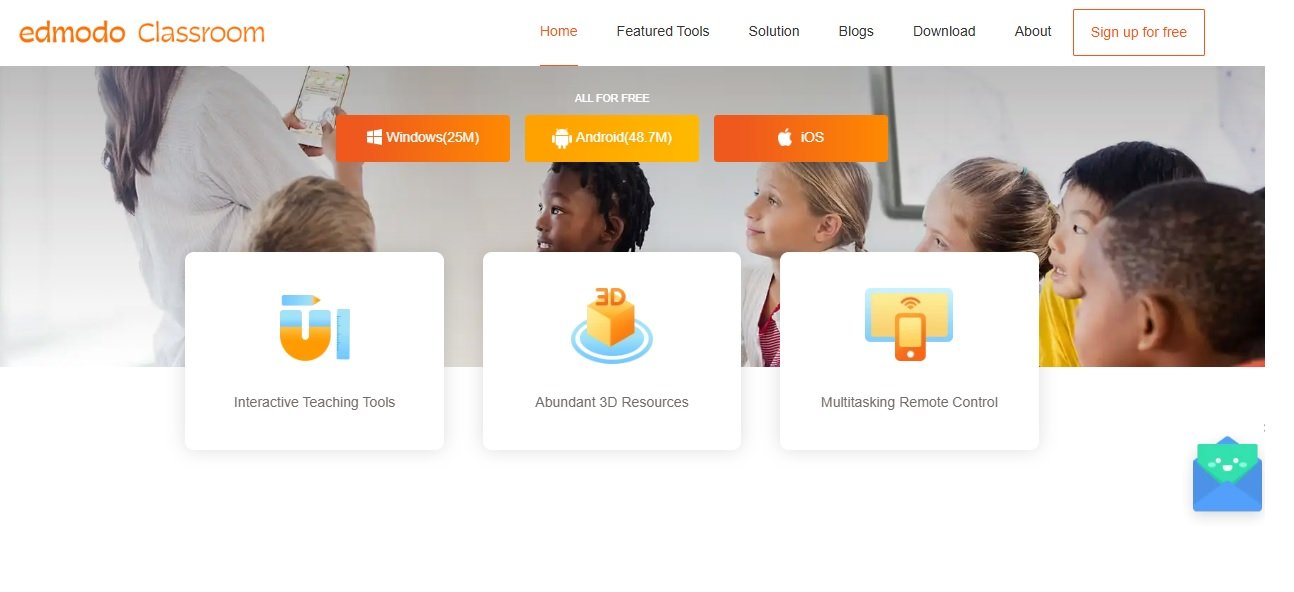
Edmodo is a safe social network for your classroom. It helps you connect with teachers and classmates to share ideas, get help, and work on projects.
Key Features:
- Classroom feed for updates and discussions
- Digital assignment submission
- Displays your grades and feedback
- Join groups for clubs or study sessions
- Mobile app for easy access
Benefits:
Edmodo makes it simple to ask questions and get help outside of class. You can work with classmates on projects and share resources in a secure space. It also keeps you organized by storing all your class information in one spot.
Best For:
Middle and high school students wanting to connect with classmates and teachers online.
Try Edmodo: https://class.101.com/
7. ClassDojo
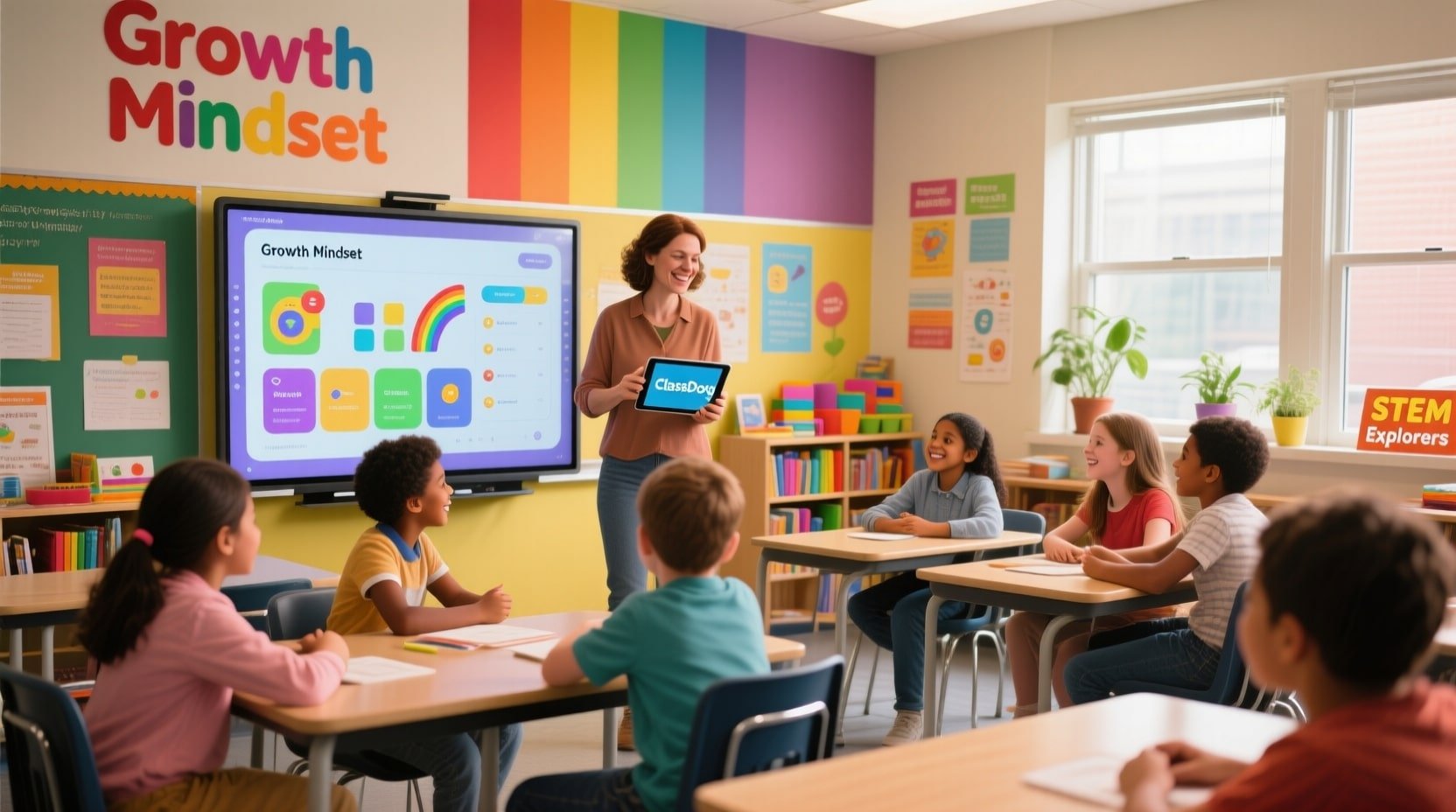
ClassDojo builds a positive classroom community by promoting good behavior and communication. Your teacher can award points for positive actions, and your parents can track your progress.
Key Features:
- Points system for rewarding good behavior
- Teachers can share photos and updates with parents
- Student portfolio to highlight your work
- Messaging between teachers, students, and parents
- Fun characters and animations
Benefits:
ClassDojo fosters a positive classroom where good behavior is celebrated. It keeps your parents connected to classroom activities and lets them celebrate your successes. It also helps you take pride in your work.
Best For:
Elementary and middle school students in classrooms that promote positive communities.
Try ClassDojo: https://www.classdojo.com
8. Wolfram Alpha
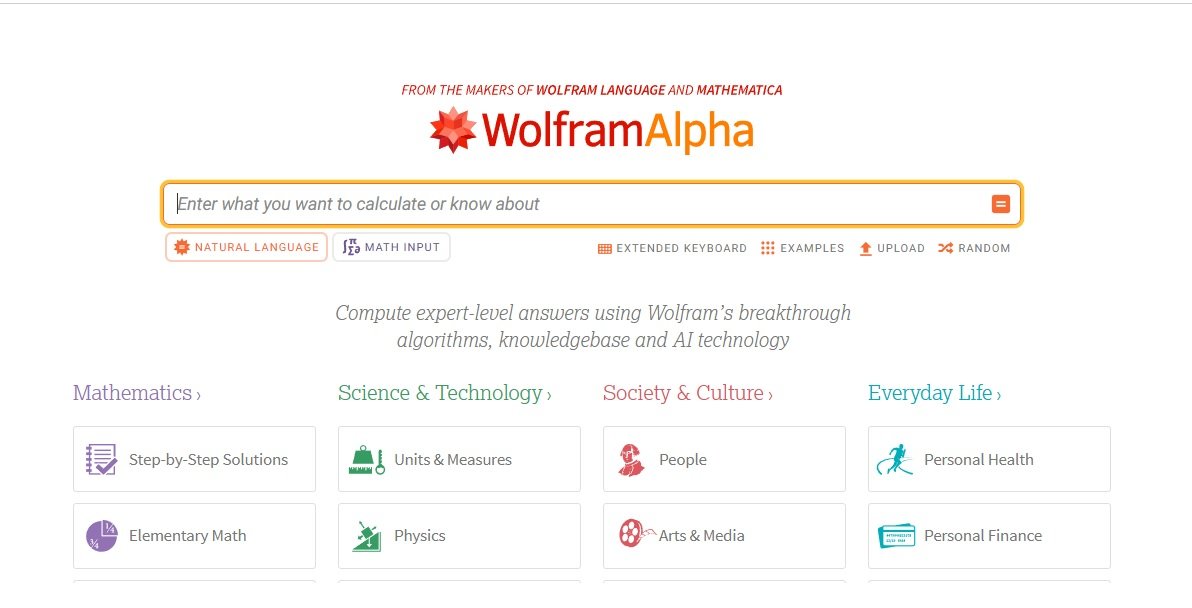
Wolfram Alpha is a smart calculator that answers questions and solves problems in math, science, and more. It not only gives answers but also shows you how to reach them.
Key Features:
- Solves math problems step by step
- Provides info on science and engineering topics
- Creates graphs and visualizations
- Understands everyday language questions
- Works on computers and mobile devices
Benefits:
Wolfram Alpha helps you grasp complex problems by detailing the solution process. It’s perfect for checking homework or getting help with tough problems. The clear explanations help you learn concepts, not just get the right answers.
Best For:
High school students in math, science, or engineering classes.
Try Wolfram Alpha: https://www.wolframalpha.com
9. Quizizz (Wayground)
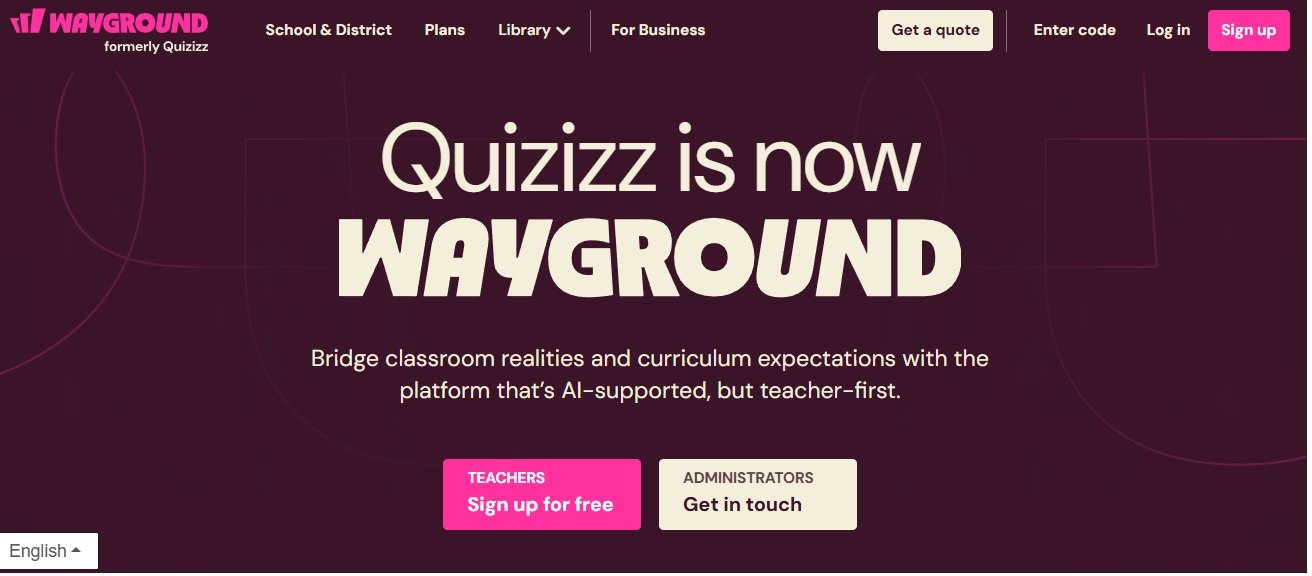
Quizizz (Wayground) lets you take fun quizzes at your own pace, whether in class or at home. You earn points for correct answers and speed. You can also see how you compare to others.
Key Features:
- Self-paced quiz format
- Memes and fun feedback after each question
- Detailed reports on what you got right and wrong
- Can be assigned as homework
- Works on any internet-connected device
Benefits:
Quizizz (Wayground) makes studying for tests less stressful. You can go at your own speed, which eases anxiety if you need more time. The fun memes make learning enjoyable.
Best For:
Students are looking for a low-pressure way to review or study for tests.
Try Quizizz: https://wayground.com/
10. PowerSchool
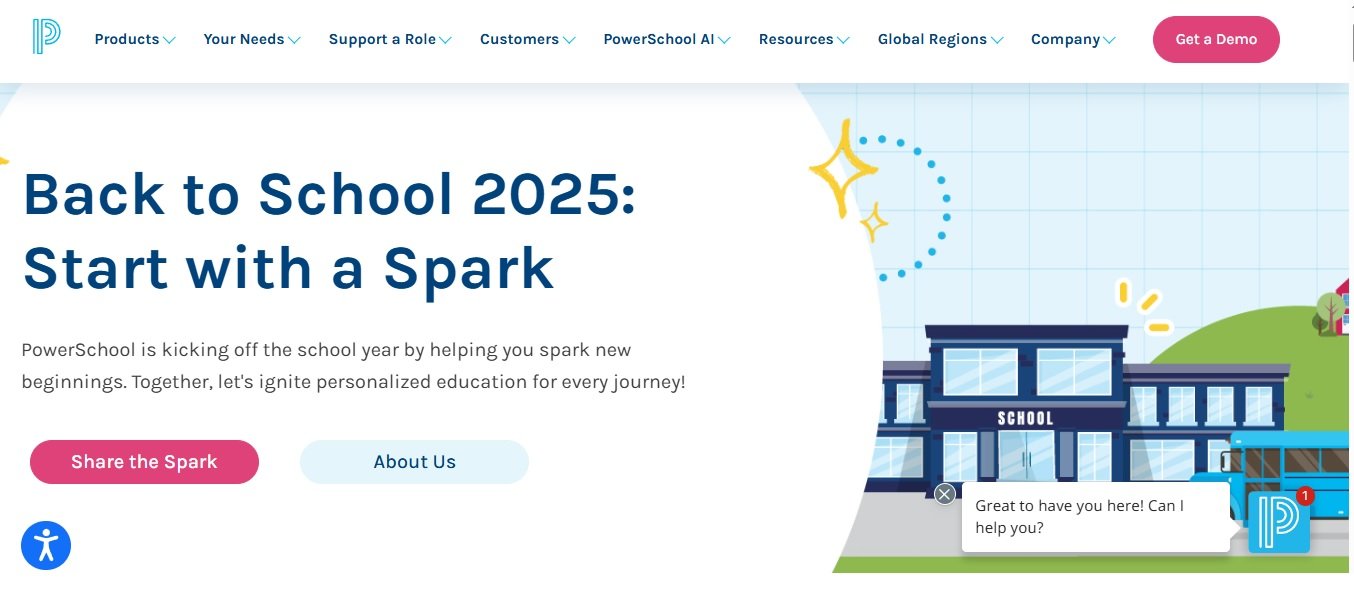
PowerSchool is a system schools use to track student info like grades, attendance, and schedules. You and your parents can log in to check your progress.
Key Features:
- Shows your grades and assignments
- Tracks attendance and tardies
- Displays your class schedule
- Lets parents monitor your progress
- Mobile app for checking on the go
Benefits:
PowerSchool helps you stay updated on your academic progress. You can check your grades anytime, which helps you know where to improve. It also keeps your parents involved in your education.
Best For:
Middle and high school students wanting to track their academic progress.
Try PowerSchool: https://www.powerschool.com
11. Piazza
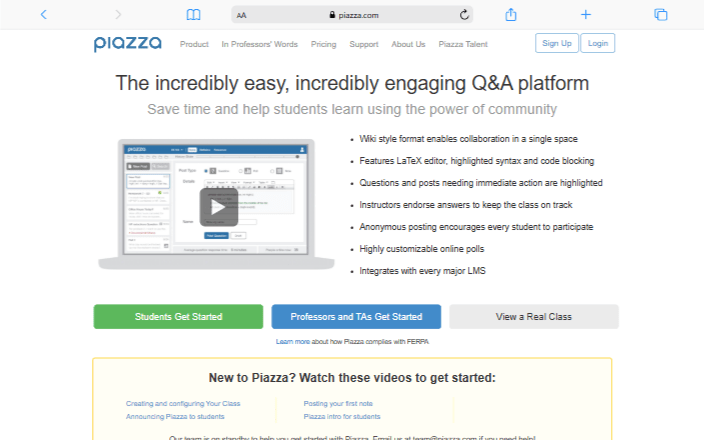
Piazza is a Q&A platform for classes, especially in math and science. You can ask questions, and classmates or teachers can help answer them.
Key Features:
- Organized Q&A format by topic
- Anonymous posting option for shy users
- Instructors can endorse the best answers
- Integrates with learning management systems
- Mobile apps for asking questions anywhere
Benefits:
Piazza makes it easy to get help with homework or studying. You learn from classmates’ questions and see how they solve problems. The anonymous option lets you ask without feeling embarrassed.
Best For:
High school and college students needing extra help in challenging classes.
Try Piazza: https://piazza.com
12. MagicSchool
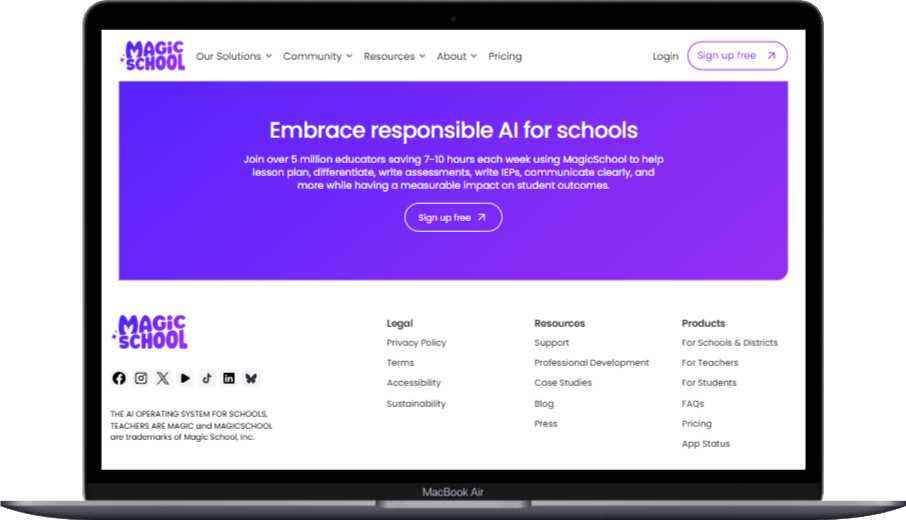
MagicSchool is an AI tool that helps teachers create lessons and assignments. While it’s mainly for teachers, it provides you with more engaging and personalized learning materials.
Key Features:
- Helps teachers create lesson plans
- Generates worksheets and activities
- Adapts materials for different learning levels
- Aids teacher-parent communication
- Saves teachers’ time on prep
Benefits:
MagicSchool helps your teachers create better lessons. With this tool, they can focus more on helping you during class. The materials can suit your learning style.
Best For:
Students whose teachers use AI tools for effective learning materials.
Try MagicSchool: https://www.magicschool.ai
13. Diffit
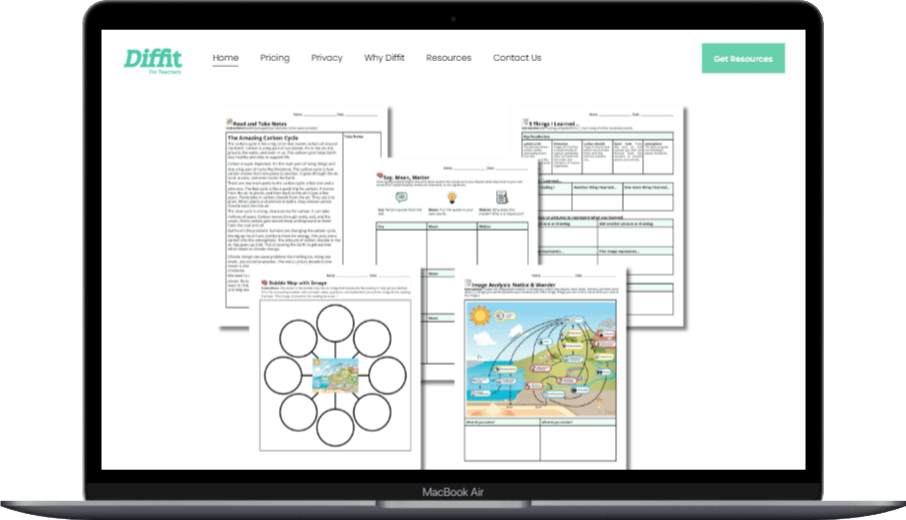
Diffit helps teachers create reading materials at various levels. Everyone in your class can read about the same topic, but at their own level.
Key Features:
- Creates reading materials of different difficulties
- Generates vocabulary lists and questions
- Can translate materials into different languages
- Works with texts that teachers provide or find
- Exports to easy-to-use formats
Benefits:
Diffit ensures reading assignments match your skill level. You can learn the same content as classmates, but in a way that’s easier for you. This makes learning more accessible.
Best For:
Students in classes with varying reading levels.
Try Diffit: https://web.diffit.me
14. Eduaide
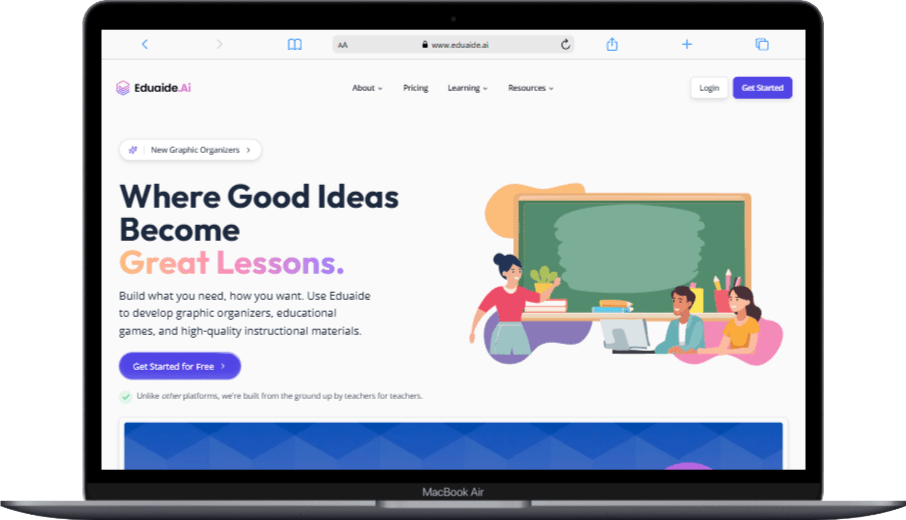
Eduaide is another AI tool that helps teachers create diverse teaching materials. It can make everything from class activities to grading rubrics.
Key Features:
- Creates various classroom activities
- Generates rubrics and assessment tools
- Helps create icebreakers and discussion prompts
- Produces parent communication templates
- Customizes output for different needs
Benefits:
Eduaide allows teachers to create varied activities for class. When teachers use this tool, you experience different learning types, keeping class engaging. It also helps with fair grading.
Best For:
Students who benefit from diverse activities and clear grading expectations.
Try Eduaide: https://eduaide.ai
15. Duolingo
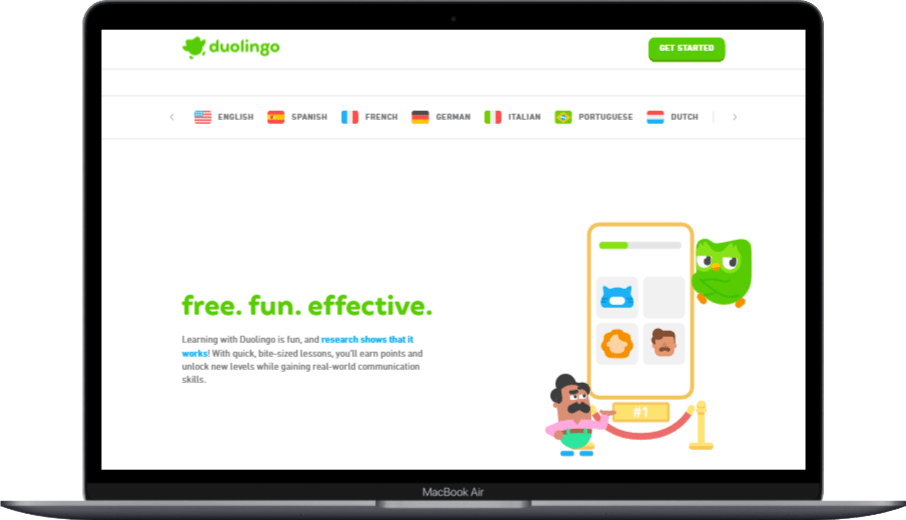
Duolingo is a fun app for learning languages like Spanish, French, or Japanese. You do short, game-like lessons to practice speaking, reading, and writing. With 500 million users, it uses rewards like points and streaks to keep you motivated. It’s great for beginners or anyone wanting to improve language skills.
Key Features:
- Short, 5-minute lessons.
- Speech practice for pronunciation.
- Daily streak tracking.
- Fun games and rewards.
- Over 40 languages to choose from.
- Offline lessons with premium plan.
Benefits:
- Makes language learning enjoyable.
- Improves memory by 30% with games.
- Free version is great for beginners.
- Helps you practice daily.
Best For: You, if you’re learning a new language for school or fun.
How to Choose the Right Educational Software
Choosing the right educational software depends on your needs and learning style. With so many options, think about which features would help you the most.
Think About What You Need
Before trying new software, ask yourself what you want to improve. Do you need help studying for tests? Want to make presentations more engaging? Struggling to organize your assignments? Knowing your needs helps you pick the right tool.
Consider Your Devices
Ensure the software works on your devices. Some programs are best on computers, while others fit tablets or phones. Check if you need internet access or if it works offline.
Look for Easy-to-Use Tools
The best educational software is simple to use. Find programs with clear instructions and straightforward designs. If a tool is too complex, you might spend more time figuring it out than learning.
Check if It’s Free or Costs Money
Many educational software options are free, but some charge fees. Before getting excited, check if you can afford it or if your school offers access. If there’s a cost, see if a free version with fewer features might still help.
Ask for Recommendations
Your teachers, classmates, and friends might know great educational software. Ask them which tools they find useful and why. Personal recommendations can guide you to the best options.
Future Trends in Educational Software
Educational software keeps improving as technology advances. Here are trends that might shape your learning in the future.
Smarter AI Helpers
Future software will have smarter AI that adapts to your learning style. These tools will notice when you’re struggling and offer tailored help. They might even predict challenges before you face them.
Virtual and Augmented Reality
Imagine visiting ancient Rome or exploring the human body without leaving your classroom. Virtual and augmented reality will make learning immersive and hands-on. These technologies let you experience things that aren’t possible in a regular classroom.
More Focus on Feelings and Social Skills
Future software will focus more on your emotions and social growth. These tools will help you build skills like understanding feelings, teamwork, and stress management. Learning isn’t just about facts—it’s about becoming a well-rounded person.
Better Data to Help You Learn
Educational software will gather more data about your learning. This information will help you understand your patterns and suggest the best study methods. It’s like having a personal learning coach that knows how you learn best.
FAQ About Educational Software
Is educational software as good as learning from a teacher?
No, educational software helps teachers, but doesn’t replace them. The best learning happens when teachers use technology to enhance lessons. Software offers practice and feedback, but teachers provide guidance and personal connections.
Can educational software really make learning more fun?
Yes, many tools use games, interactive elements, and creative challenges to make learning enjoyable. When you’re engaged, you’re more likely to remember what you learn and develop a positive attitude.
Do I need to be good with technology to use educational software?
No, most educational software is designed to be user-friendly, even for non-tech experts. They usually have simple interfaces, clear instructions, and helpful tutorials to get you started quickly.
Can educational software help me if I’m struggling in a subject?
Yes, many tools are designed for students needing extra support. These programs explain concepts in different ways, offer additional practice, and provide immediate feedback to help you improve.
Is educational software only for certain subjects?
No, there’s software for almost every subject, from math and science to art, music, and physical education. Whatever you’re studying, there’s likely a digital tool that can enhance your learning experience.
Can I use educational software on my phone?
Yes, many educational software options have mobile apps or work well in phone browsers. This means you can learn and study anywhere, anytime—on the bus, at home, or waiting for practice to start.
Does using educational software mean I’ll have less homework?
Not necessarily, but educational software can make your homework more interesting and effective. You might spend the same amount of time on assignments, but you’ll likely learn more and feel less frustrated when using good digital tools.
Can educational software help me prepare for tests?
Yes, many educational software tools are specifically designed to help you study and prepare for tests. These programs can create practice questions, track what you know, and focus your studying on the areas where you need the most help.
Conclusion
Educational software opens up fun ways to learn, study, and show what you know. The 15 examples we covered can help you grasp subjects better, stay organized, and enjoy your learning experience. These tools are most effective when used as part of your learning strategy, not as a replacement for paying attention in class or doing your homework.
As technology continues to improve, educational software will become even more personalized, interactive, and helpful for your learning journey. The key is to find the tools that work best for how you learn and the subjects you’re studying. Don’t be afraid to try different options and ask your teachers for recommendations.
Educational software is just one tool in your learning toolbox. Successful students blend technology with strong study habits, active class participation, and a readiness to ask for help. By using these digital tools wisely, you can take charge of your learning and achieve more in school and beyond.
You May Also Like
 Best Software
Top 10 Free & Open Source Inventory Management Software in 2026
 Best Software
10 Best Inventory Control Software for Small Business in 2026
 Best Software
12 Best AI Chatbot Software To Increase Your Conversions In 2026
 Best Software
23 Best Free Avatar Creator Sites Online To Create Your Own Avatars
 SaaS
SaaS11 Best VoIP Call Center Solutions for Small Business 2026 (Comparison Guide)
 Best Software
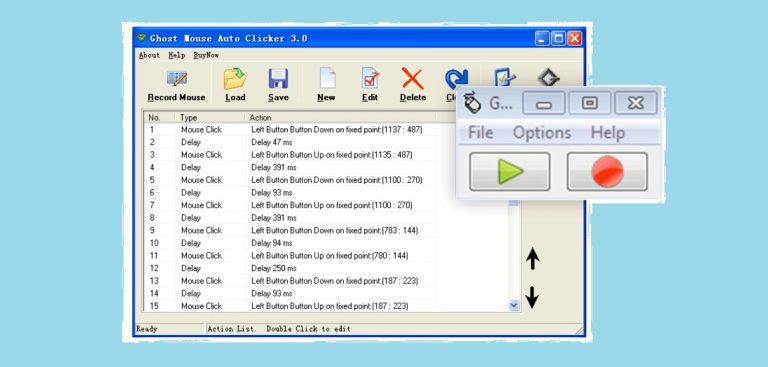
6 Best Software to Record Mouse and Keyboard Actions and Automate Repetitive Tasks
 Best Software
Jira vs Hive: Which Project Management Tool is Right for Your Team?
 Best Software
8 Best Free Registry Cleaners Tools to Clean Junk and Registry on Windows PC
 Best Software


