Do you ever finish a round of keyword research, look at a spreadsheet with 600 terms staring back at you, and think — now what?
That’s exactly where I found myself not too long ago. I had the keywords. I had the data. But I had no clear way to turn that pile of loosely related search terms into a content plan I could actually execute. Every time I tried to map topics manually, I’d spend hours second-guessing myself — grouping, un-grouping, re-grouping — and still end up with articles that competed against each other in Google instead of reinforcing one another.
That’s when I started seriously testing keyword clustering tools. And honestly? Learning how to build proper keyword clusters before writing a single word changed my content strategy more than almost anything else I’ve tried.
After testing everything I could find — free tools, paid platforms, standalone keyword grouping tools, and full SEO suites — I’ve put together this guide covering the 11 best keyword clustering tools available right now. Whether you want the best free keyword clustering tool to get started with no budget, or a professional-grade keyword grouping tool for large-scale campaigns, you’ll find exactly what you need here.
Let’s get into the full breakdown…
What Is Keyword Clustering — And Why Should You Care?
Keyword clustering — also called keyword grouping — is the process of organizing related search terms into logical topic groups based on shared search intent. Instead of treating every keyword like its own standalone article idea, you identify natural “families” of keywords that users are searching for when they want the same type of information, even if they phrase it completely differently.
Here’s a concrete example. Say you’re writing about dog training. “Dog training tips,” “how to train a dog at home,” and “beginner dog training techniques” are three different phrases — but someone Googling any of those wants the same type of content. A keyword grouping tool identifies that automatically and puts those three into the same keyword cluster. You write one strong, comprehensive article. One page, multiple rankings, far less wasted effort.
Here’s why getting this right matters so much for your actual results:
- You build topical authority. When your content covers a cluster of related keywords from multiple angles, Google doesn’t just evaluate a single page — it evaluates whether your site genuinely understands the topic. Proper keyword clusters signal expertise, and expertise gets rewarded.
- You stop cannibalizing your own content. I’ve audited sites where three separate blog posts all targeted variations of the same query — and every single one sat on page 3. The pages were fighting each other for the same ranking signal instead of working together. Clustering prevents this entirely, because you can see which keywords belong on the same page before you ever start writing.
- Content planning becomes obvious. When your keywords are sorted into clusters, your editorial calendar practically maps itself. You can see which topics need a pillar page, which need supporting articles, and which can be combined into one piece.
- Your internal linking becomes strategic. Pages within the same keyword cluster are natural linking partners. Connecting them passes authority between related content and helps Google understand your site’s structure.
- You uncover gaps you didn’t know existed. Going through a clustered keyword list almost always surfaces long-tail opportunities — specific questions, subtopics, or supporting keywords — that you’d never have spotted manually. Those tend to be the easiest rankings to pick up.
Keyword clustering moves you from just targeting keywords to strategically owning topics. That’s the difference between a site that plateaus and one that compounds.
How I Evaluated These Keyword Grouping Tools
I want to be upfront about how I chose these tools. I didn’t base this on marketing materials or screenshot demos — I tested each one on real projects: client sites across different niches, my own content properties, and dedicated test campaigns built specifically to compare results side by side.
Here’s what I looked at for every tool:
- Clustering accuracy. Does the output actually make sense at the SERP level? I ran the same keyword lists through multiple tools and checked the clusters against manual Google research to spot grouping mistakes.
- Clustering method. SERP-based tools check real Google results — the most reliable signal available. NLP tools use semantic understanding. Pattern-based tools just match shared words. I weighted the first two heavily over the third.
- Ease of use. How long does it take from uploading a keyword list to having actionable clusters? I noted every point where I got confused or had to look something up.
- Speed. For lists of 500+ keywords, how long does processing take? Slow tools break workflow momentum in a real way.
- Coverage rate. What percentage of uploaded keywords actually get assigned to a cluster? A high “unclustered” pile means more manual work on your end.
- Export and workflow options. Can you get results into a usable format — CSV, Excel, Google Sheets — and does the tool connect to anything downstream like content briefs or a writing editor?
- Value for money. I considered total ROI, not just sticker price. A tool that costs more but saves 8 hours a week is almost always the smarter buy.
The 11 Best Keyword Clustering Tools
1. LowFruits
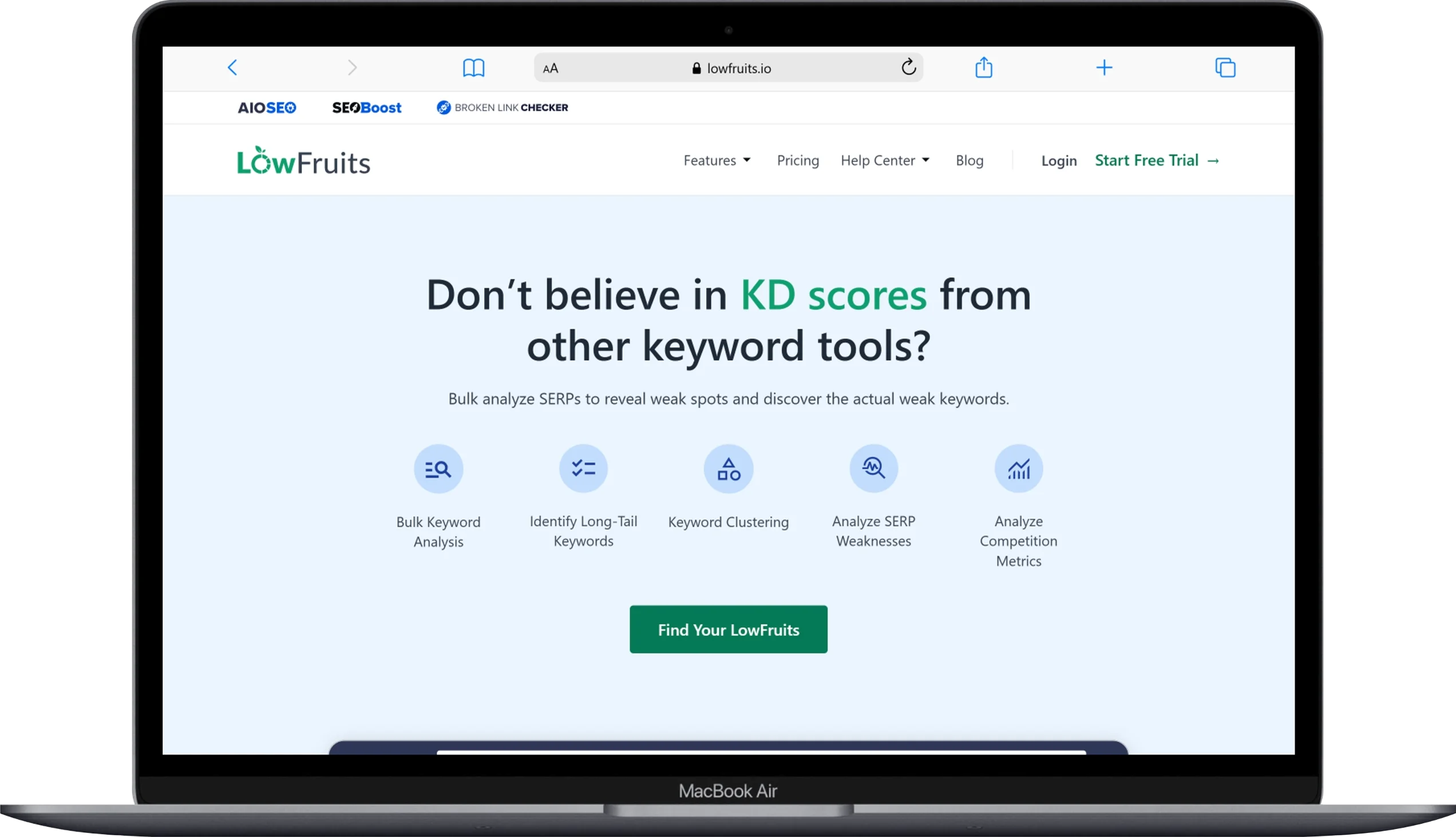
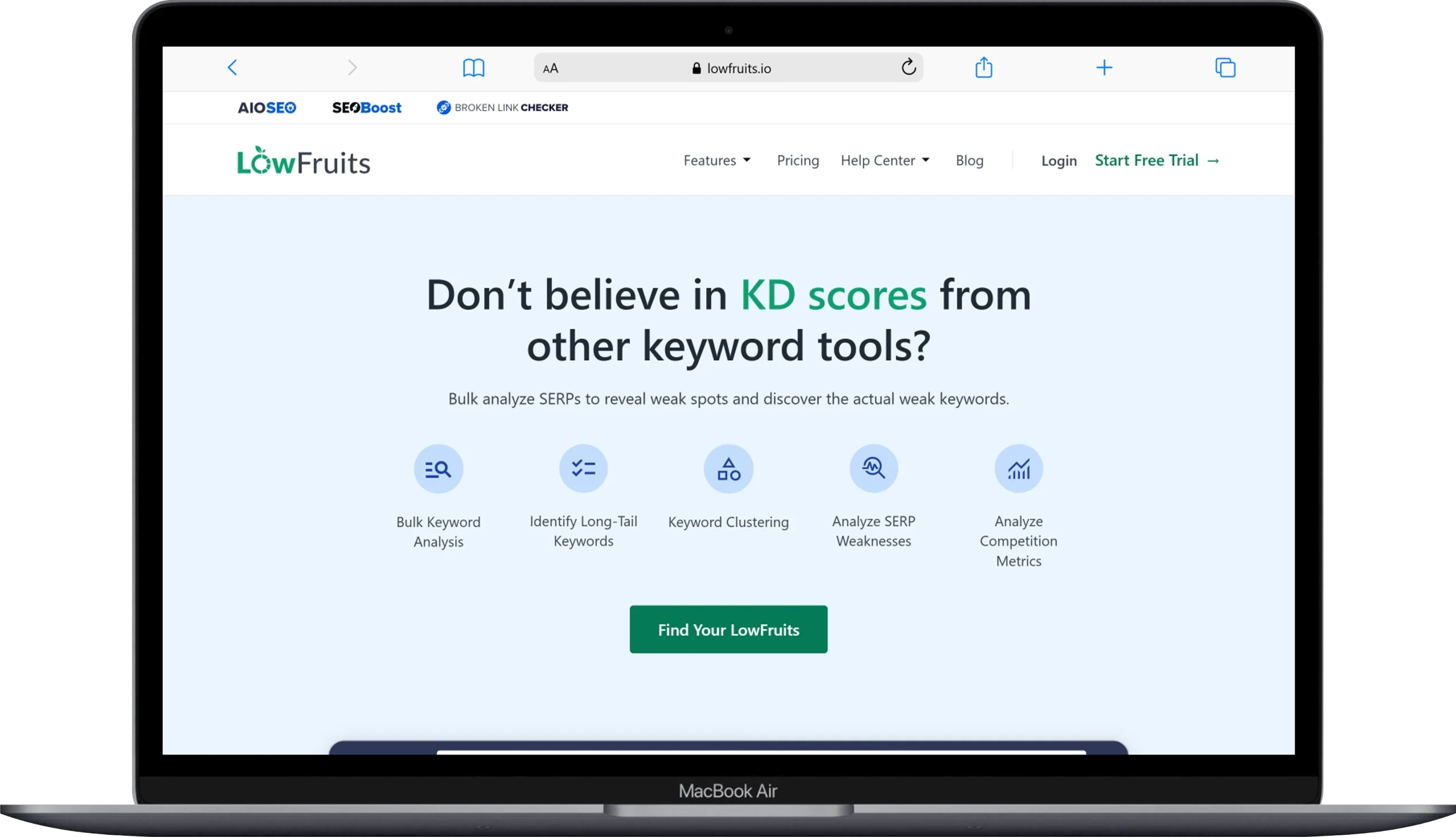
LowFruits is my go-to when I need to find keyword clusters that a site can realistically rank for — not just theoretically attractive ones.
You probably know LowFruits for its ability to sniff out “low-hanging fruit” keywords: search terms where the top 10 results include weak, low-authority pages that a newer or smaller site can actually beat. What many people miss is that it automatically clusters those keywords too, turning competitive intelligence directly into a structured content plan.
Here’s how I use it. I start by dropping a seed keyword into the KWFinder tool. LowFruits pulls long-tail keyword ideas directly from Google Autocomplete — real searches, not generated suggestions — and then analyzes the SERPs automatically using its Extract feature. From there, it clusters everything by search intent (SERP clustering) or semantic similarity. I almost always go with SERP clustering because it groups keywords based on actual Google behavior, not word patterns.
The cluster dashboard is where this tool really shines. For each keyword cluster, you can immediately see how many “weak spot” keywords exist inside it (competitors with low domain authority ranking in the top 10), the lowest competitor DA in the group, and the total search volume for the cluster. That combination lets me prioritize which clusters to target first without running a separate competitive analysis.
I recently used LowFruits with a client running a home improvement blog. We plugged in “bathroom remodel” as a seed keyword and had eight distinct keyword clusters in front of us within minutes — each one showing where weak competitors were ranking. We built content around the three clusters with the weakest spots. Within about three months, two of those articles had hit page 1 for their primary cluster keywords. That’s the kind of result proper keyword cluster strategy produces.
One honest caveat: LowFruits is not a bulk clustering tool for enormous pre-existing keyword lists. If you’ve exported 10,000 keywords from another tool and just want them grouped, Keyword Insights Pro or Keyword Cupid will handle that better. LowFruits’ real strength is discovery — finding and clustering opportunities simultaneously.
Key Features:
- SERP-based and semantic keyword clustering
- KWFinder for long-tail discovery from Google Autocomplete
- Weak spot detection (flags low-DA competitors in the top 10)
- SERP difficulty score per keyword (scale of 1–3)
- Cluster dashboard showing volume, weak spots, and lowest competitor DA
- Domain Explorer with 150,000+ low-authority website database
- Keyword rank tracker (subscription plans only)
- Import your own keyword lists for SERP analysis
Pricing:
- Standard: $29.90/month (or $20.75/month billed annually)
- Premium: $79.90/month
- Pay-as-you-go: $25 for 2,000 credits
Pros:
- Unbeatable for finding low-competition keyword clusters fast
- Saves hours in content ideation and competitive prioritization
- SERP difficulty scores make prioritization straightforward
- Clean, intuitive interface with almost no learning curve
- PAYG option lets you use it without a monthly commitment
Cons:
- Not designed for bulk clustering of large external keyword lists
- Discovery is limited to Google data
- Rank tracker and Domain Explorer require a subscription, not available on PAYG
Best for: New sites, niche bloggers, small businesses, and anyone who wants to find keyword clusters and evaluate competition in one workflow.
2. Keyword Insights Pro
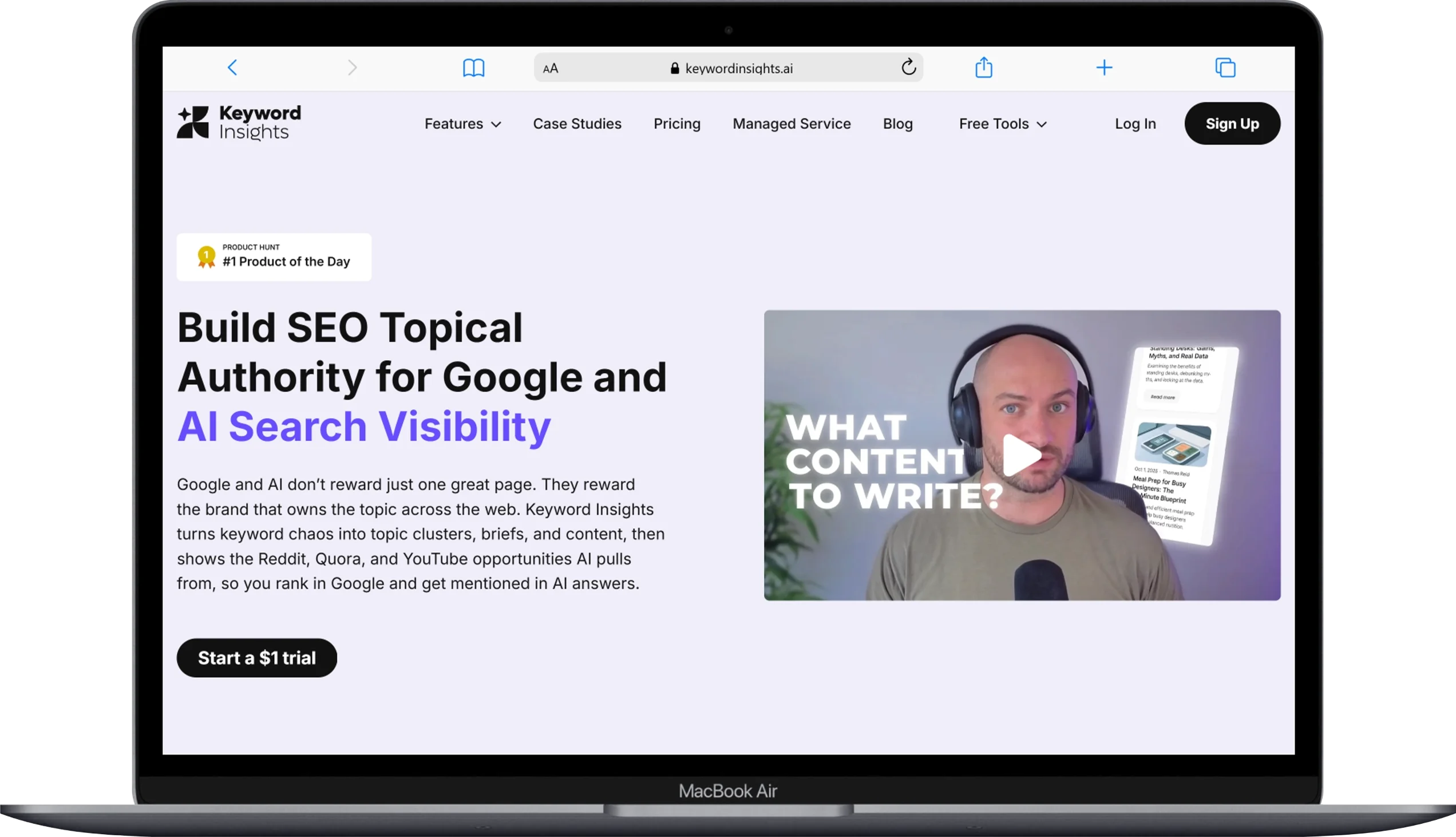
If you want the most accurate keyword clustering available — and a workflow that carries you from clusters all the way through to content briefs — Keyword Insights Pro is the one to beat.
In independent testing across 16 different tools, Keyword Insights Pro scored 95 out of 100 — the highest result recorded. That comes from its combination of real-time SERP data with NLP analysis. The tool checks live Google results for every keyword you upload, compares URL overlap across queries, and builds your keyword clusters from actual ranking patterns — not word matching, not assumptions. Real data.
What makes it stand out beyond just accuracy is everything the platform does after clustering. Once your keyword clusters are ready, it helps you identify which clusters to prioritize, generate full content briefs, spot cannibalization issues in existing content, and map every cluster to a funnel stage — top of funnel, middle of funnel, or bottom of funnel. That last feature is genuinely useful when you’re planning content for an entire site, not just individual articles.
The intent mismatch filter is one of my favorite additions. It flags clusters where the dominant search intent doesn’t match what your existing ranking page is actually doing. For example, if the top results for a cluster are all informational blog posts but you have a product page ranking there, it surfaces that conflict automatically. Finding that kind of issue manually would take hours.
My typical workflow: I gather keywords from Google Search Console, a keyword research tool, or a competitor gap analysis — paste the full list into Keyword Insights, set my country and language, and run the report. Depending on list size, clean clusters come back in anywhere from a few minutes to about 20 minutes for very large lists. Results export directly to a Google Sheet or CSV that drops straight into a content calendar.
The $1 trial for 7 days gives you full access to everything. I always recommend running an actual keyword list through it during the trial period — the accuracy difference versus free tools becomes clear very quickly.
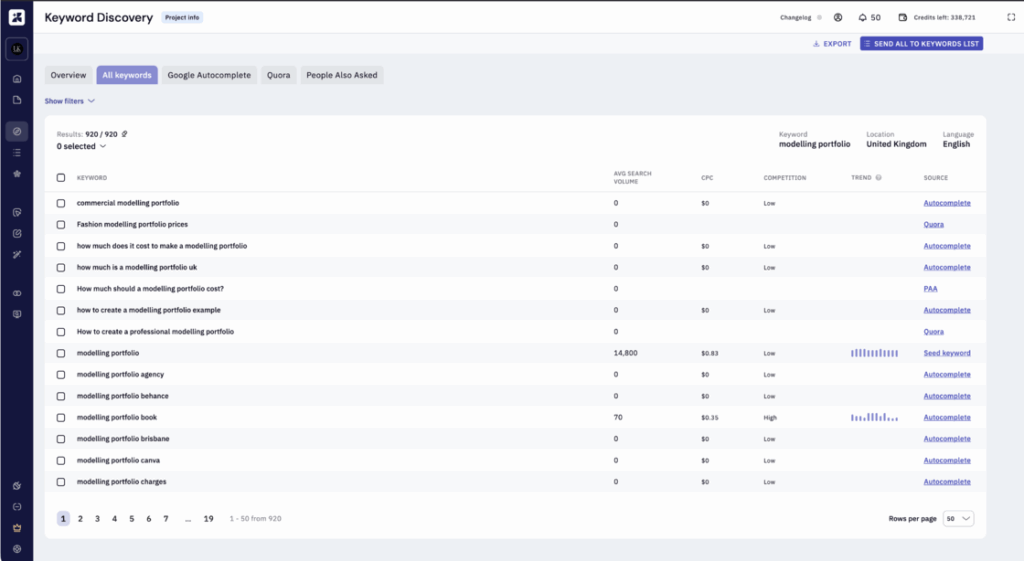
Key Features:
- SERP-based clustering with NLP enhancement
- 123 language and location support
- Automatic irrelevant cluster detection
- User journey / funnel stage mapping (TOFU/MOFU/BOFU)
- Intent mismatch filter
- Google Search Console integration
- Content brief generation
- Keyword cannibalization detection
- 40+ export data points (CSV, Excel, Google Sheets, Markdown)
- Competitor topic heatmaps
Pricing:
- $1 trial for 7 days (full access to all features)
- Basic: $58/month (10,000 credits)
- Professional: $99/month (20,000 credits)
- 20% discount on annual billing
Pros:
- Highest clustering accuracy of any tool I’ve tested
- Full workflow from cluster to brief to published content
- Intent mismatch detection and cannibalization alerts built in
- Actively developed — ships major updates consistently
- Credit-based pricing scales with actual usage
Cons:
- Processing larger lists takes longer than pattern-based tools
- Real learning curve — takes a few sessions to understand all the features
- Can get expensive at very high keyword volumes
Best for: SEO professionals, content agencies, and in-house SEO teams who need precision clustering with a complete end-to-end content workflow.
3. Surfer SEO

Surfer is where I go when the goal isn’t just to cluster keywords — it’s to build out an entire topic structure and then write against it, all inside the same platform.
Most keyword clustering tools hand you a grouped list and leave you to figure out the next steps. Surfer does something different. Its Topical Map feature takes a core pillar keyword, analyzes the SERPs around it, identifies all the semantically connected subtopics your content library needs to cover, and organizes everything into a visual content blueprint. Then — and this is the part that makes the workflow genuinely efficient — it connects each cluster directly to the Content Editor, where you actually write and optimize the article with real-time SEO scoring.
Here’s how I typically use it for a new client engagement. I input the broad core topic we’re trying to own — say, “email marketing for small business.” Surfer’s Topical Map analyzes the search landscape and comes back with a set of interconnected keyword clusters: things like “email marketing strategies,” “email list building,” “best email marketing tools,” “email automation for beginners,” and so on. Each cluster gets its own suggested article title. Each article links back to the main pillar. The entire content architecture for that topic drops into place in one step.
What Surfer does better than any other tool I’ve used is the handoff from keyword cluster to actual content creation. You don’t have to export anything or switch platforms. You click into a cluster, open the Content Editor, and start writing with NLP keyword recommendations, competitor structure analysis, and a real-time content score tracking whether your article is hitting the signals it needs to rank. For teams that produce a high volume of content, that seamlessness alone is worth a significant amount of time saved per article.
The honest trade-off is that Surfer isn’t a great tool if you already have a large existing keyword list you want clustered. It’s built around discovery and content creation, not bulk clustering of imports. If that’s what you need, Keyword Insights Pro or KeyClusters will serve you better.
Key Features:
- Topical Map for pillar and cluster content architecture
- Real-time Content Editor with NLP keyword recommendations
- Content score system based on 500+ on-page signals
- Competitor SERP analysis integrated into content creation
- Pillar page and spoke article identification
- Google Docs integration
- Unlimited keyword research on all plans
Pricing:
- Start: $59/month (billed annually: $49/month)
- Advanced: $179/month (billed annually: $149/month)
- Max: $299/month (billed annually: $249/month)
Pros:
- Direct pathway from keyword cluster to written, optimized content
- Topical Map makes full content architecture planning fast
- Real-time content scoring removes the guesswork from optimization
- Seamless integration between clustering, planning, and writing
Cons:
- Not ideal for bulk clustering of large pre-existing keyword lists
- Higher price point can be hard to justify for solo bloggers with low publishing frequency
- The volume of data and recommendations can feel heavy for beginners
Best for: Content teams and SEO-focused writers who want a platform that handles the full journey from keyword cluster to published article in one place.
4. Semrush Keyword Strategy Builder
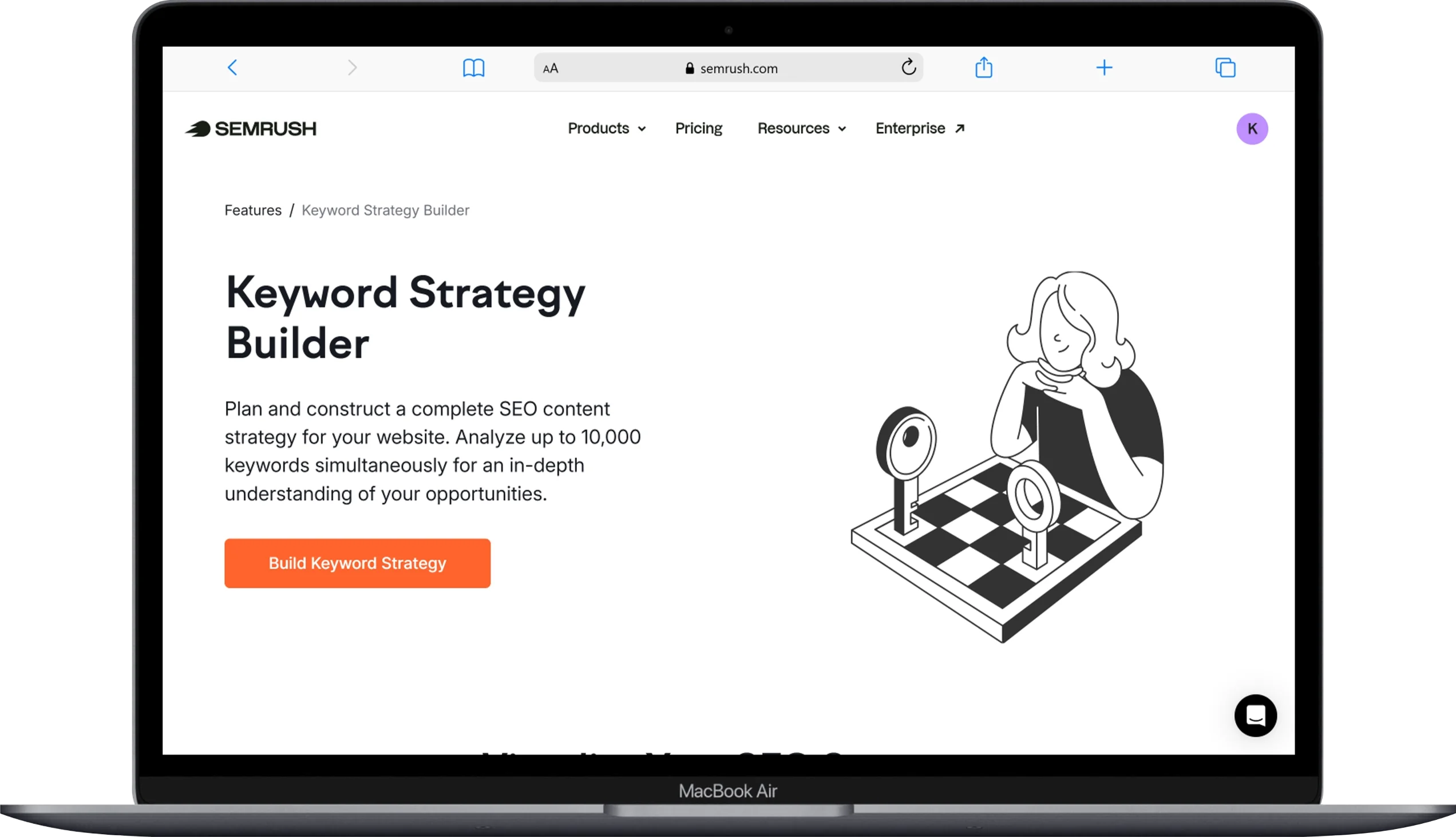
I’ve been using Semrush since early in my SEO career, and the Keyword Strategy Builder is one of the most underused features in the entire platform.
For keyword clustering, the Strategy Builder works like this: you enter one to five seed keywords, and the tool generates a full structured content roadmap — pages, keyword clusters, intent labels, search volumes, and keyword difficulty scores — all organized around those seeds. In a real test I ran recently, one seed keyword generated 25 unique suggested pages with over 700 clustered keywords attached to them. It took about 15 seconds.
Now, you do need to refine the output. Semrush casts a wide net, and not every suggested page will align with your business goals or your site’s actual focus. But that’s a 20-minute editorial pass, not a dealbreaker — and even after pruning, you’re left with a solid, structured keyword cluster map that would have taken hours to build manually.
What I appreciate most is the integration. Once you’ve built your keyword clusters in the Strategy Builder, you can push them directly into other Semrush tools — the SEO Writing Assistant, Position Tracking, the content audit workflow. If you’re already running your SEO inside Semrush, that integration saves constant tab-switching and data copying.
The limitation is cost. At $139.95/month for the entry-level Pro plan, Semrush only makes sense if you’re using it across multiple SEO functions — keyword research, rank tracking, competitor analysis, site auditing. If you’re paying that subscription purely for keyword clustering, there are far cheaper options on this list that do the job equally well or better.
Key Features:
- AI-powered keyword clustering with intent labels (informational, commercial, navigational, transactional)
- Topical overview visualization of seed keyword relationships
- Processes up to 10,000 keywords at once
- Primary keyword identification per cluster
- Metrics alongside clusters: intent, volume, CPC, keyword difficulty
- Direct integration with SEO Writing Assistant and Position Tracking
- Export in XLS or CSV
Pricing:
- Pro plan: $139.95/month (includes Keyword Strategy Builder)
- Guru plan: $249.95/month
Pros:
- Seamless integration with the full Semrush SEO suite
- Generates a complete content roadmap from just a few seed keywords
- Clear search intent labels on every keyword cluster
- Reliable data from one of the largest keyword databases available
Cons:
- High monthly cost makes it hard to justify for clustering alone
- Output needs editorial filtering before it’s deployment-ready
- Less granular clustering customization than dedicated tools
Best for: SEO teams already using Semrush for rank tracking, competitor research, and site auditing who want clustering as part of their existing workflow.
5. Keyword Cupid
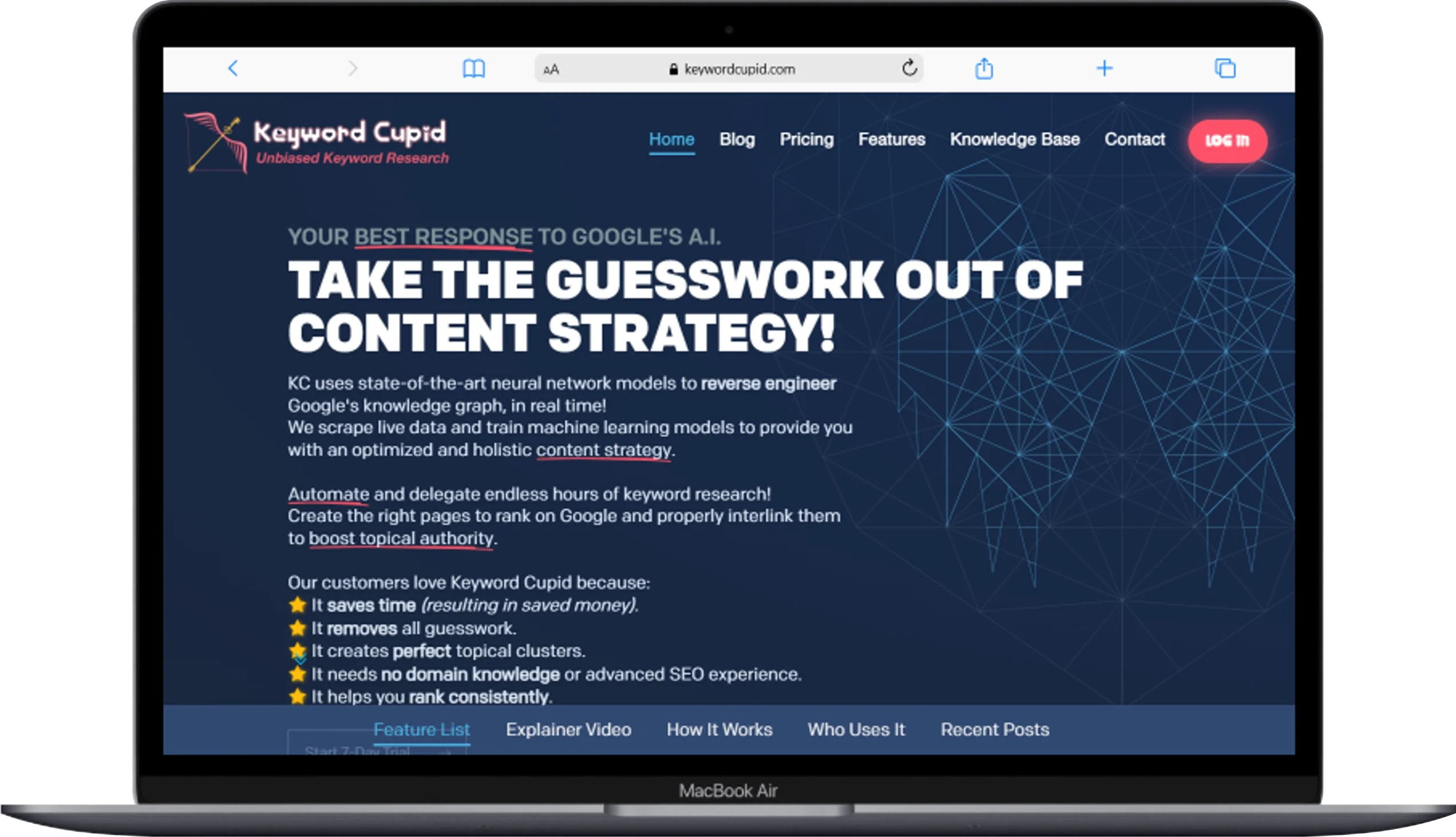
When I have a massive, messy keyword export and need it organized fast, Keyword Cupid is what I reach for.
Unlike the all-in-one platforms, Keyword Cupid specializes almost exclusively in keyword clustering. It’s built around SERP overlap analysis — grouping keywords based on how many of the same URLs appear in their top 10 search results. If Google consistently ranks the same pages for two different queries, Keyword Cupid puts them in the same keyword cluster. That logic is sound, and the output reflects it.
Here’s my typical workflow with it. I upload the full keyword list — sometimes tens of thousands of keywords for larger client projects — configure the target country and the minimum SERP overlap setting (I usually start at 2 or 3 shared URLs and adjust from there), and let the tool work. What comes back is a well-organized set of keyword clusters, each confirmed by real SERP data, along with a confidence score that tells me how tightly the keywords in that cluster actually belong together.
That confidence score is a feature I haven’t seen done as cleanly anywhere else. A high score means Google is consistently returning the same pages for those keywords — strong evidence they belong on one page. A low score is a flag to check manually before committing. It adds a layer of transparency to the clustering process that I find genuinely useful, especially on large projects where you can’t manually verify every group.
The visual mind map output is also worth mentioning if you’re presenting a keyword strategy to a client or a non-SEO stakeholder. Instead of handing someone a spreadsheet with 200 rows, you show them an interactive diagram where topic relationships are obvious at a glance. It lands differently in a presentation room.
Key Features:
- Pure SERP overlap keyword clustering
- Confidence scoring per keyword cluster
- Interactive mind map visualization
- Multiple import options: CSV upload, manual entry, Google Search Console data
- Flexible geolocation and language targeting
- Cluster export for presentations and client reports
Pricing:
- Starts at $9.95/month
Pros:
- Highly accurate SERP-based keyword clustering
- Confidence scores add real transparency to results
- Mind map output makes client presentations easy
- Affordable monthly price for what it delivers
- Handles large keyword lists well
Cons:
- No keyword discovery — you must bring your own list
- Interface can feel sluggish on very large datasets
- Limited content workflow features beyond clustering itself
Best for: SEO consultants, content strategists, and visual thinkers who need to cluster large existing keyword lists and present the results to clients or teams.
6. SE Ranking

SE Ranking is the tool I recommend when someone needs a full SEO platform — rank tracking, site audits, competitor analysis, and keyword clustering — without paying Semrush-level prices.
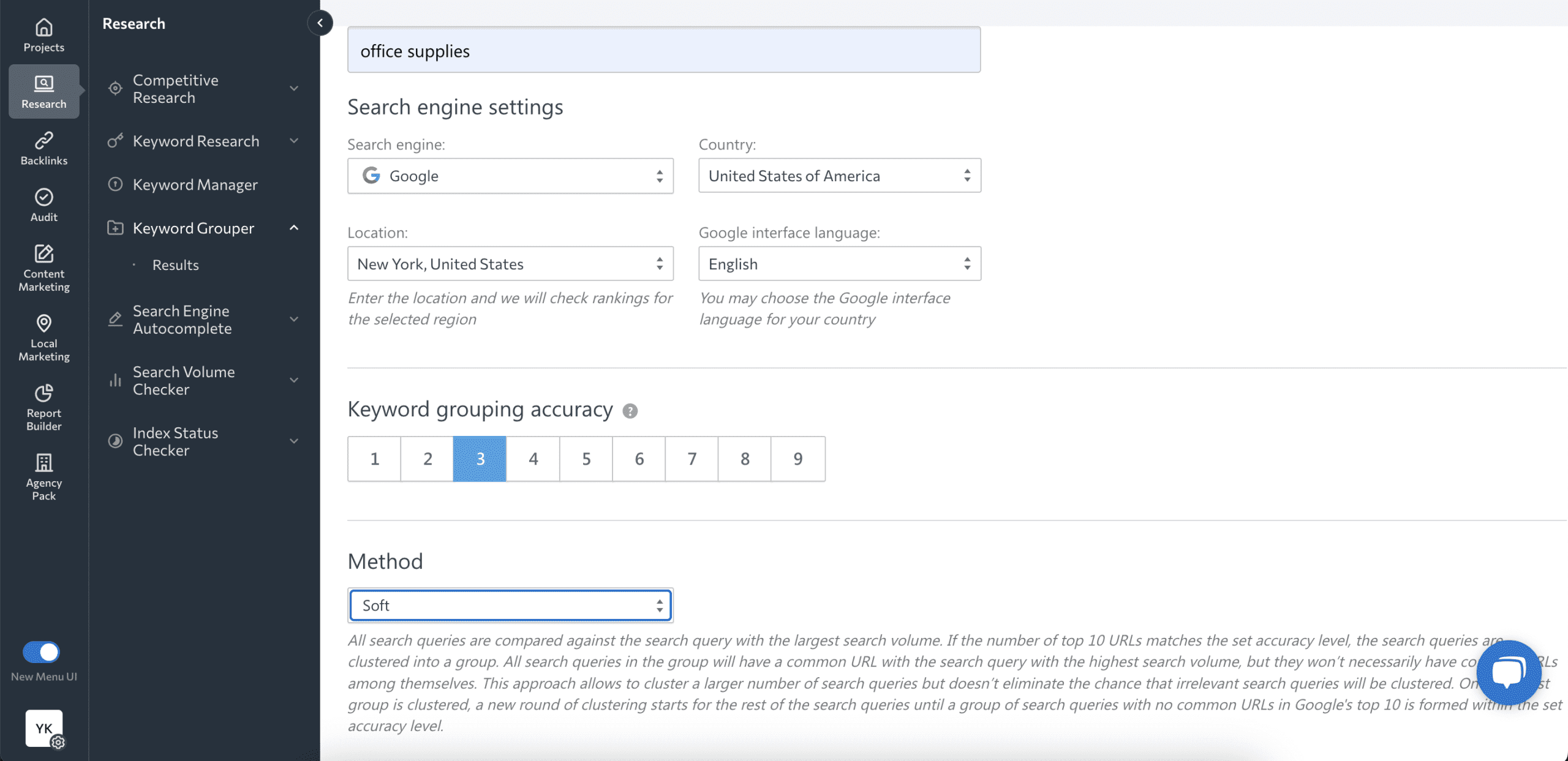
The Keyword Grouper inside SE Ranking is a proper SERP-based clustering tool. It analyzes Google’s top 10 results for every keyword you submit and groups keywords that share overlapping ranking URLs. You control the accuracy threshold — how many of the top SERP positions must share URLs for keywords to be grouped together — and you can switch between “soft” grouping (comparing all keywords against the highest-volume query in the group) and “hard” grouping (comparing every keyword directly with every other keyword). That flexibility matters when you’re working across different topic types and need to adjust sensitivity.
One feature that’s genuinely unique to SE Ranking is its highlighted keywords in snippets view. For any grouped set of keywords, you can see which terms actually appear in the meta descriptions and snippet text of Google’s top 10 results. I’ve used that detail to sharpen meta descriptions and page copy in ways that other tools simply don’t prompt you to think about.
I introduced SE Ranking’s Keyword Grouper to a small business client who was already using the platform for rank tracking. We took their existing list of target keywords, ran it through the grouper, and quickly spotted several topic areas where they had multiple thin pages targeting overlapping queries. Consolidating those clusters into stronger individual pages — backed by the data SE Ranking provided — led to meaningful ranking improvements within two months. The fact that it all happened inside one platform they already knew made adoption instant.
The pricing structure is a little different from most tools here. You pay for the platform subscription (Core starts at $129/month, though annual billing brings it to around $103/month) and then pay $0.004 per keyword for the grouper itself. That per-query cost is something to factor in if you’re planning to run very large lists frequently. For moderate usage, it’s not a dealbreaker.
Key Features:
- SERP-based keyword grouping with soft and hard grouping modes
- Accuracy control (1–9 scale for minimum shared URLs)
- Highlighted keywords in Google snippet results (unique feature)
- Search volume and keyword difficulty alongside clusters
- Country, language, and regional targeting
- Full SEO platform: rank tracking, site audit, competitor research, backlink monitoring
- 14-day free trial
Pricing:
- Core: $129/month (or ~$103/month billed annually)
- Growth: $279/month
- Keyword Grouper usage: $0.004 per keyword (on top of subscription)
Pros:
- Strong SERP-based clustering accuracy
- Unique highlighted-keywords-in-snippets feature
- Full SEO suite means no additional subscriptions needed
- Intuitive interface, easy to navigate
- 14-day free trial available
Cons:
- Per-query pricing for the grouper adds up on large lists
- Higher base subscription cost than standalone clustering tools
- Clustering visualization is less advanced than dedicated tools like Keyword Cupid
Best for: Growing businesses and SEO teams who want reliable keyword grouping as part of a complete, consolidated SEO toolkit.
7. KeyClusters
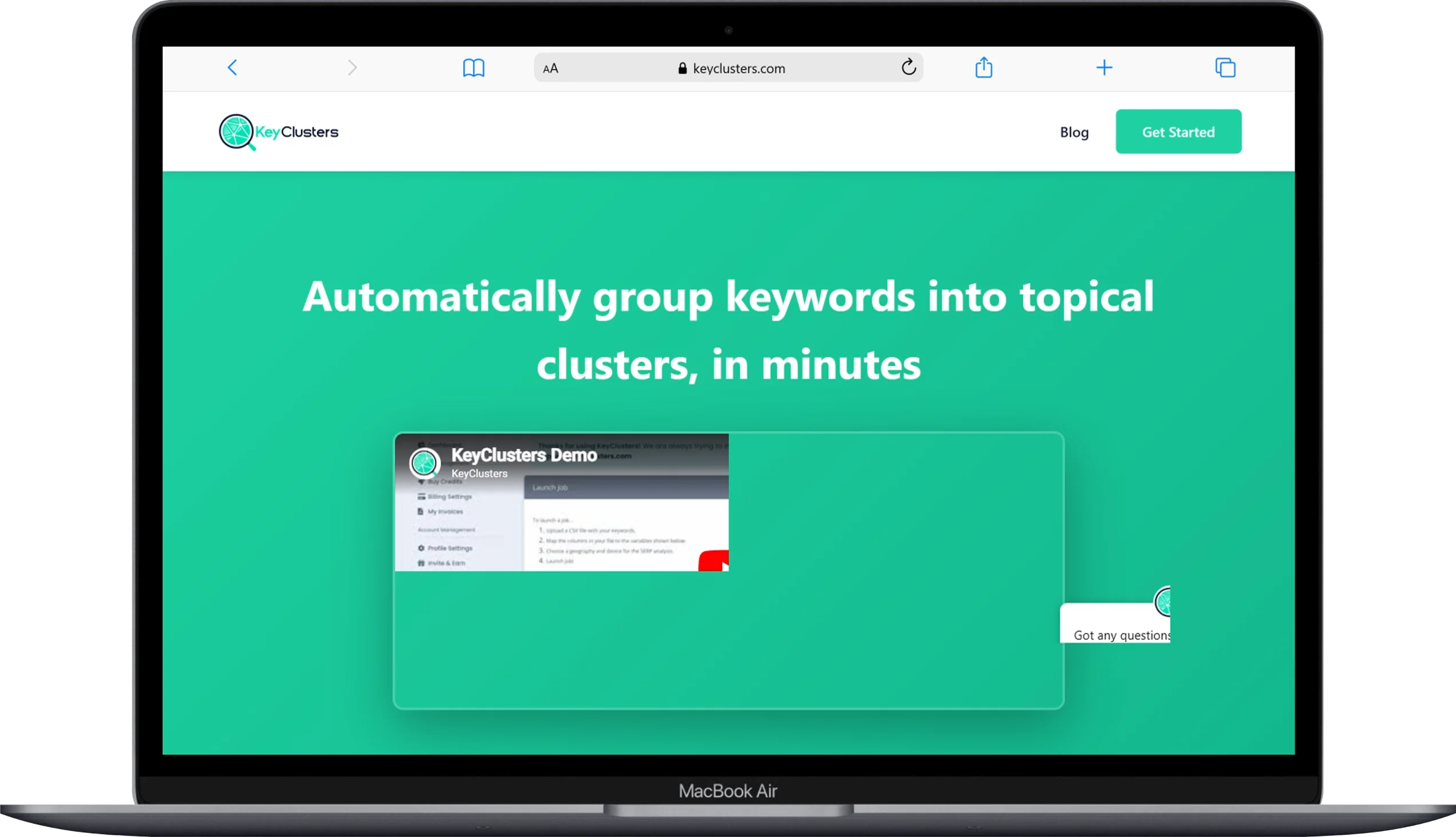
KeyClusters is for when you need highly accurate, pure SERP-based keyword clusters without any monthly subscription hanging over your head.
The tool does one thing: it checks real Google search results for every keyword on your list, identifies shared ranking URLs, and groups keywords into clusters based on that overlap. No AI interpretation, no word matching, no pattern assumptions — just raw SERP data translated into keyword clusters. The accuracy that method produces is consistently impressive.
The pay-per-use model is the main reason this tool exists on my list independently. At $9 per 1,000 keywords, you pay only when you actually need results. For a freelancer who clusters keywords for clients a handful of times per month, or a small business owner who runs a major keyword research push a few times a year, that’s significantly more cost-effective than a $99/month subscription for a tool you’re using irregularly.
The interface is exactly as minimal as you’d expect from a tool that does one thing. Upload your keywords, select your target location, set your overlap threshold, download your clusters. There are no dashboards to configure, no content editors to learn, no subscription tiers to compare. It’s fast, clean, and gets out of your way.
Key Features:
- Pure SERP overlap keyword clustering
- Flexible geolocation targeting
- Simple CSV upload and export
- No monthly subscription required
- Adjustable overlap threshold
Pricing:
- $9 per 1,000 keywords (pay as you go, no subscription)
Pros:
- Highly accurate SERP-based results with no noise
- No subscription commitment — pay only when you need it
- Fast, simple interface with no learning curve
- Perfect for occasional or project-based clustering
Cons:
- No keyword discovery — you supply the list
- No content workflow, brief generation, or visualization
- Not cost-effective at very high volumes compared to monthly tools
Best for: Freelancers, consultants, and small business owners who need accurate keyword clustering a few times per year without a monthly commitment.
8. Answer Socrates
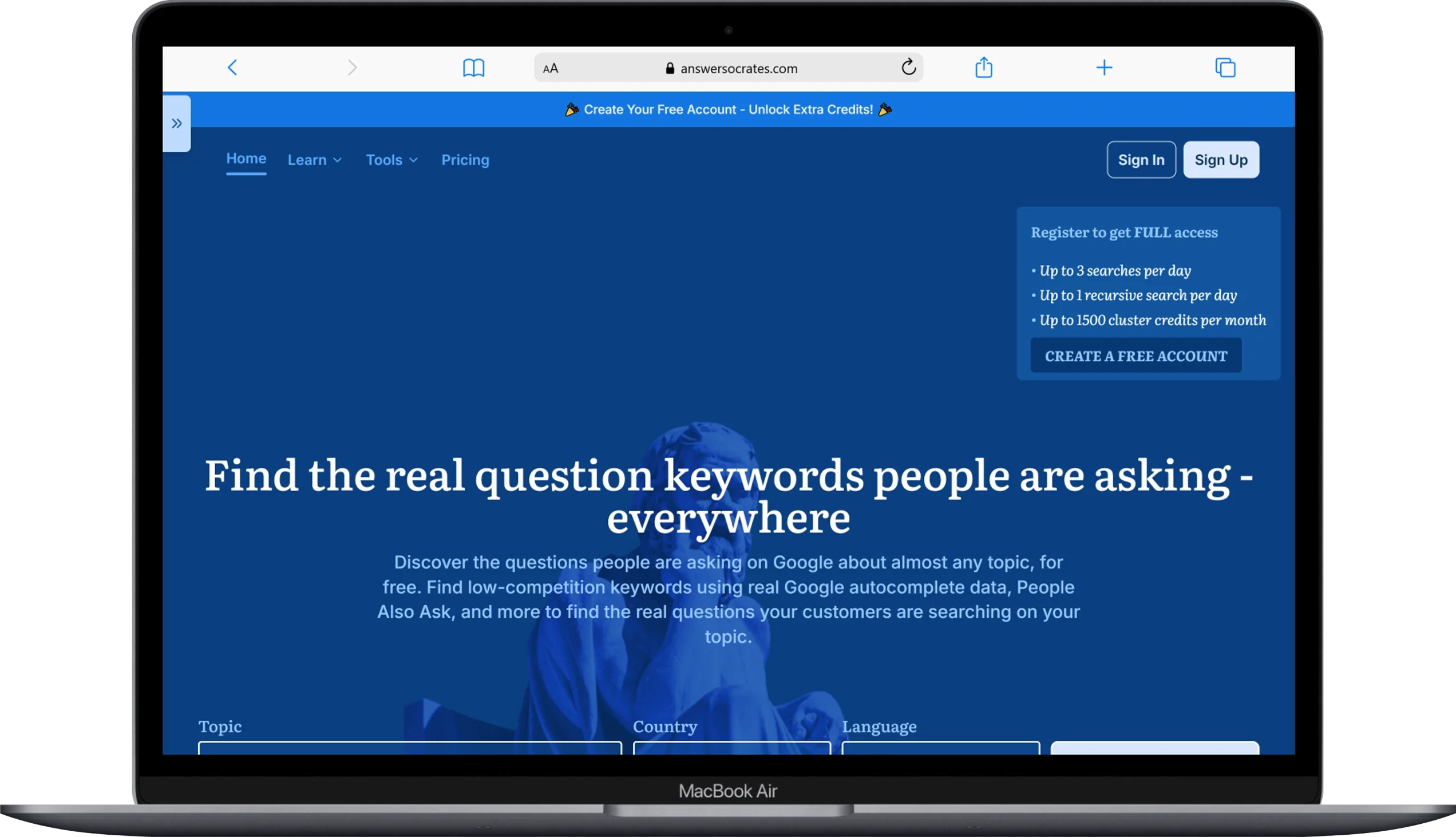
Answer Socrates is the best free keyword clustering tool I know of for building informational content strategies — and it starts where most tools stop, by finding the questions people are actually typing into Google.
Most keyword grouping tools expect you to bring your own list. Answer Socrates works differently. You drop in a seed keyword, and it pulls hundreds of real questions from Google — “how to,” “what is,” “why does,” “can I,” “should I” — and then clusters them automatically into topic groups. The whole thing takes about 30 seconds, and what you get is a map of question-based keyword clusters you can use to plan FAQ pages, informational blog posts, pillar pages, or an entire content calendar.
The recursive search feature is particularly useful. Instead of just showing you the first layer of questions around your seed keyword, it keeps drilling down — taking one topic from the first round and expanding it further, then doing it again. That’s how you find the long-tail keyword clusters your competitors haven’t touched yet because nobody thought to look that deep.
I use Answer Socrates regularly as a starting point for informational content strategies, especially for clients in niche industries where the “real” user questions aren’t obvious. It consistently surfaces angles I wouldn’t have thought to research manually.
The free plan gives you 5 searches per day with no credit card required. For a solo blogger or a small business just getting into content-driven SEO, that’s enough to do genuine strategy work.
Key Features:
- Question-based keyword discovery and auto-clustering
- Recursive search for deep topic expansion
- 190+ country and language support
- Real-time Google data
- Free keyword clustering tool — no credit card required
Pricing:
- Free: 5 searches/day, clustering included
- Paid: $15/month (unlimited CSV downloads, SEO metrics, 100 keyword searches/month, 30 recursive searches)
Pros:
- The best starting point for question-based content strategies
- Results in seconds — no waiting, no processing time
- Works for 190+ countries, useful for international SEO
- Completely free to start, no credit card required
Cons:
- Focused on question-based queries; less useful for transactional or commercial keyword lists
- Heavy users will hit free plan limits quickly
- Clusters sometimes need a manual review pass before use
Best for: Bloggers, content marketers, and small teams building informational content strategies with zero budget.
9. KeySearch
KeySearch has a free keyword cluster tool that you can use right now, no account required, and it handles large keyword lists with zero fuss.
The way it works is straightforward: paste your keyword list into the input field, hit Search, and the tool groups your keywords into clusters based on semantic relevance. I’ve thrown over a thousand keywords at it at once and it handled the list without any issues. For a free tool, the processing speed is genuinely impressive.
Here’s the honest limitation though: KeySearch clusters by semantic similarity, not SERP overlap. That means it’s grouping keywords because they share related meaning, not because Google actually returns the same results for them. The clustering is a solid first-pass organization — better than nothing, and good enough to give you a rough content structure — but you’ll want to do a SERP sanity check on the higher-priority clusters before committing to content. The topic labels it assigns can also be a bit vague (“seo tips” or “how to create”), so some manual labeling work is usually needed.
That said, as a free keyword grouping tool for someone just getting started, it’s hard to beat. You get a real result from a real tool in under a minute, for free, with no signup. The full KeySearch platform starts at $24/month if you want keyword research, rank tracking, competitor analysis, and the rest of the SEO toolkit alongside the clustering.
Key Features:
- Semantic relevance clustering
- Free to use — no account required
- Handles 1,000+ keyword lists
- Google, Amazon, YouTube, and other search engine keyword support
- Full KeySearch platform includes keyword research, rank tracking, site audits
Pricing:
- Keyword cluster tool: Free (no account needed)
- Full KeySearch platform: $24/month
Pros:
- Completely free with no signup or credit card
- Fast processing even on large keyword lists
- Good rough-pass clustering for initial content planning
- Affordable full platform if you want more SEO features
Cons:
- Semantic clustering, not SERP-based — lower accuracy for intent matching
- Topic labels can be vague and require manual cleanup
- No confidence scores or intent labels
Best for: Beginners, bloggers, and budget-conscious SEOs who want a quick, free way to get their keyword list into topic groups before doing further SERP research.
10. ZenBrief

ZenBrief’s standalone keyword clustering tool is one of the most technically sophisticated free options available — and most SEOs haven’t heard of it yet.
The tool lives at a separate URL from the main ZenBrief platform and is built around a “semantics-first” NLP pipeline using Transformer embeddings — the same family of models that powers Google’s BERT. Instead of grouping keywords by word overlap or purely by SERP data, it understands the meaning behind queries and groups terms by conceptual similarity and inferred intent. The practical result is clusters that are more semantically precise than what most pattern-based free tools produce.
Here’s how I use it. I paste my keyword list directly into the input field (or upload a text file), optionally add a central topic to help anchor the clustering, and set my minimum and maximum cluster size in the Advanced Settings if I want tighter or broader groups. The tool runs its NLP algorithm and returns a clean, organized set of keyword clusters I can download either individually by group or all at once as a single export.
Compared to KeySearch’s free tool, ZenBrief does a noticeably better job of separating keywords with different intents even when the terms look superficially similar. For example, “best running shoes” (commercial intent) and “how to break in new running shoes” (informational intent) won’t get thrown into the same cluster here, even though they both mention running shoes. That intent-aware grouping is a meaningful step up for a free tool.
The free version handles up to 5,000 keywords in English. For larger lists or non-English clustering, you’d need to look at the paid ZenBrief platform, which starts at $195/month — but that’s the full content brief and optimization platform, not just the clustering tool.
Key Features:
- NLP-based clustering using Transformer embeddings (BERT-family)
- Adjustable minimum and maximum cluster size settings
- Text file and paste-in keyword input
- Individual cluster download or full export
- Optional topic input for relevance anchoring
- Free up to 5,000 keywords (English)
Pricing:
- Keyword clustering tool: Free (up to 5,000 keywords, English only)
- Full ZenBrief platform: starts at $195/month
Pros:
- More semantically precise than most free keyword grouping tools
- Adjustable cluster size settings give you real control over output
- Clean, easy-to-use interface
- Handles 5,000 keywords at no cost
- Export options are flexible
Cons:
- Free version limited to English only
- NLP-based, not SERP-based — doesn’t verify against actual Google results
- 5,000 keyword cap on the free version
- Full platform is expensive if all you need is clustering
Best for: SEOs and content strategists who want a smarter free keyword grouping tool with better semantic understanding than basic word-matching alternatives.
11. Ryrob Keyword Cluster Tool
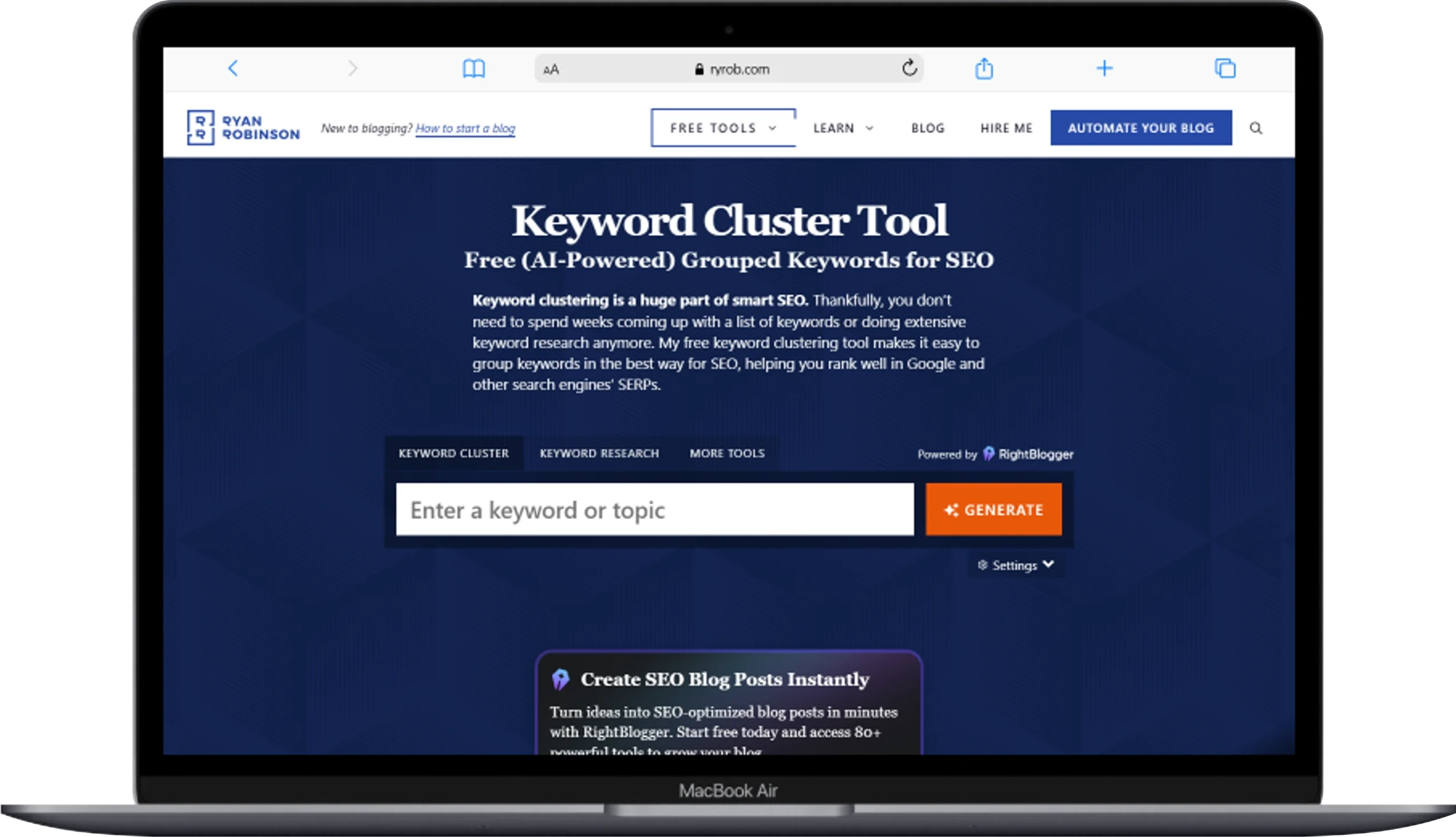
Ryrob’s keyword cluster tool is 100% free, no strings attached, and it uses OpenAI’s API to generate semantically related keyword groups from any topic you give it.
The workflow is about as simple as it gets. You type in a seed keyword or topic — broad or narrow, it handles both — and the AI generates a set of related keyword clusters built around semantic relevance and shared search intent. There are no credit limits, no daily quotas, no account required, no upsell. The creator explicitly says: I’ll never ask you to pay for the keyword cluster tool. You can use it as often as you like.
What makes this different from pattern-based free tools is the underlying technology. Because it uses OpenAI’s NLP models, it understands conceptual relationships, not just shared words. So “how to start a blog,” “creating a blog for beginners,” and “steps to launch a blog” end up in the same keyword cluster — correctly — because the AI understands they all target the same informational intent, even though the actual words barely overlap.
The honest limitation is that it generates keyword clusters from AI knowledge, not from live SERP data. The clusters are conceptually coherent, but they’re not verified against what Google is actually ranking for those terms right now. That means you’ll still want to do a quick SERP check on any cluster you plan to build content around, just to confirm the intent holds up in real search results.
The free version is English (US) only. If you need other languages, the full version inside RightBlogger supports 100+ languages — but that requires a RightBlogger subscription.
Key Features:
- AI-powered clustering using OpenAI’s NLP models
- No usage limits on the free version
- No account or credit card required
- Generates keyword clusters from any seed topic
- Understands semantic relevance and shared search intent
Pricing:
- 100% Free (no account required, unlimited use)
- Multi-language support available via RightBlogger (paid)
Pros:
- Completely free with no limits whatsoever
- AI-powered NLP clustering is meaningfully better than word-matching tools
- Zero friction — no signup, no credit card, no wait
- Works on any topic, broad or narrow
Cons:
- AI-generated clusters, not verified against live SERP data
- English (US) only on the free version
- No export functionality built in
- Clusters need a SERP sanity check before content planning
Best for: Bloggers, solo content creators, and anyone who wants instant, free AI-powered keyword clusters without creating an account or spending a single dollar.
Comparison Table: All 11 Keyword Clustering Tools at a Glance
| Tool | Clustering Method | Starting Price | Best For | Free Option |
|---|---|---|---|---|
| LowFruits | SERP + Semantic | $29.90/mo | Low-competition discovery | ✅ PAYG |
| Keyword Insights Pro | SERP + NLP | $1 trial / $58/mo | Full content workflow | ✅ $1 trial |
| Surfer SEO | SERP + NLP | $59/mo | Content-first teams | ❌ No |
| Semrush | AI + SERP | $139.95/mo | All-in-one suite users | ❌ No |
| Keyword Cupid | SERP overlap | $9.95/mo | Visual mind maps | ❌ No |
| SE Ranking | SERP-based | $129/mo + $0.004/kw | Full SEO platform users | ✅ 14-day trial |
| KeyClusters | SERP overlap | $9/1,000 keywords | Pay-per-use accuracy | ❌ No |
| Answer Socrates | SERP + Question-based | Free / $15/mo | Question-based content | ✅ Yes |
| KeySearch | Semantic | Free / $24/mo | Budget beginners | ✅ Yes |
| ZenBrief | NLP (Transformer) | Free / $195/mo | Semantic NLP clustering | ✅ Yes |
| Ryrob | AI/NLP (OpenAI) | Free | Completely free AI use | ✅ Yes |
How to Choose the Right Keyword Clustering Tool
The best keyword clustering tool is the one that fits how you actually work. Here’s how I think about it:
If you’re just getting started and have no budget, start with Answer Socrates (free, no credit card) for question-based keyword clusters, or Ryrob (completely free, no limits) for AI-powered grouping. Both give you usable results immediately.
If you want free with slightly more control, ZenBrief’s free clustering tool handles up to 5,000 keywords with better NLP accuracy than most free alternatives. KeySearch’s free keyword grouping tool works for quick rough-pass organization of larger lists.
If you’re a blogger or small site owner targeting low-competition rankings, LowFruits at $29.90/month is where I’d start. The combination of discovery and clustering in one tool — with built-in competitive intelligence — is hard to match at that price point.
If you need the most accurate clustering possible for a content agency or growing site, Keyword Insights Pro is the clearest recommendation. The $1 trial alone is worth doing just to see how good SERP-based clustering accuracy can get.
If you want to go from keyword cluster to published article without switching platforms, Surfer SEO is the answer. You pay more, but the end-to-end workflow is the tightest in the industry.
If you already use Semrush for rank tracking, competitor research, and site auditing, the Keyword Strategy Builder is already included. Use it. There’s no reason to pay for a separate clustering tool when a solid one is built into your existing subscription.
If you cluster keywords occasionally and don’t want a monthly commitment, KeyClusters at $9 per 1,000 keywords is the cleanest pay-per-use option available.
If you work with large keyword lists and need to present results to clients, Keyword Cupid’s SERP-based clustering combined with its mind map output is the most client-friendly combination I’ve found.
Pro Tips for Getting the Most Out of Your Keyword Clusters
Getting the clusters is just step one. Here’s what to actually do with them:
1. Use the pillar-spoke model. For each major keyword cluster, identify the broadest keyword with the highest search volume — that’s your pillar page. The more specific, long-tail terms within that cluster become your spoke articles. Each spoke links back to the pillar. The pillar links out to the spokes. This internal linking structure tells Google you’ve covered the topic with real depth.
2. Map clusters against your existing content first. Before creating anything new, compare your keyword clusters to your current pages. Which clusters already have coverage? Which are completely missing? Fill the gaps first — that’s where your highest-ROI content opportunities are hiding.
3. Do a SERP intent sanity check on every cluster. Even the best keyword grouping tool can make mistakes. For any cluster you’re about to build content around, search the top two or three keywords in an incognito window and look at the actual results. Do the top-ranking pages all serve the same user need? Are they the same content type (blog post, product page, comparison article)? If something feels off, it probably is.
4. Use intent labels to prioritize. If your clusters are labeled by intent (informational, commercial, transactional, navigational), start with informational clusters if you’re building topical authority, and commercial/transactional clusters if you need revenue-generating content first.
5. Let clusters drive your internal linking decisions. Every time you publish a new piece, look at which keyword clusters it belongs to and link to the other pages in those clusters. This is how you build semantic relevance across your site without overthinking it.
6. Revisit your clusters every few months. Search behavior shifts. New queries emerge. Old clusters lose relevance. Running your keyword list through a clustering tool periodically keeps your content strategy aligned with how people are actually searching right now.
Conclusion
The 11 best keyword clustering tools are LowFruits, Keyword Insights Pro, Surfer SEO, Semrush Keyword Strategy Builder, Keyword Cupid, SE Ranking, KeyClusters, Answer Socrates, KeySearch, ZenBrief, and Ryrob. Each one solves a specific problem, serves a different type of SEO workflow, and fits a different budget.
Here’s the practical takeaway from everything I’ve tested:
Start free. Answer Socrates, Ryrob, ZenBrief, and KeySearch all give you real, usable keyword clusters at zero cost. Use them to understand how clustering works and what it can do for your content strategy before spending anything.
Prioritize SERP-based accuracy when it matters. Pattern-based and basic AI clustering tools are fine for rough organization. But when you’re planning content for a serious SEO campaign — one where you’re investing real time and money in articles — SERP-based tools like Keyword Insights Pro and LowFruits give you clustering you can trust.
Match the tool to your workflow. If you write content in Surfer SEO, use its Topical Map. If you run everything inside SE Ranking, use its Keyword Grouper. If you’re a freelancer who clusters keyword lists for clients a few times a month, KeyClusters’ pay-per-use model is smarter than any monthly subscription. The best keyword clustering tool is the one that actually fits how you work — not the one with the most features.
Cluster before you create. This is the single biggest mistake I see content teams make: writing articles first, then trying to figure out the clustering afterward. Building your keyword clusters before writing prevents wasted effort, avoids cannibalization, and gives every article a clear, strategic purpose from the first draft.
Keyword clustering isn’t a technical nicety. It’s the foundation of a content strategy that grows over time rather than spinning its wheels. Pick one of these tools, run your keyword list through it, and see what your content plan looks like when it’s actually organized. You’ll wonder how you planned content any other way.
You May Also Like
 SEO Tools
8 Best Free Online Word Cloud Generator & Tag Cloud Creator
 SEO Tools
50+ Best Free SEO Tools That SEO Experts Actually Use In 2026
 SEO Tools
7 Best SERP Checkers to Monitor & Track Your Keyword Rankings
 SEO Tools
How to Use Ahrefs for Free: 11 Free SEO Tools
 SEO Tools
8 Best Rank Tracker Tools: Free & Paid Options Tested and Compared
 SEO Tools
11 Best Keyword Generator (Free Keyword Research Tools)
 SEO Tools
How to Block AhrefsBot From Crawling Your Website
 SEO Tools
8 Best On-Page SEO Checkers to Improve Your SEO
 Online Services